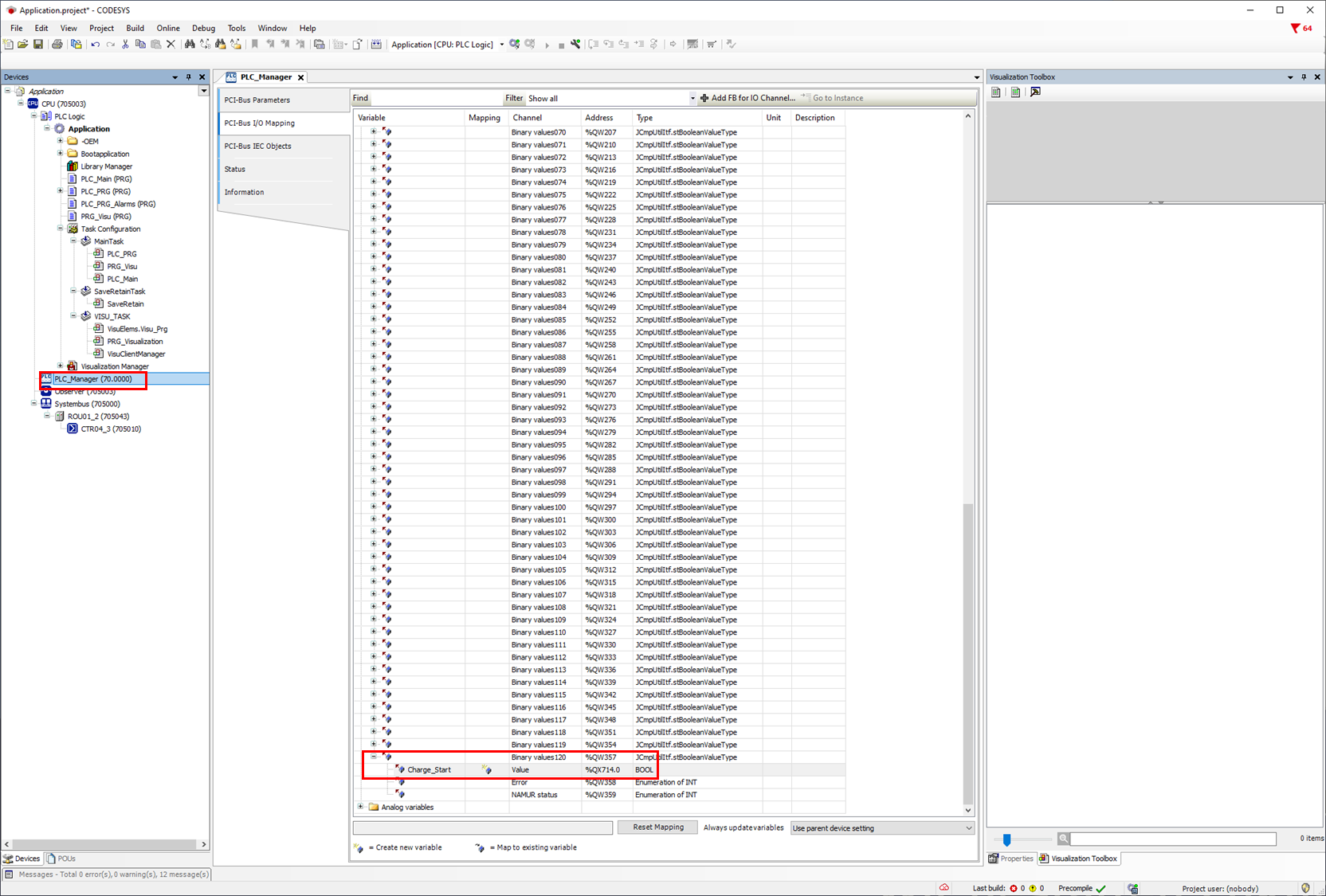
How data is prepared in the CODESYS for smartWARE Evaluation has already been described in here .
Batches now need to be assigned to previously created groups. In the smartWARE Setup up to 20 batches can be configured. This can be found under :Haus: > Batches.
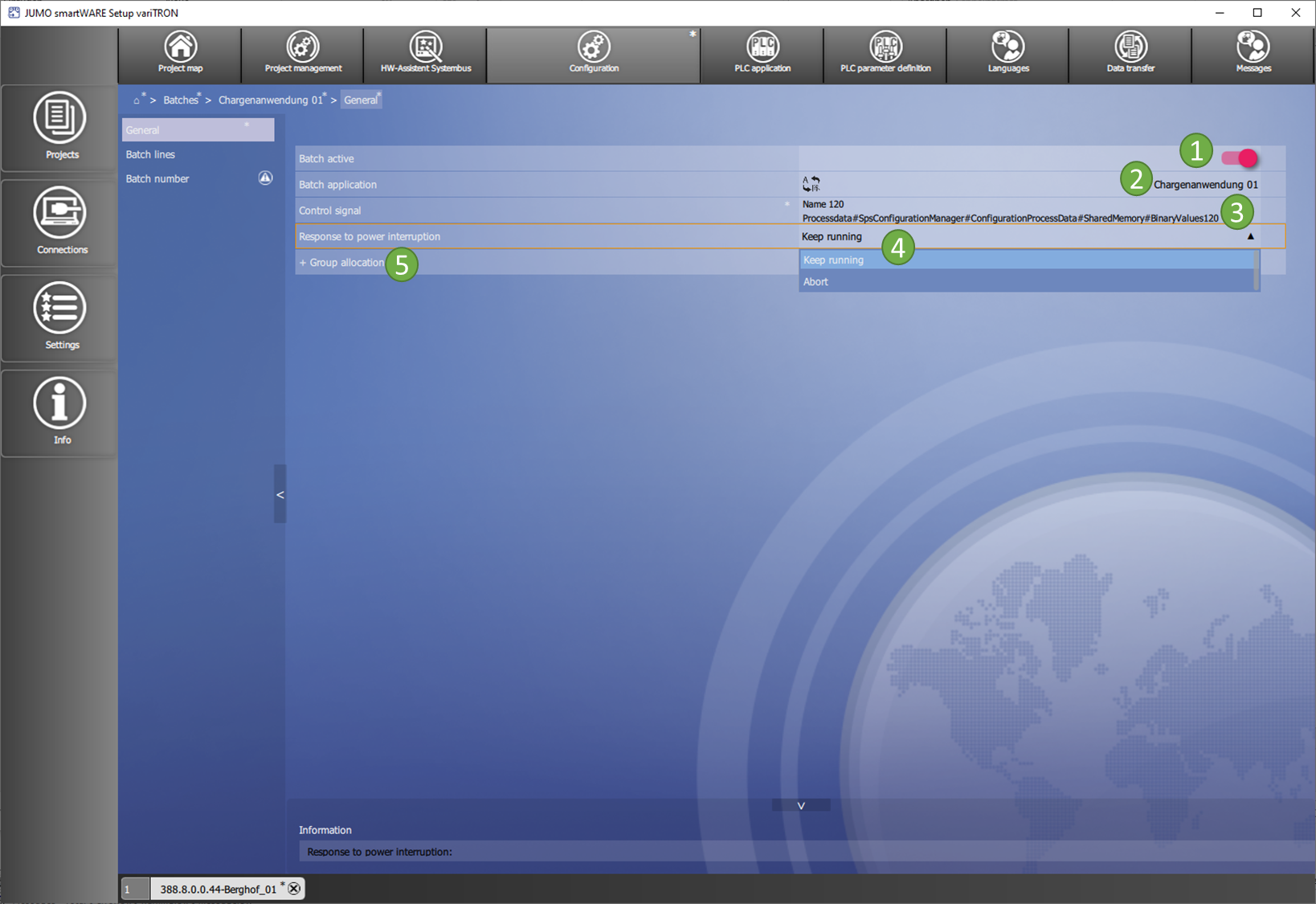
Batch 1 is configured in the following example. Here you open the configuration :Haus: > Batches > Batch application 01 > General.
:No1: The batch function can be disabled/enabled.
:No2: The name of the batch can be entered in various languages.
:No3: Selection of control contact from the CODESYS, which is starting/stopping the batch.
:No4: Behaviour after mains off (continue or cancel).
:No5: Assignment of the group.
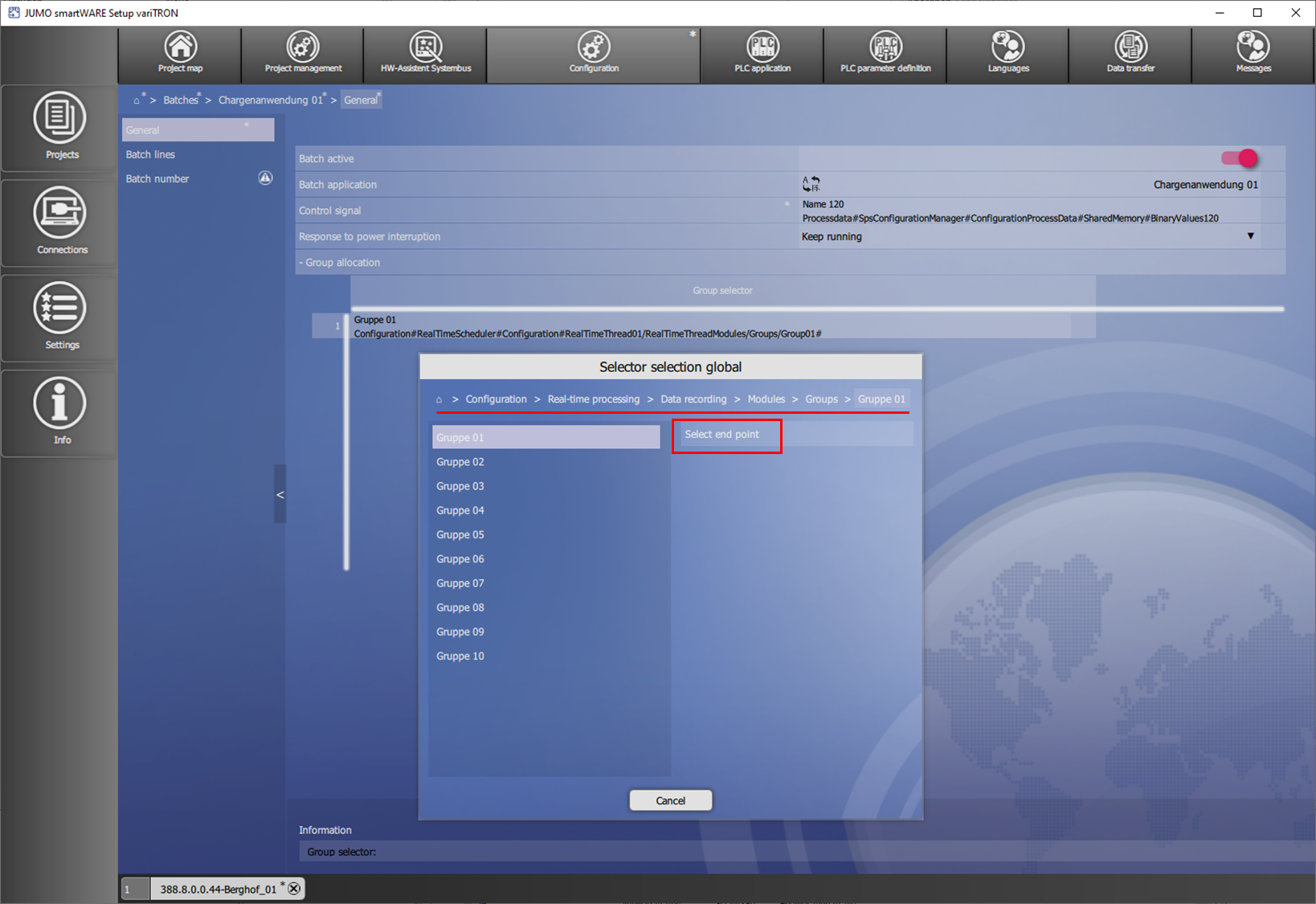
The previously created group is chosen using the selector :Haus: > Configuration > Real-time processing > Data recording > Modules > Groups > Group 01 and accepted with Select end point.
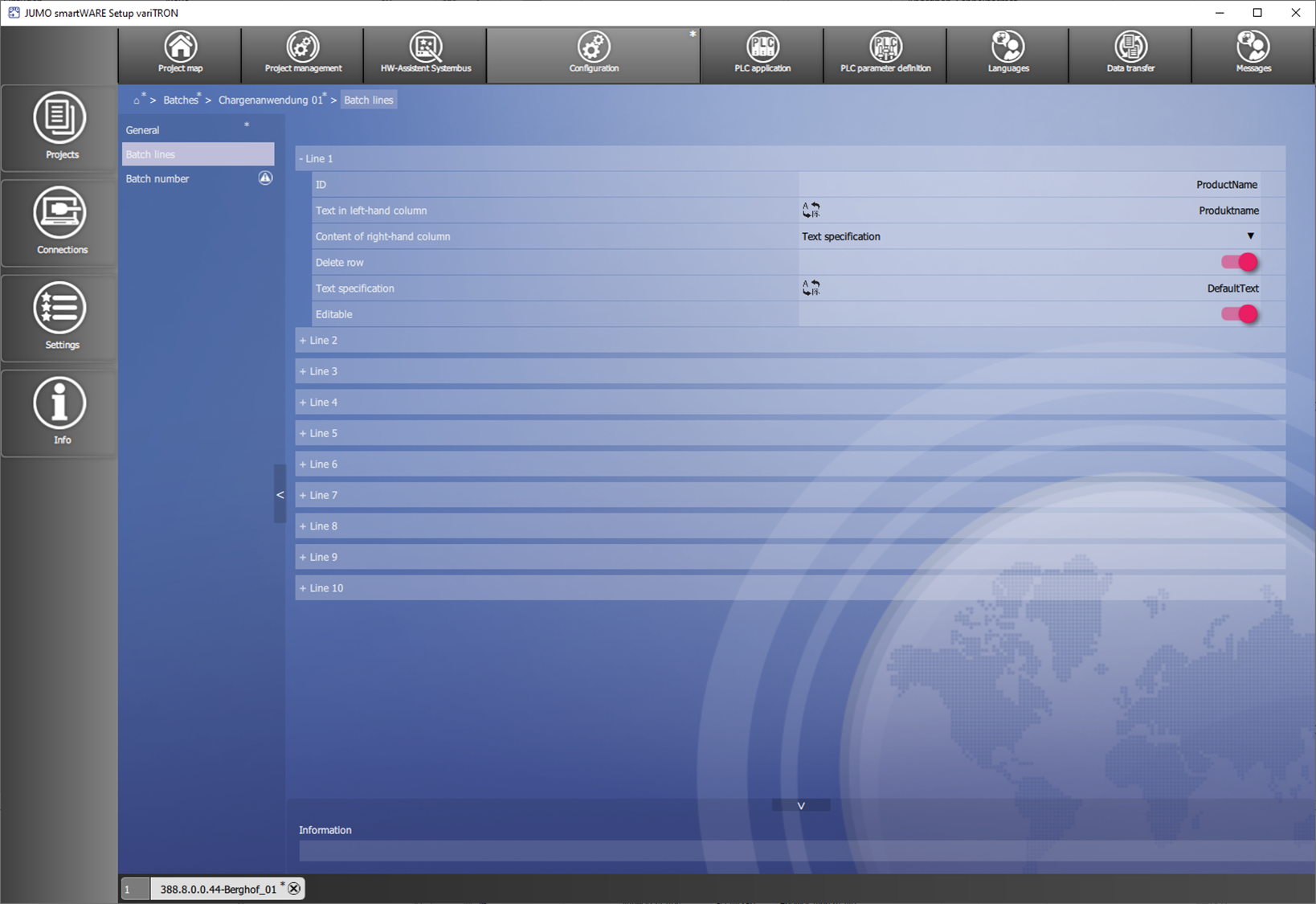
?Batch lines
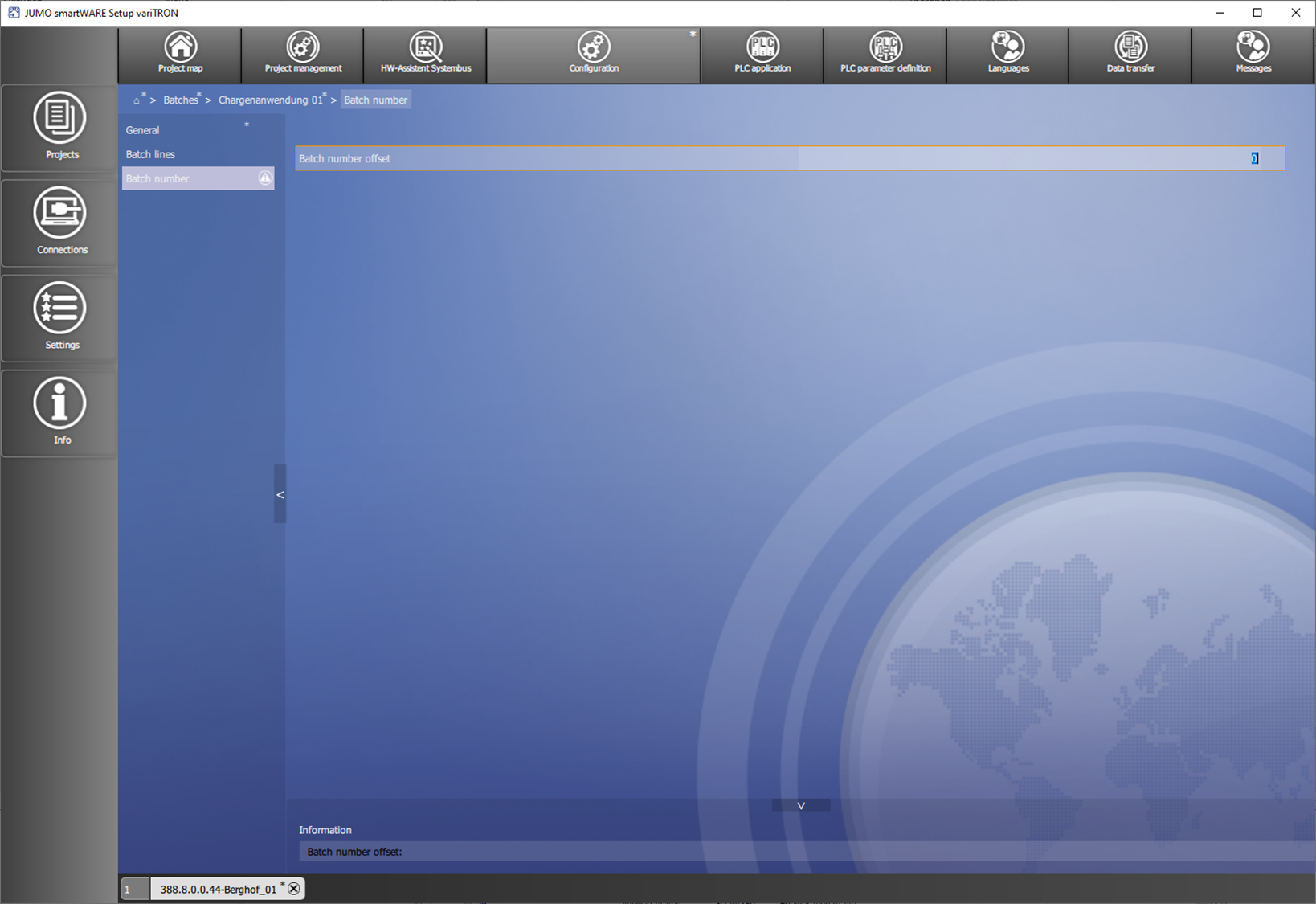
?Batch number
In the CODESYS, the 120th binary signal can be mapped in the PLC_Manager under Digital variables, since this has already been selected as the control signal in the smarWARE setup. This mapped variable can now be used to start/stop the batch in your own program.