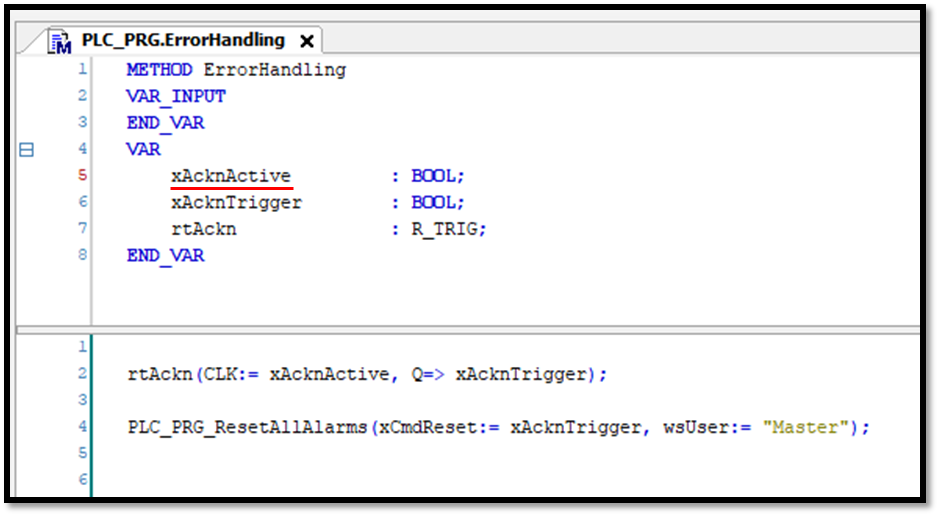
If you want to confirm pending alarms from the PLC, this is possible in the following steps:
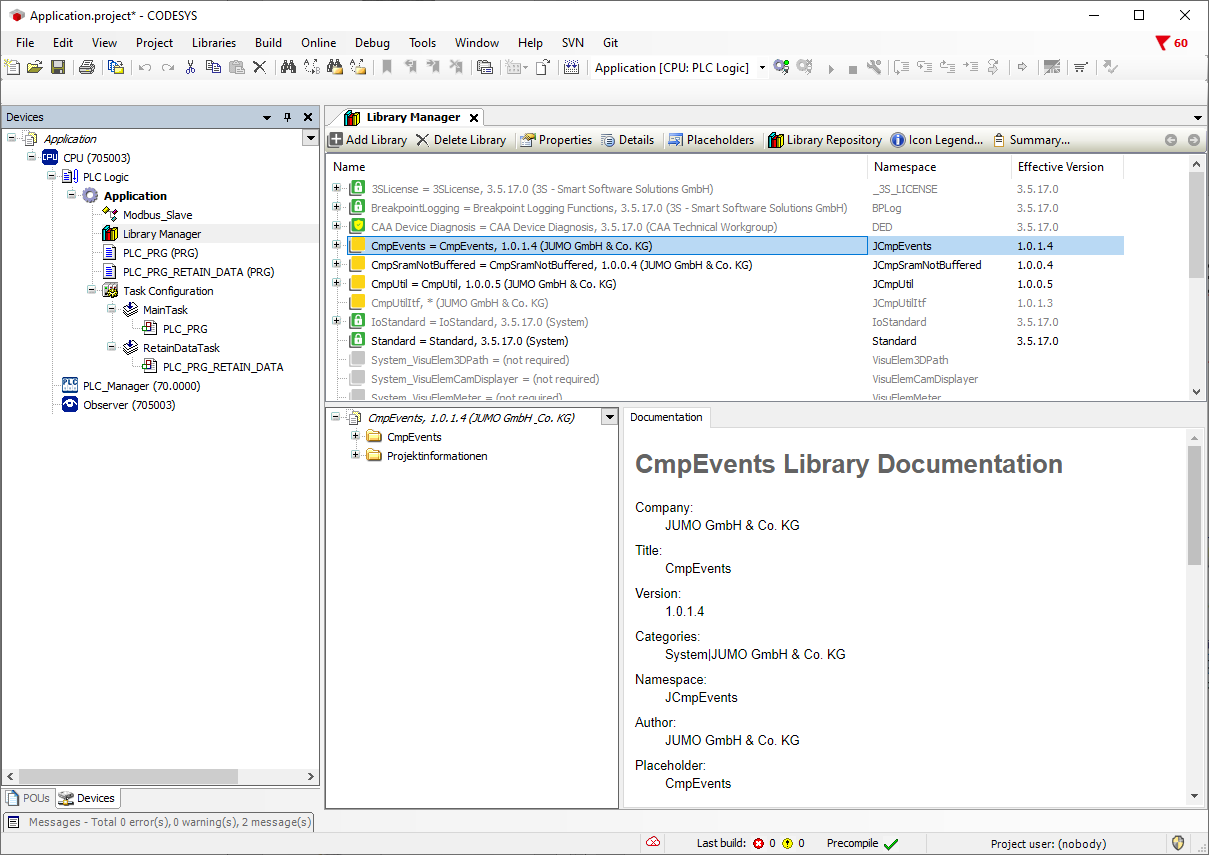
In the Library Manager using the button Add Library, add the CmpEvents library.
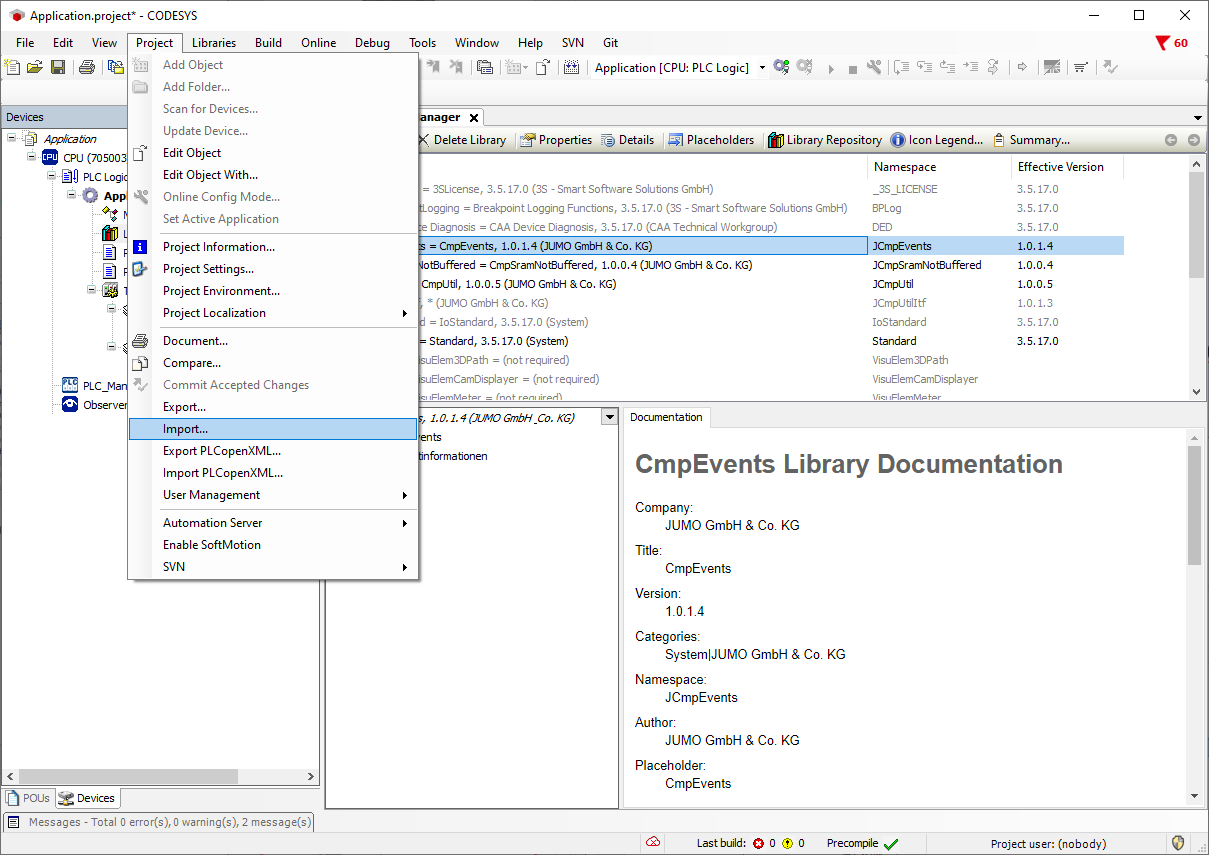
For the alarm confirmation, import the prepared program PLC_PRG_ResetAllAlarms.export via the menu Project → Import…
Alarms are then confirmed as follows, for example: