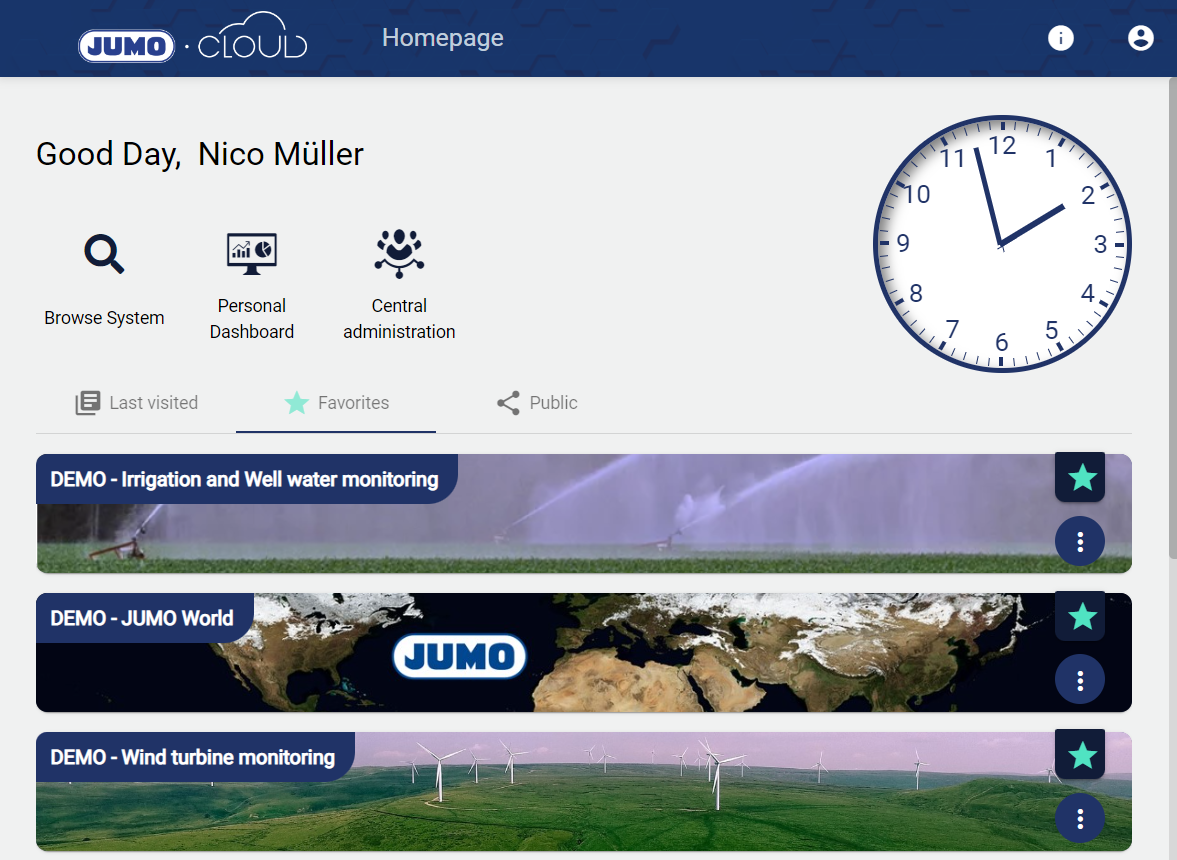
The "Browse System" function provides the user with a quick view of all Tenants for which the user is authorized.
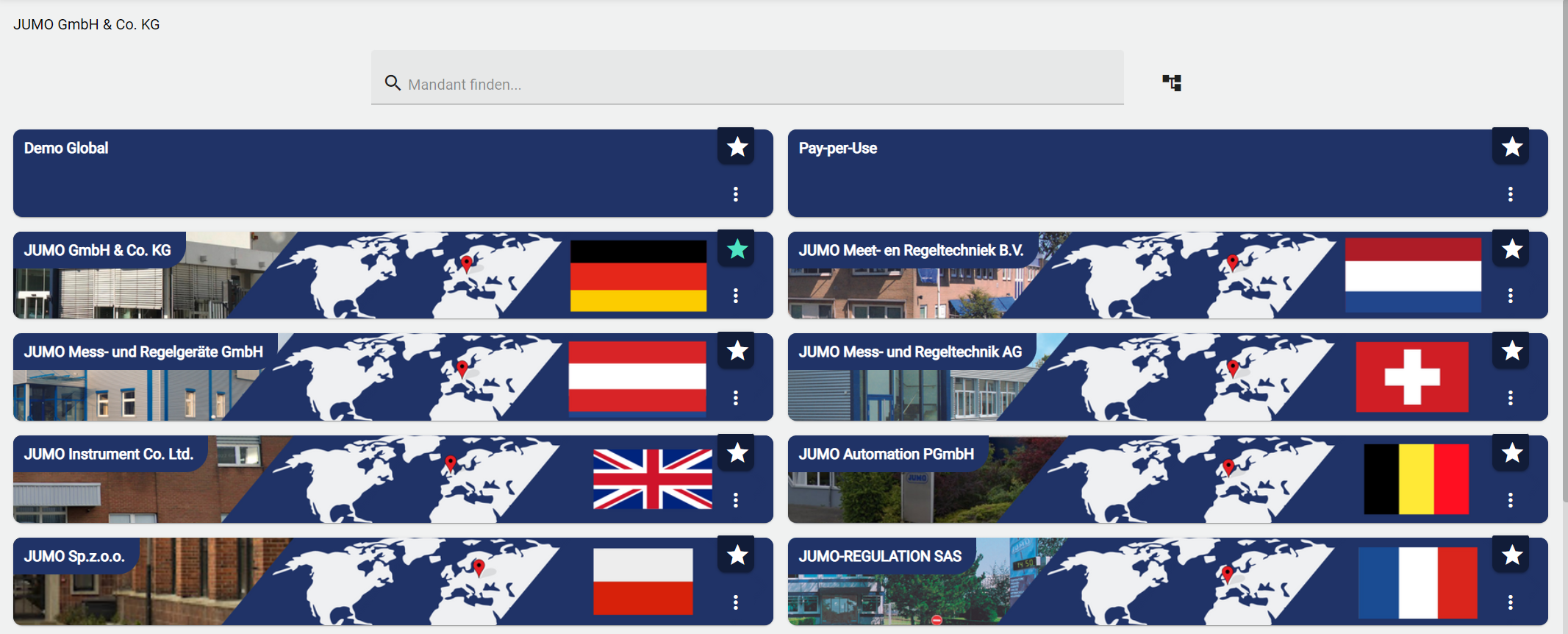
Shown below is the view that a user gets when he clicks on "Browse System". In order to find tenants more quickly, a search bar has been added. This will also search all sub-tenants that do not appear in the top view.
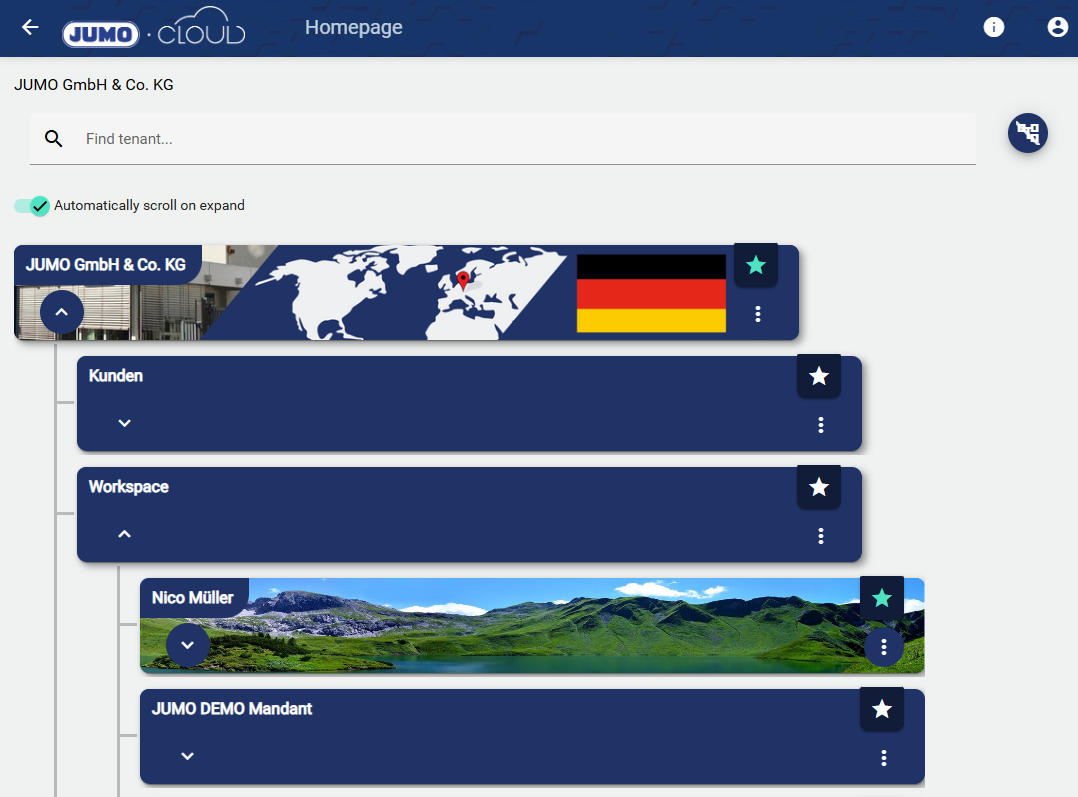
There is also a function that allows the user to view his tenants and sub-tenants in a structure tree.
With “Automatically scroll on expand”, the application window jumps to the optimal position in this view, which is helpful when searching long tenant lists.