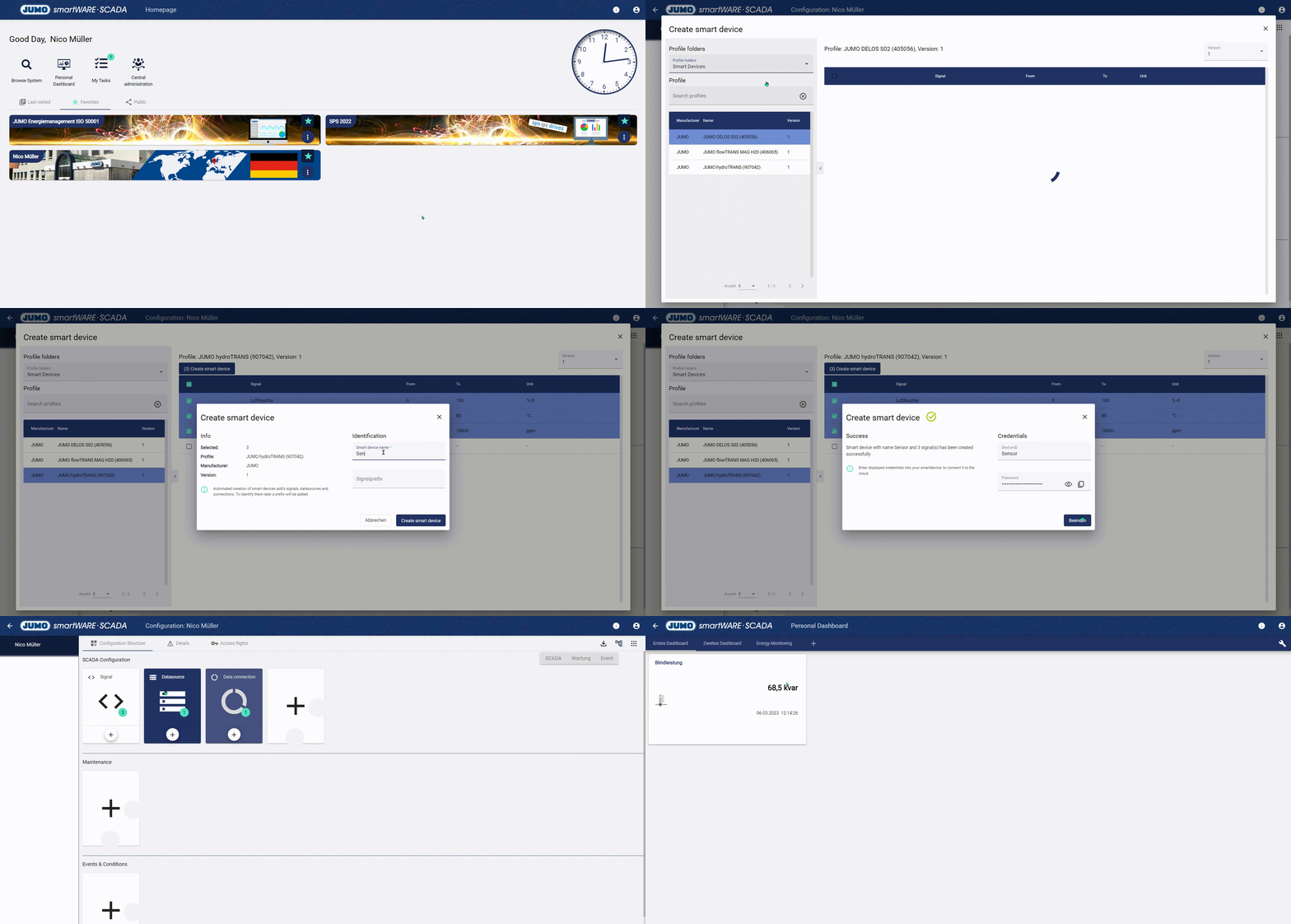
Smart Device Wizard is used to get signals from specific devices to the cloud faster and easier.
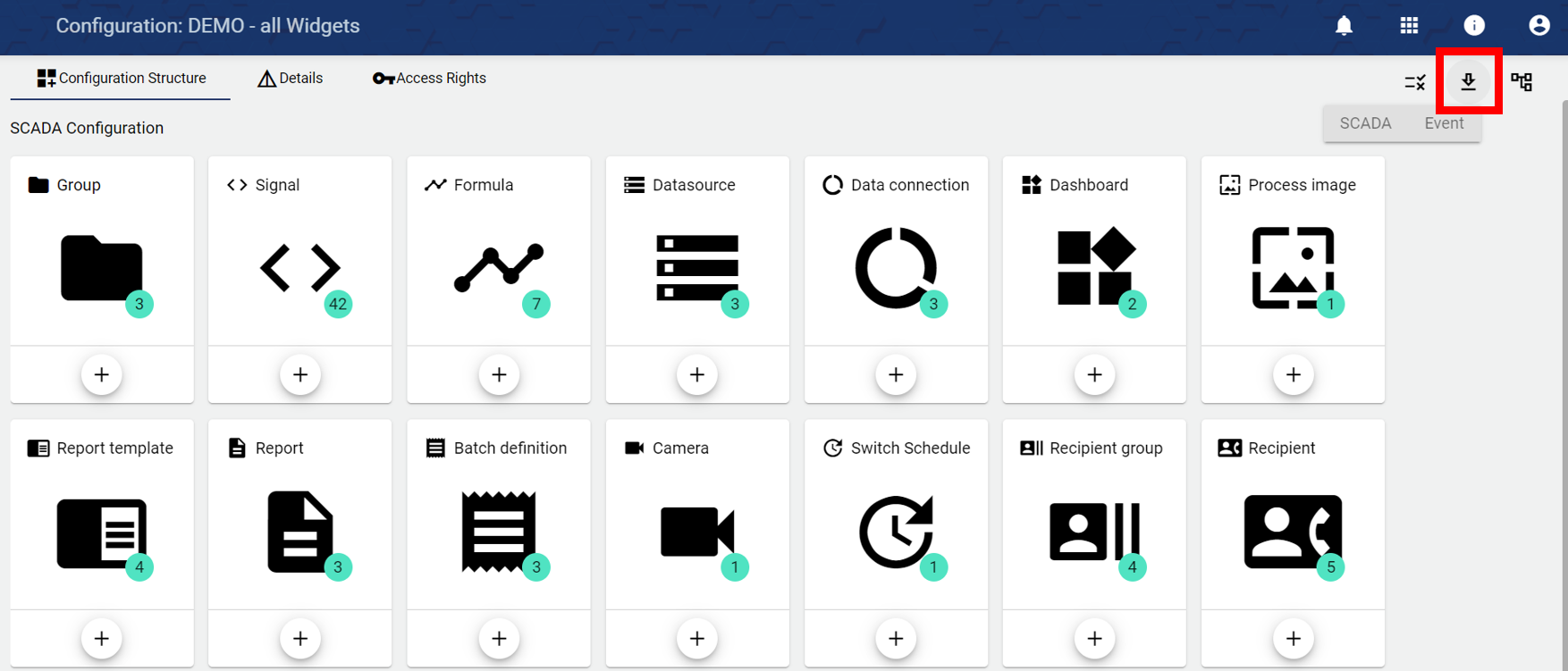
To get a signal into the JUMO Cloud, 3 configuration objects are usually required:
-
Datasource → Connection device (edge gateway) to the cloud
-
Data connection → Connection type Device (Edge Gateway) -> Signals
-
Signal → Signal selection and setting
The Smart Device Wizard is accessed from the top right of the configuration and creates these 3 objects quickly and easily in a guided dialog. After these are created, the following steps must be taken to be able to include the signal in a dashboard:
-
Enter "Device ID" and "Password" in the corresponding smart device (can be found under the item "Cloud Gateway in the setup, this must also be set to "active").
-
After that the Datasource has to be sent to the device. You do that in the “configuration” of the tenant.

-
Now the signal values are displayed in the system and can be included in the dashboard.