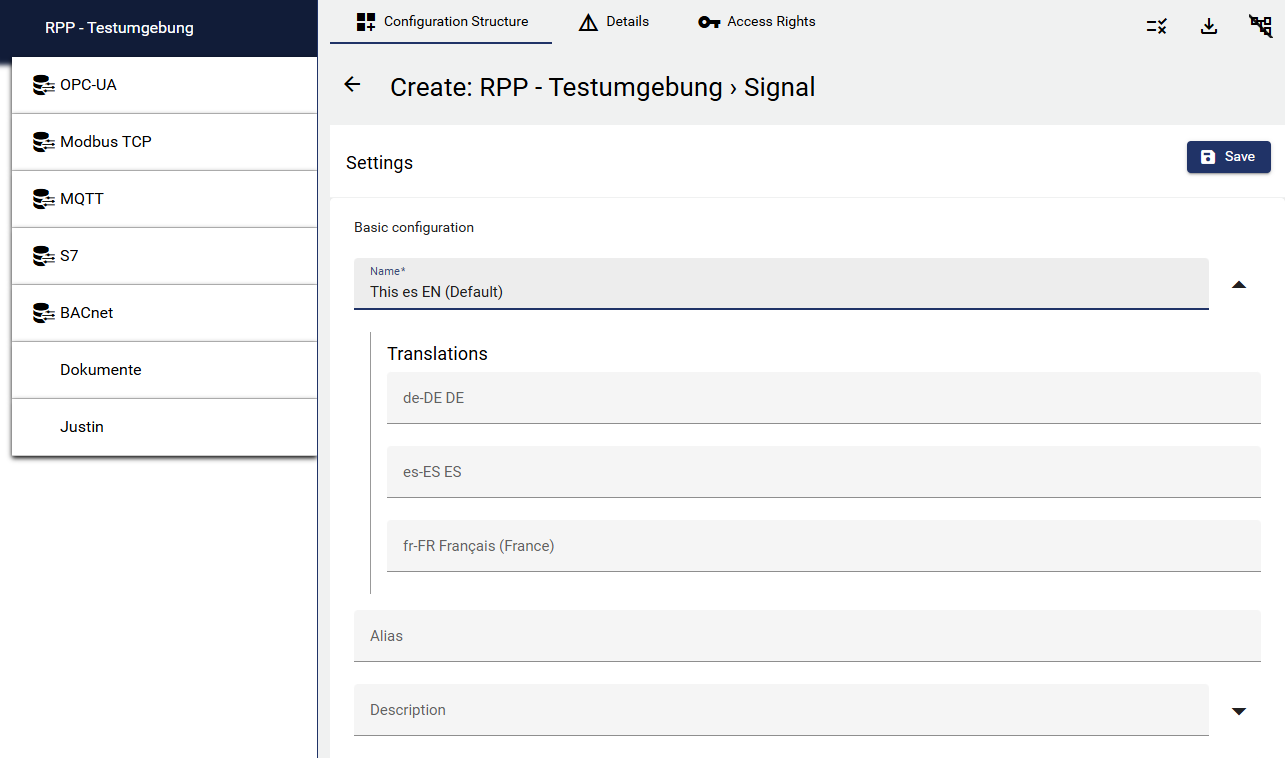
User texts can be stored in multiple languages. Both the “Name” and the “Description” of a configuration object now support multiple languages.chvarianten.
Example: If the language selection “Spanish” is selected in a user's User Profile, the stored Spanish signal names and descriptions will be displayed.
-
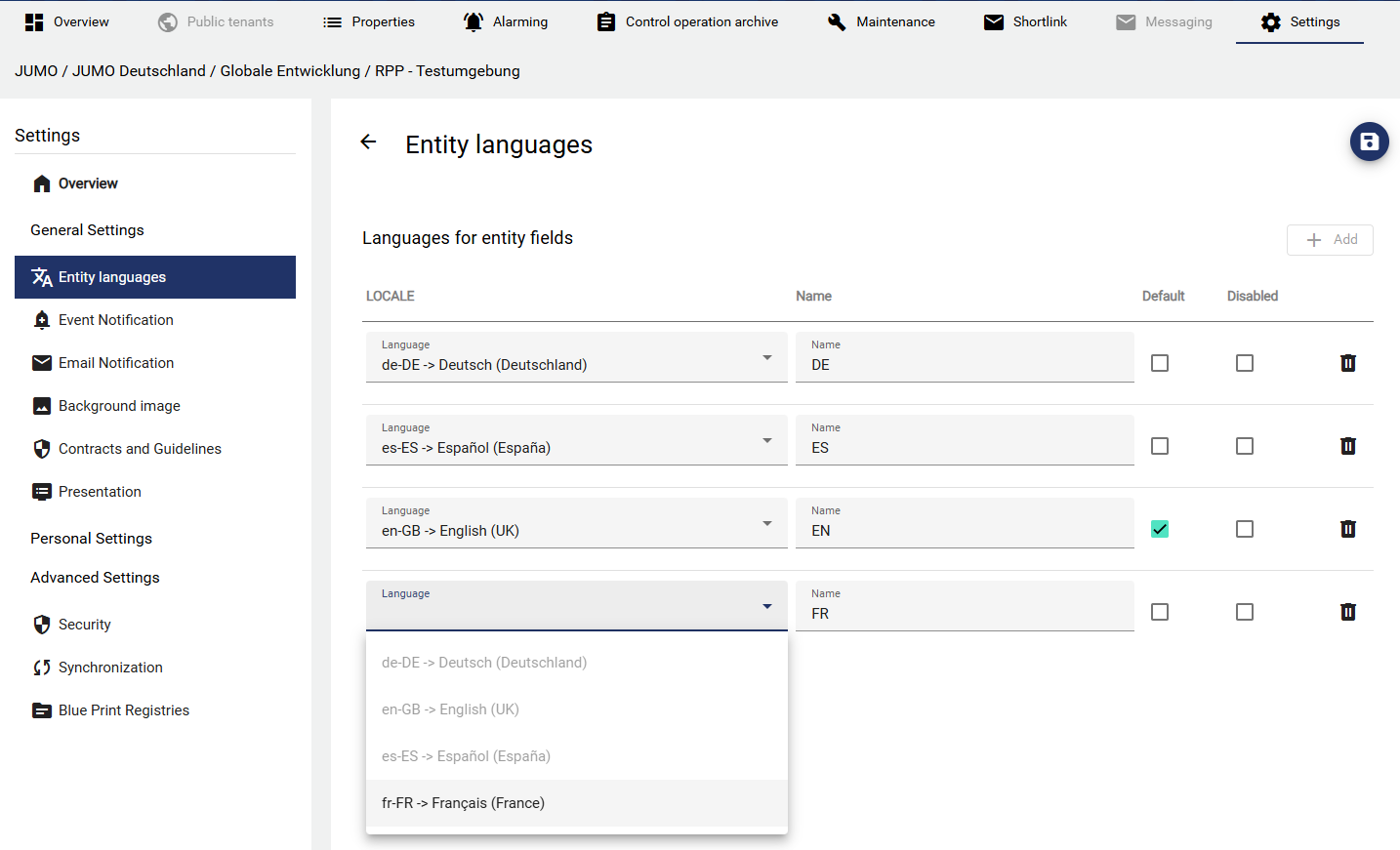
To plan in multiple languages, you must first create the desired languages in the “Administration” section of a tenant under “Settings.”
-
Individual languages can also be deactivated here. This line (language variant) will then not appear in the configuration when entering multilingual texts.
-
If a language is marked as “Default,” it will appear as the primary line within the
-
A drop-down icon will then appear next to each configuration name and description in the “Configuration” section. These can be filled with the corresponding translation.
-
The respective names will then be displayed in widgets, dashboards, or entity selects for each user language.