
Use
The Test Event widget can be used to trigger, with a single click, an Event previously created in the configuration. This Test Event is intended to alert a Recipient Group according to an Alarm Schedule or to trigger an alarm cascade to test if it runs correctly when the event actually occurs.
The prerequisites for this are created Recipients, a Recipient Group, an Alarm plan, an Event and an Event Category.
See also How do you create an alarm schedule?
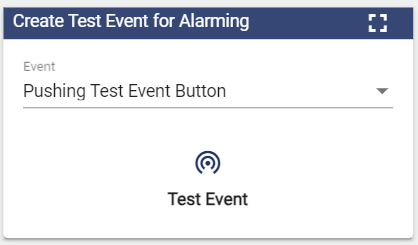
Configuration
Select the Test Event widget from the Administration category.
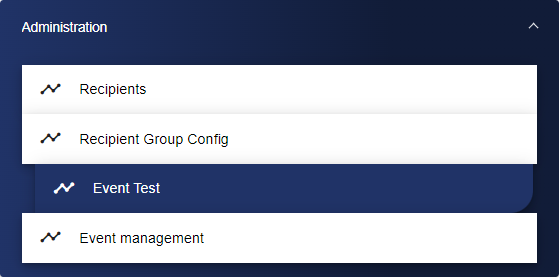
Initially, you are in the Basic Configuration tab. Assign a suitable title to your Test Event here.

Next, go to the "Data Selection" tab and click the "+" icon to add an Event.

The Entity-Select is opened via the "+" icon. You can add a previously created signal here.
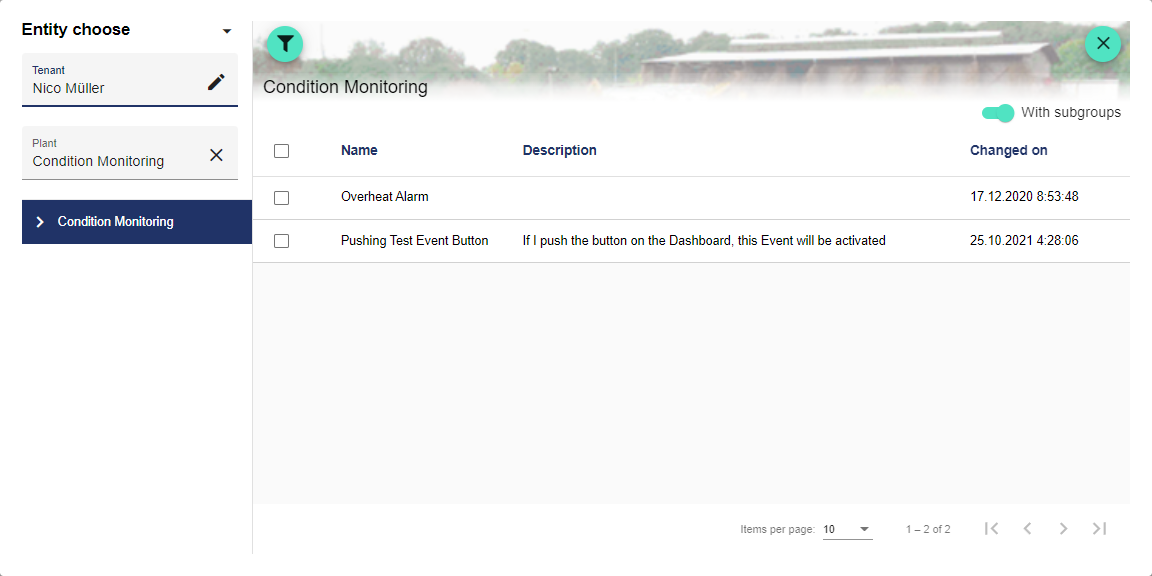
Once you are satisfied with your configuration, you can save it.