
Use
In the Image widget, you can view images that have already been uploaded. The following image formats are supported: jpg, png and gif.
The prerequisite for this is that you created a Group with group type "Documents" in the Configuration and uploaded an image format here.

Configuration
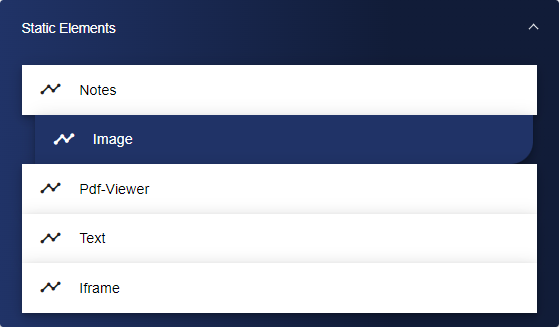
Select the Image widget from the Static Elements category.
In the Basic Configuration of the Image, assign a suitable title. The header can be displayed by selecting the check box.

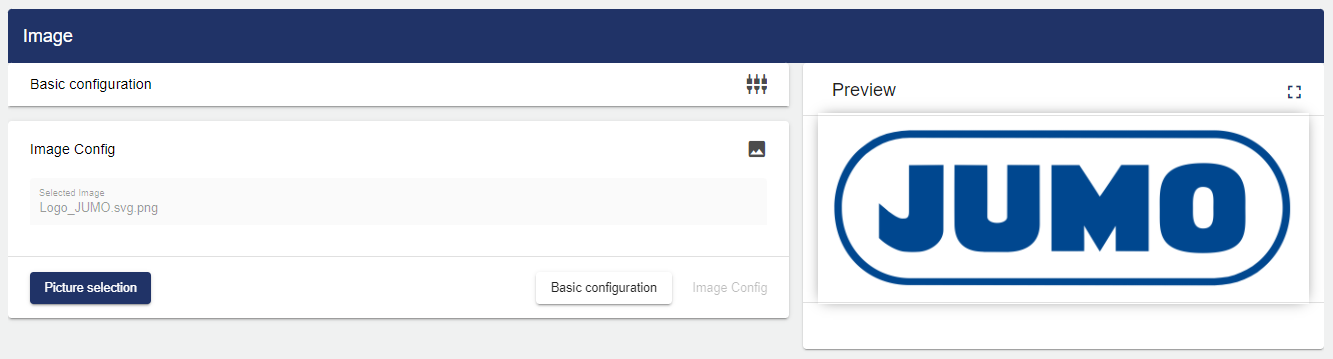
Then go to the "Image Widget" tab and click "Image Selection".

Clicking "Image Selection" opens the Select Entity window. A folder structure is displayed showing all available images.

After selecting the image, the image is previewed automatically.
Once you are satisfied with your configuration, you can save it.