
A Dashboard is created via the configuration of the Tenant. It then belongs to the Group through which the Dashboard was created.
A Group can only contain Dashboards if the Group was selected and saved as an entry point.
How to Find the Configuration:
-
Open the pop-up menu via the icon
-
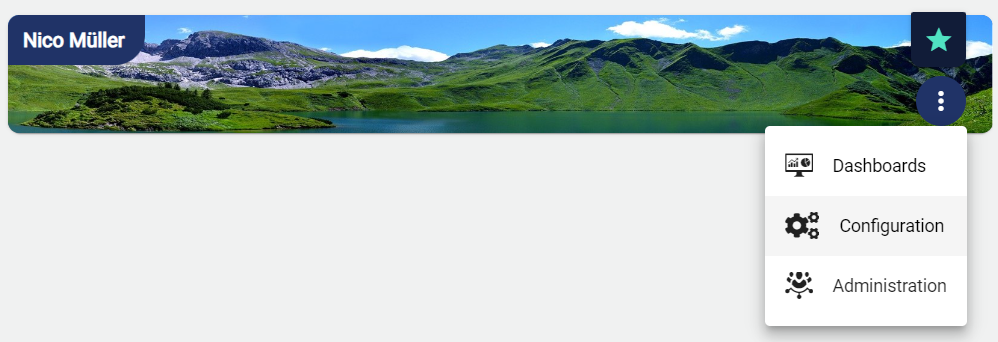
Select Configuration
-
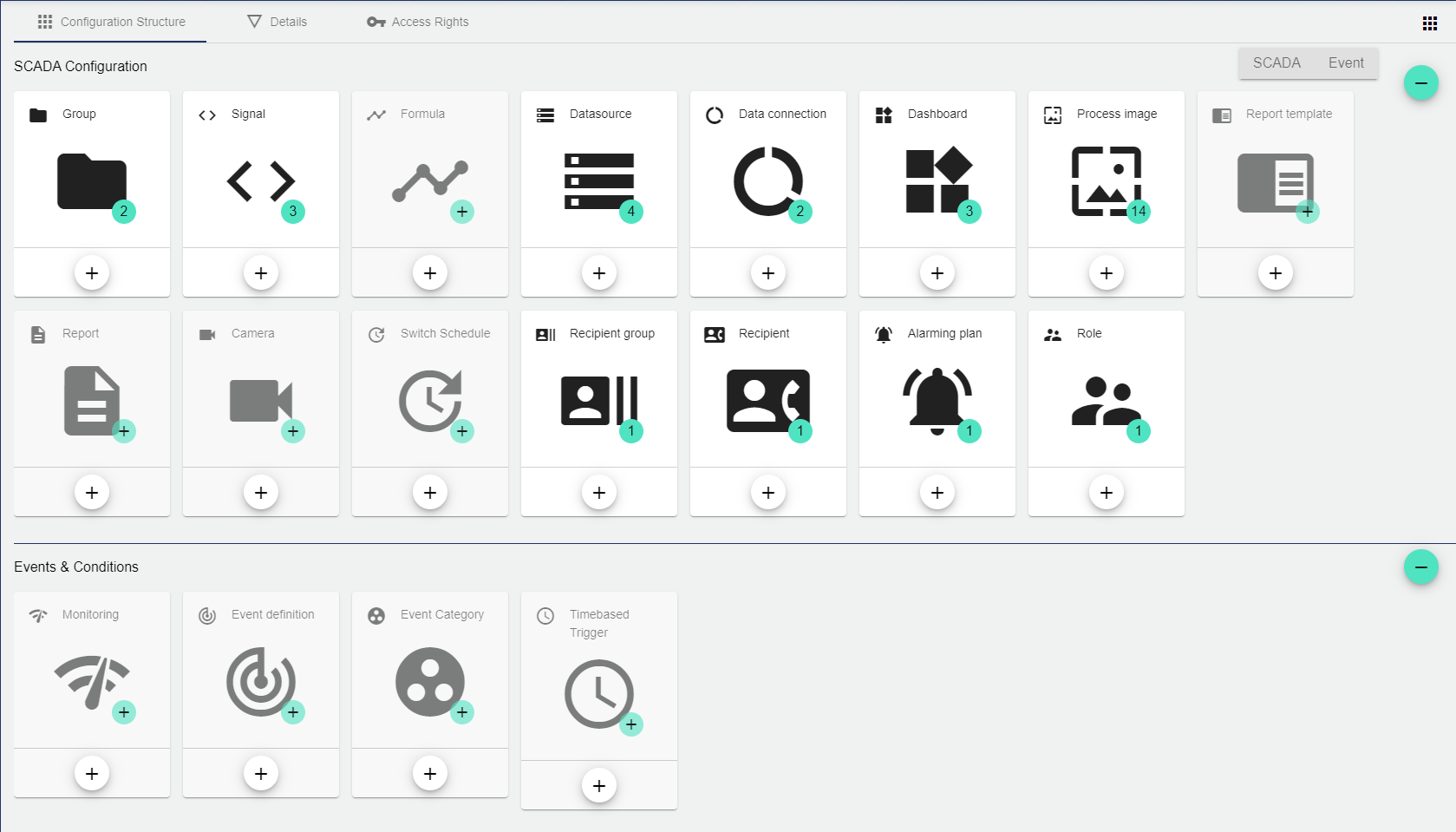
Select "Dashboard" in the SCADA configuration structure
How to Configure the Dashboard
-
Use the Plus button to create a new Dashboard.
-
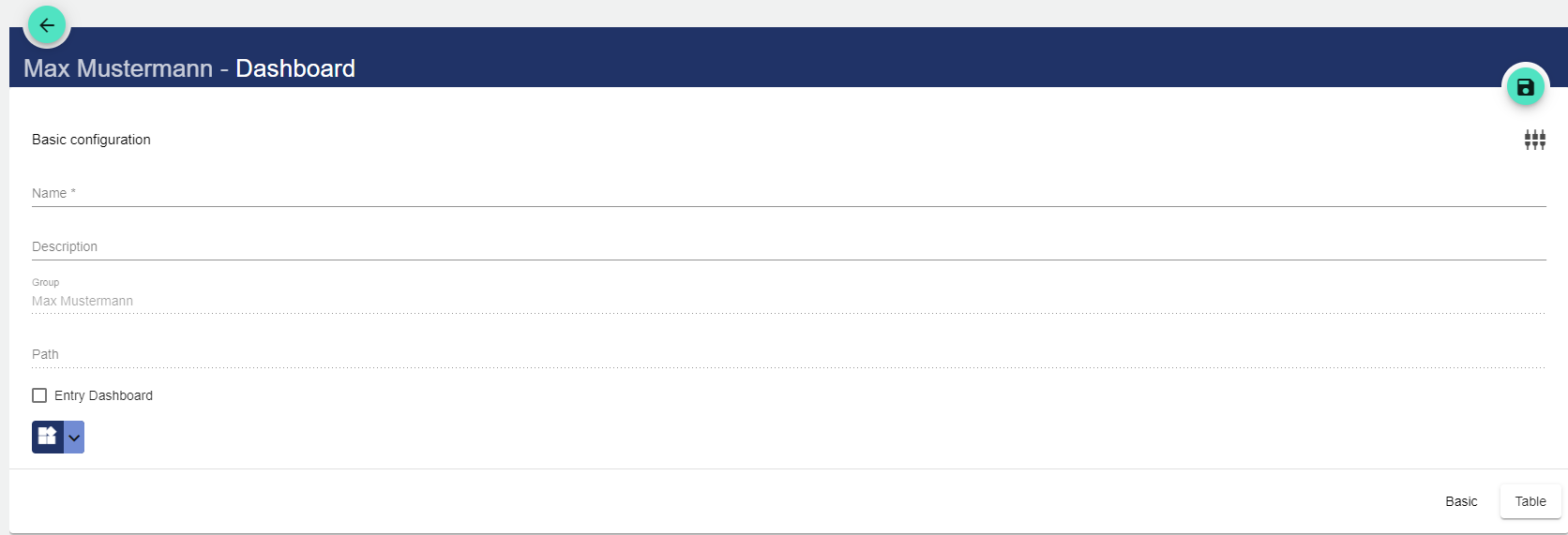
Assign a name to the Dashboard in the Basic Configuration. The Description field is optional. The Dashboard can also be created as an "entry-level" dashboard. This means that you always access the other information via this Dashboard.
-
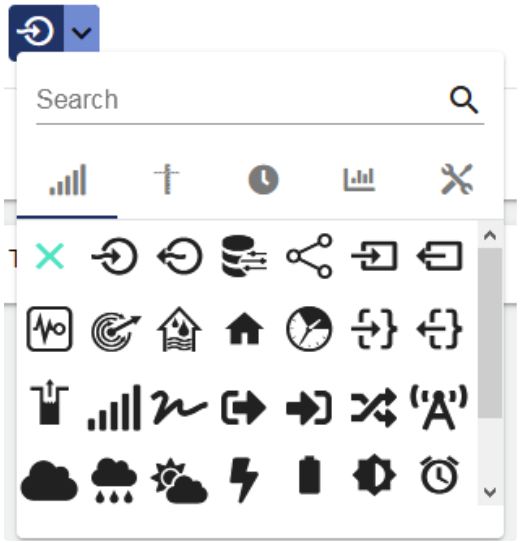
Optionally, you can select the desired icon from the menu.
-
Save the Dashboard by clicking the Disk icon.
-
The panel can be created either directly when creating the Dashboard or later by editing the existing Dashboard.
-
The condition for a new tab in the Dashboard is always a panel. If you specify the tab as the "Start Tab", you always access the Dashboard via this tab.

The name is used to identify a tab in the panel on the Dashboard at a later time.