
Use
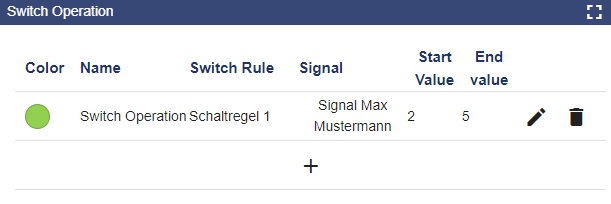
The "Switching Operations Planning" widget is used to create switching operations for an associated Scheduler. This window can also be found in the configuration of the "Scheduler" widget. You can use this widget to flexibly customize the switching operations on the Dashboard. This provides the added value of not having to navigate to the "Scheduler" widget configuration for each adjustment. To create a switching operation, either an analog or a digital output signal is required.
The setpoint value is influenced by the Start and End Values. Depending on the settings in the "Widget: Switch Schedule" the start value is set on the start date. The end value is set on the end date.
Configuration
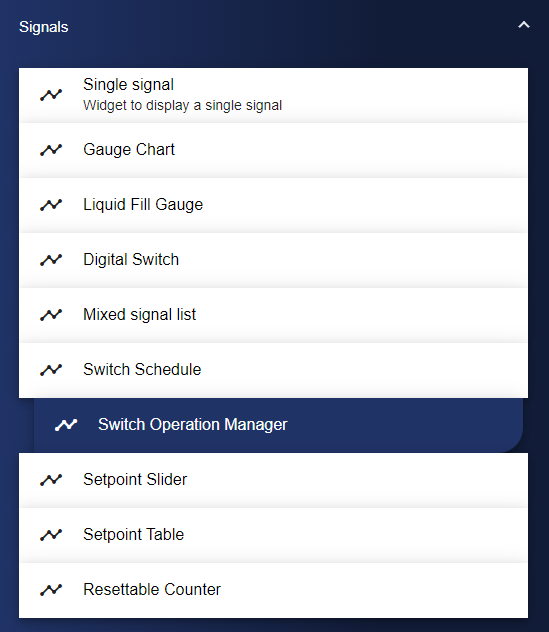
Select the Switching Operations Planning widget from the Signals category.
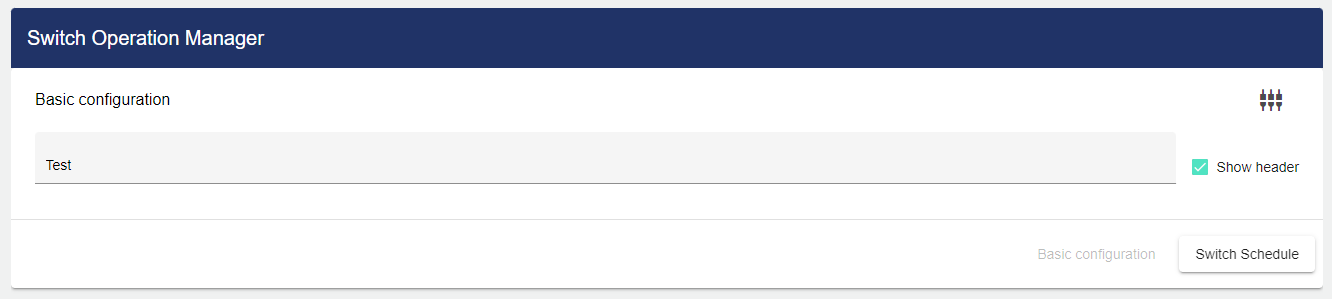
In the Basic Configuration of the Switching Operations Planning, assign a suitable label (title). The header can be displayed by selecting the check box.
You now need to select a switching schedule. To do this, click "Select Switching Schedule". A Scheduler must have been created in the configuration beforehand.
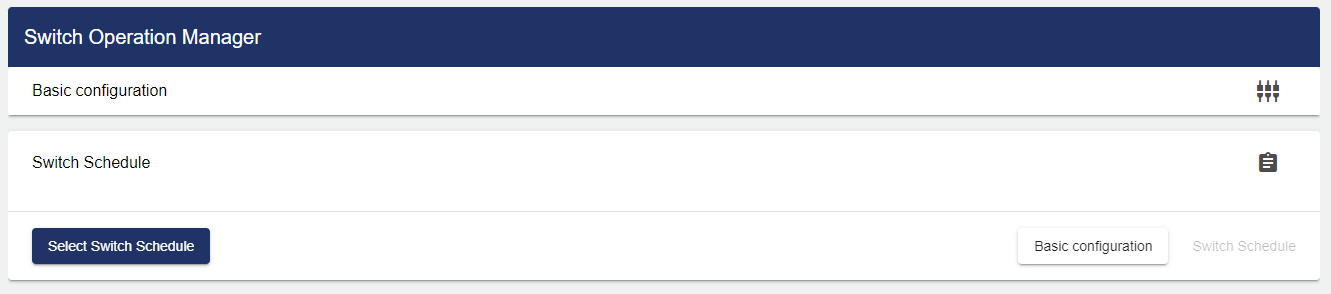
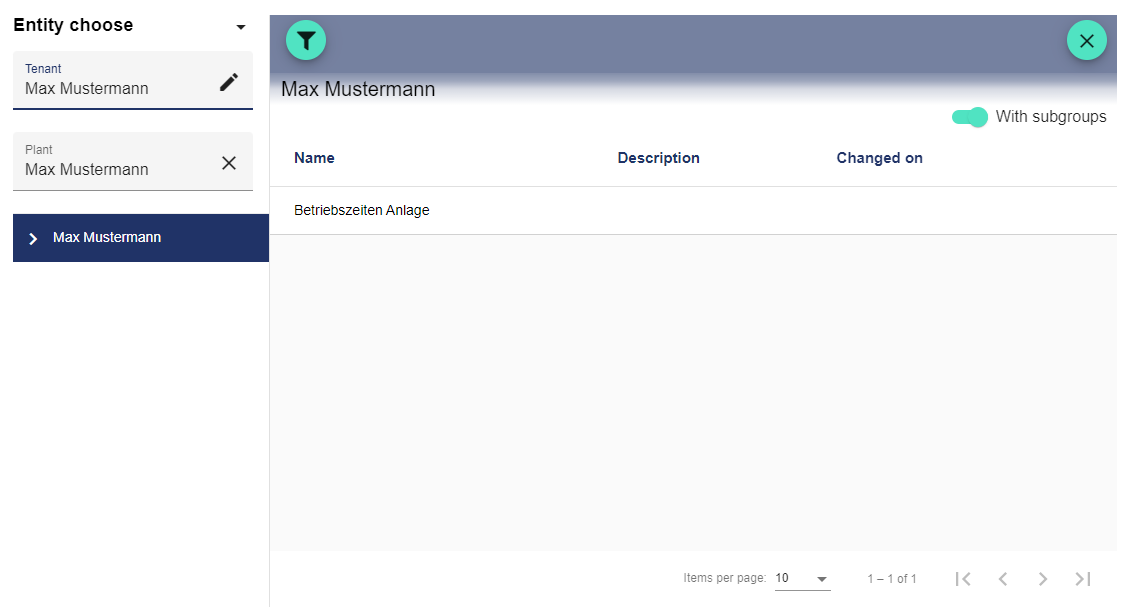
Clicking the Plus button opens the Select Entity window. You can add a previously created switching schedule here.
Once you are satisfied with your configuration, you can save it.