Use
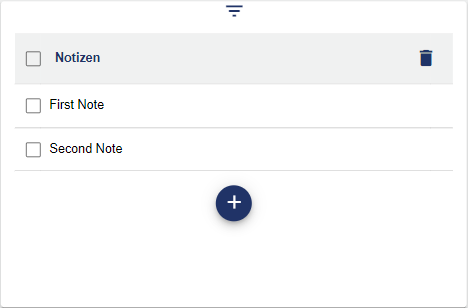
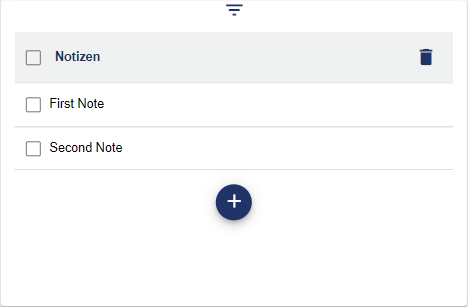
The Notes widget is a simple notepad that allows you to add and delete notes. This does not require a setting in the Configuration.
|
Notes in the overview |
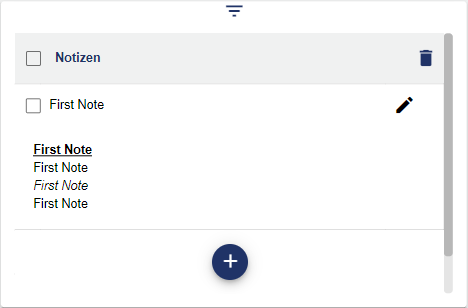
Notes in detail |
|---|---|
|
|
You can create a new note using the "+" icon. Give the note a name and a description. You can save your note by clicking "Save" within the blue area.
Configuration
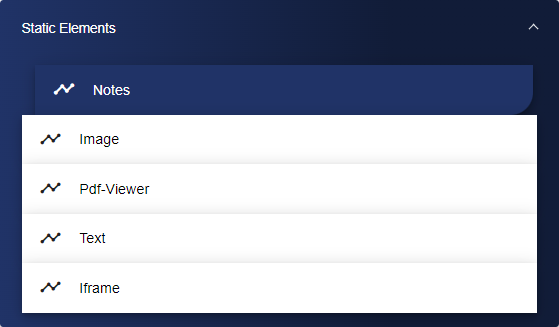
Select the Notes widget from the Static Elements category.
Assign a suitable title for the Note in the Basic Configuration. The header can be displayed by selecting the check box.

After saving your configuration, the note opens in your Dashboard area.