
Use
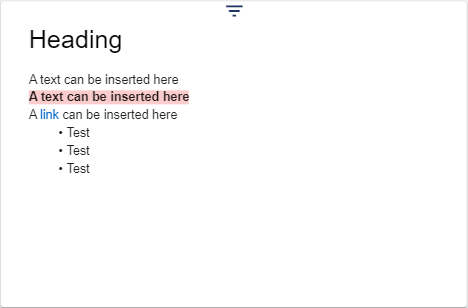
In the Text widget, you can insert texts with headings and links in different styles.
The text of the widget can only be entered or changed within the Configuration Widget (different from the Notes Widget).
Configuration
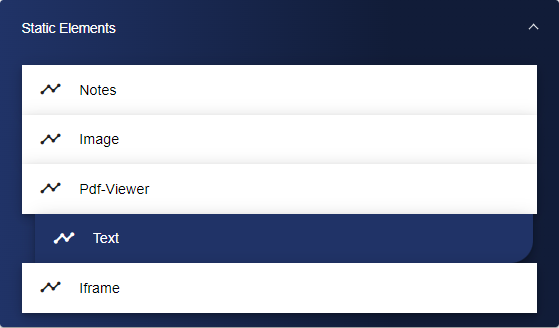
Select the Text widget from the Static Elements category.
In the Basic Configuration of the Text, assign a suitable label (title). The header can be displayed by selecting the check box.

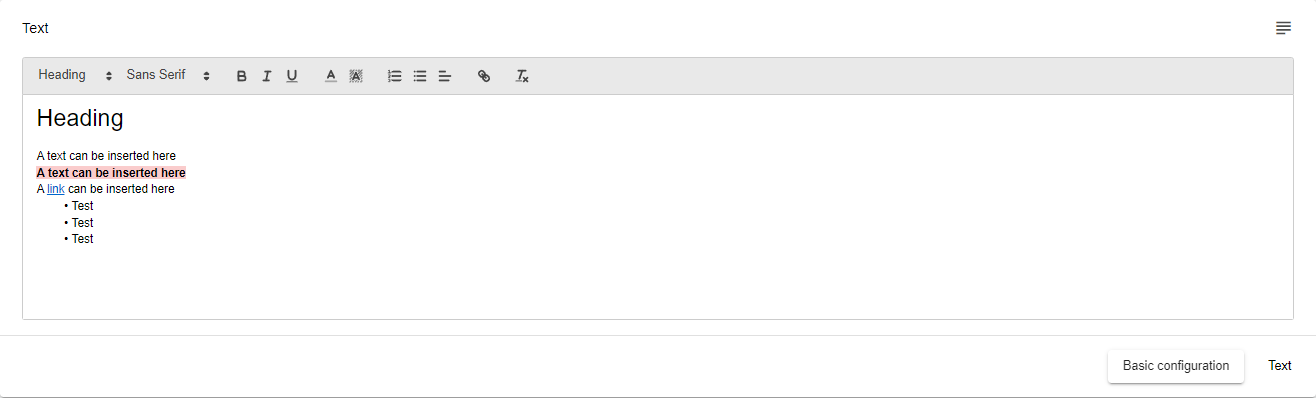
Then go to the "Text" tab, where you can now enter your text.
Once you are satisfied with your configuration, you can save it.