Use
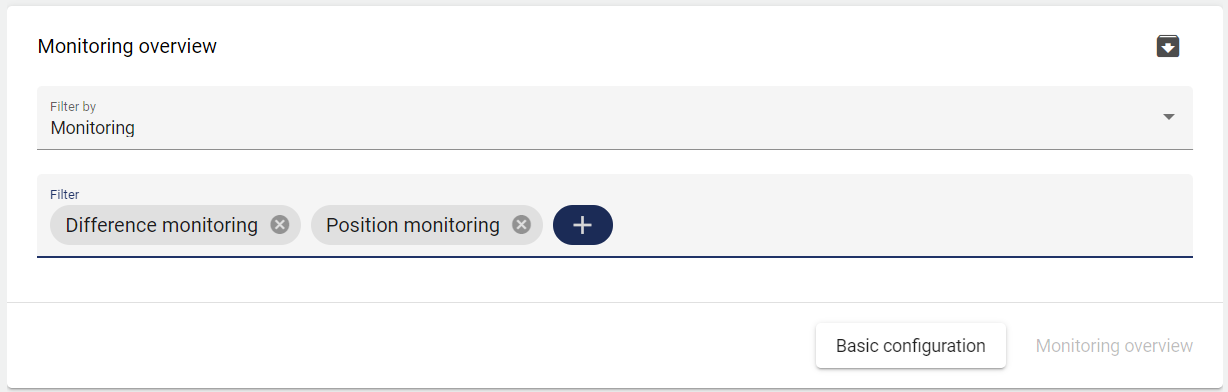
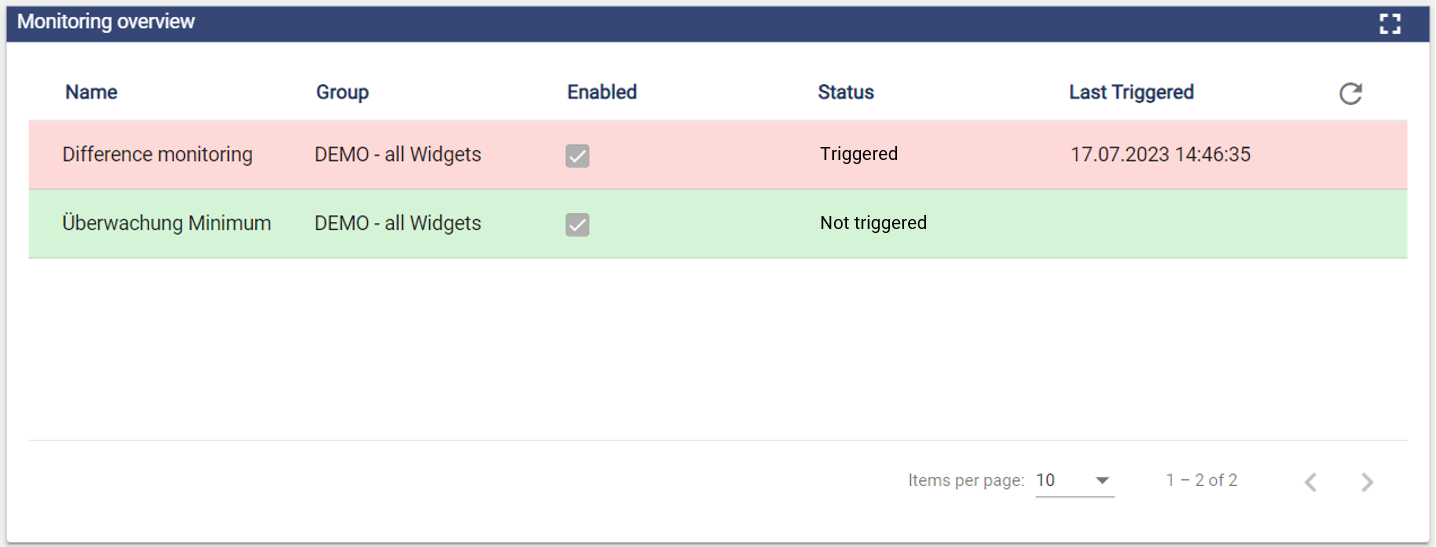
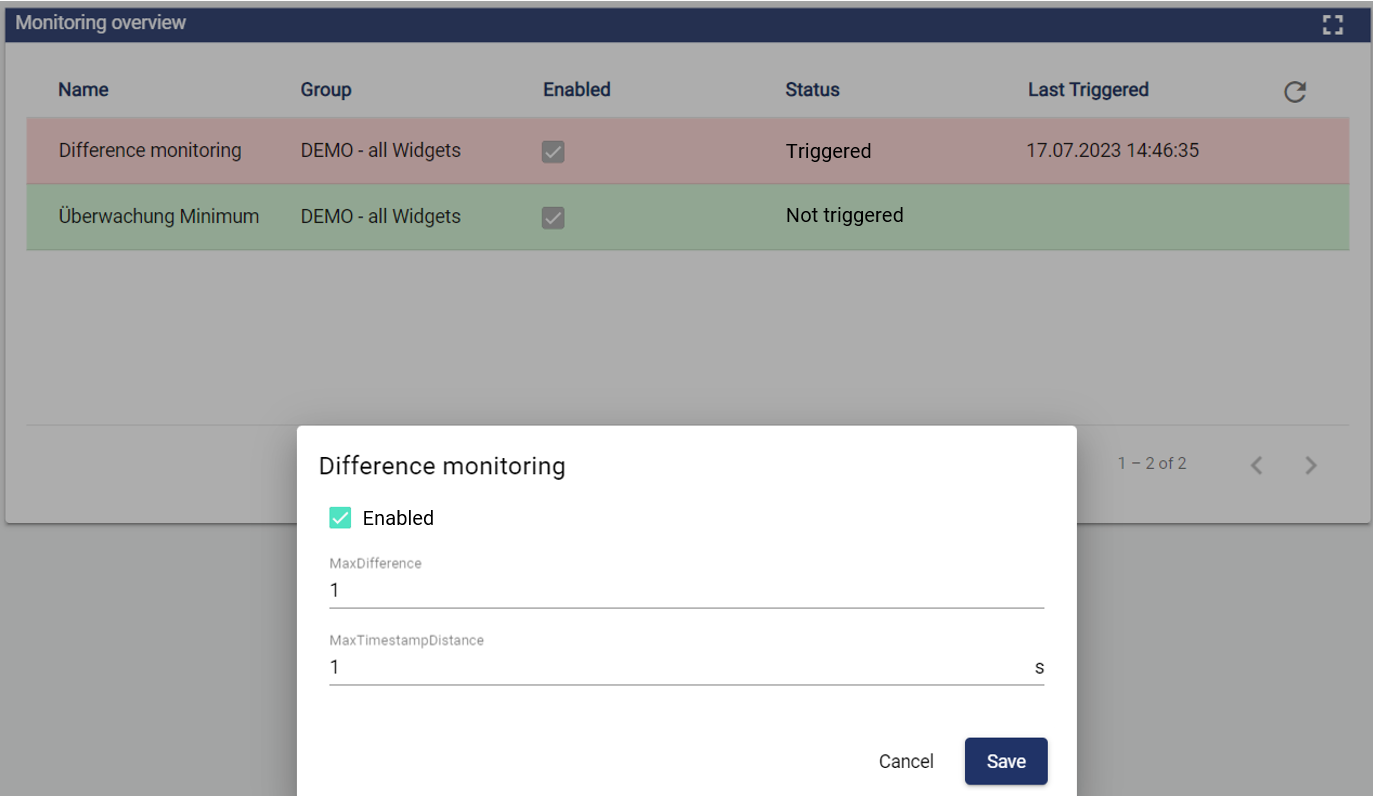
With the Widget: Monitoring Management users can now configure monitoring objects in the dashboard. Previously, these objects could only be edited in the configuration (Monitoring) . The widget also displayes the status and the last triggers.
Configuration
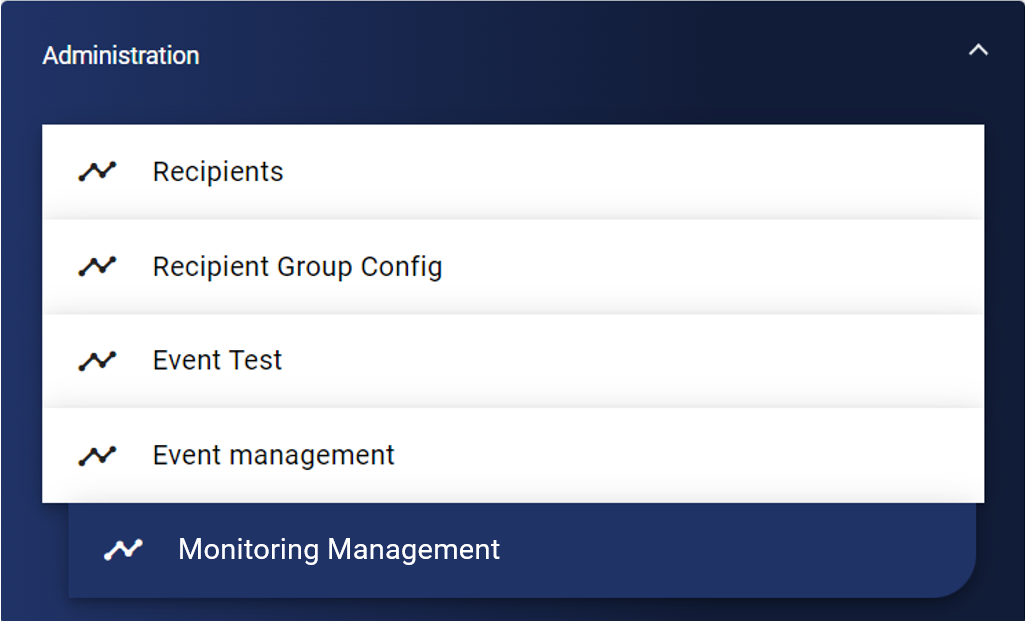
Select the corresponding widget from the Administration category.
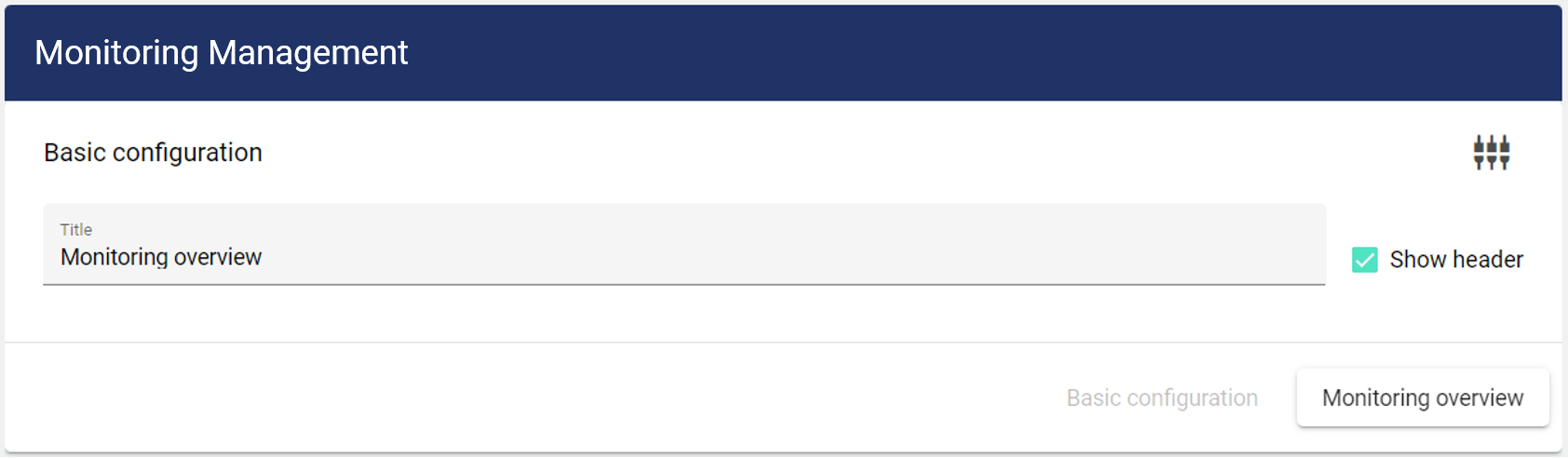
First, you are within the Basic Configuration tab. Here you assign a suitable title to your object. The header can be optionally displayed.
In the Monitoring Management tab, you can select the respective monitoring objects to be displayed in the widget.