
An Alerting plan is used to organize Recipient Groups by time. The prerequisite is a previously created Recipient Group. In the Dashboard, the Alerting plan can then be used in the Alarm Planning Widget.
-
By selecting the "Alerting plan" button, you can edit an Alerting plan that was created earlier. A new Schedule is created via the Plus button.

-
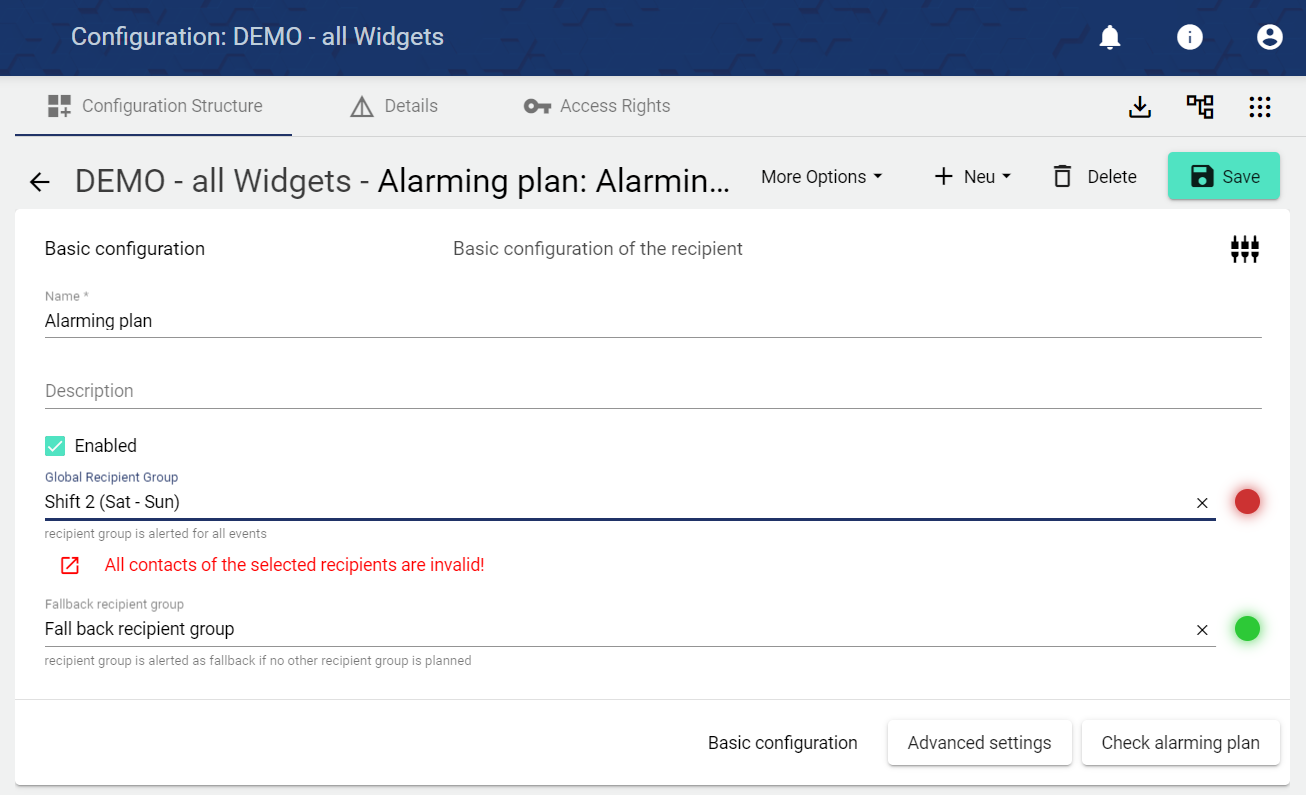
Assign the name of the Alerting plan in the Basic Configuration. The Description field is optional.
-
Fallback recipient group" is alerted if no other recipient group is scheduled in the widget: Alarm planning.
-
The Alerting plan is activated or deactivated via the "Activated" checkbox.
-
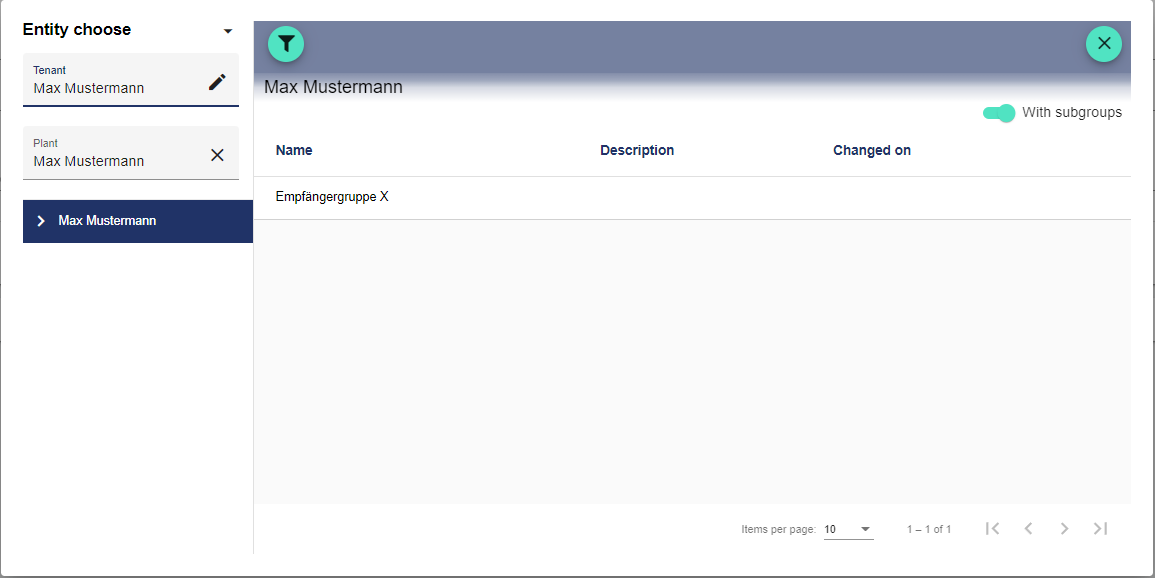
You can select the already created Recipient Groups in the Global Recipient Group. The Global Recipient Group is the group that is always alerted.
Advanced Settings
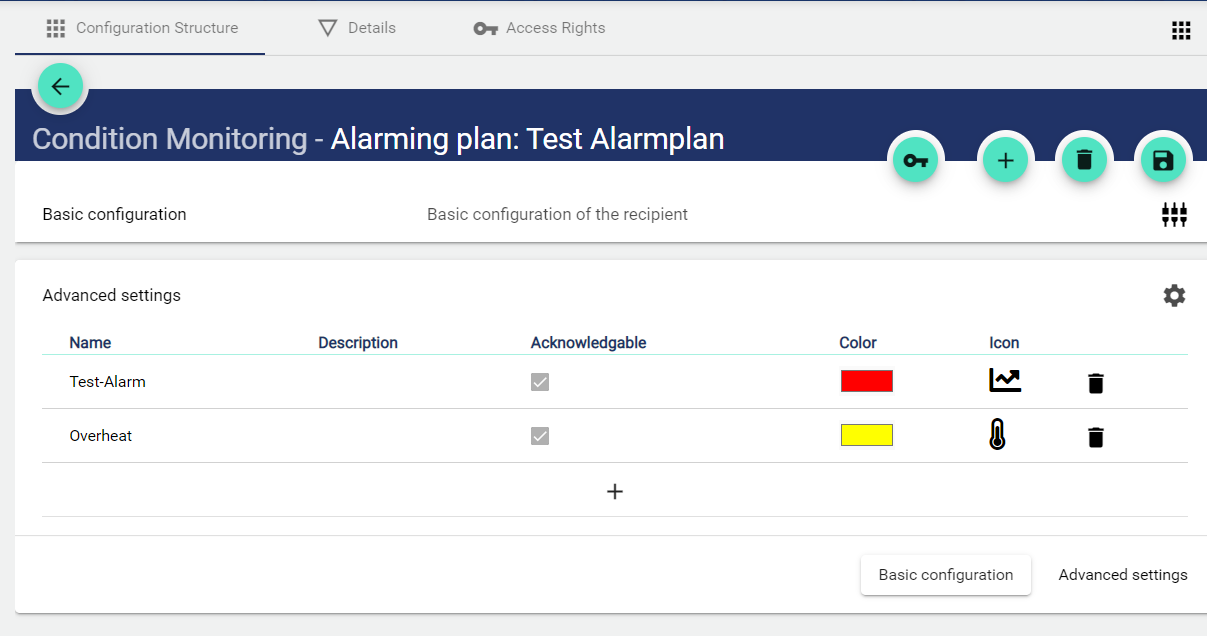
Additional Event Categories with linked Recipient Groups can be added via Advanced Settings. They are then displayed in the Alarm Planning Widget for selection.
-
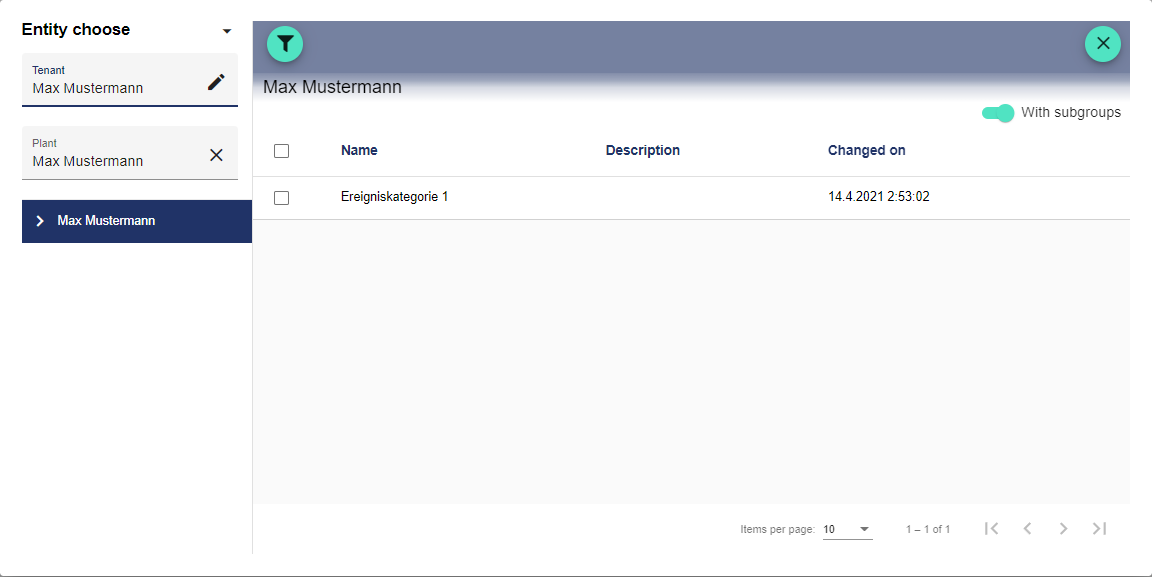
A previously created Event Category is created via the Plus button.
-
The Event Category settings are applied automatically.
AuditLog
The AuditLog is a change log that transparently shows how the object was changed. For some objects, it also shows which target values were set by a specific person. Power users can use the button on the right-hand side to get a detailed view of exactly what has been changed in the configuration.
The AuditLog can be used to quickly trace what happened to the object last. It corresponds to an extract from the Control Operation Archive.