
Use
The Report widget allows you to insert a Report into the Dashboard. Depending on the report template, this allows individual information to be displayed in the user's own design.
If you would like to have a customized report created, please contact JUMO.
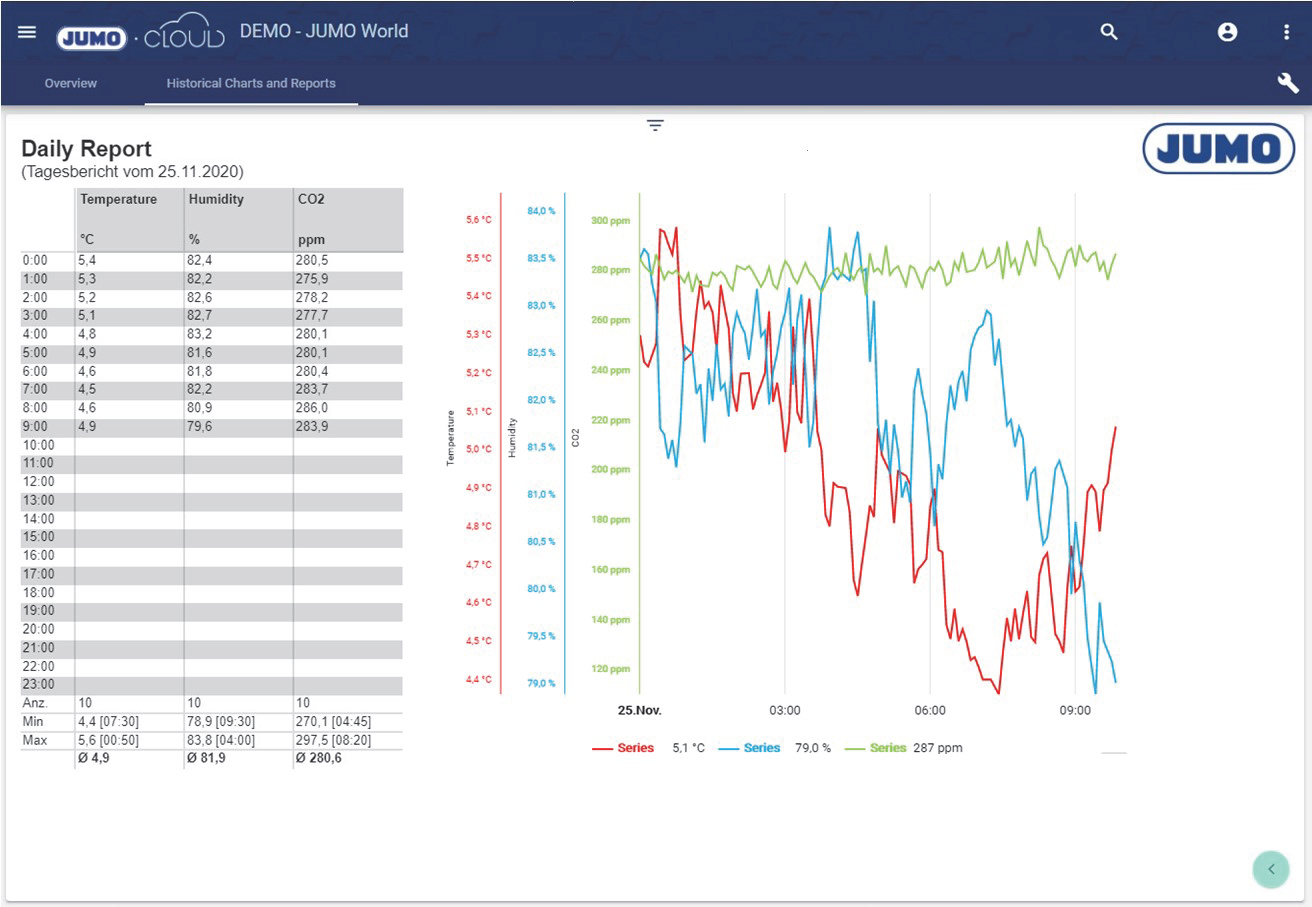
With “Export range”, several reports can be exported at once. For example, if you select a monthly report and export the last year, you will receive 12 reports in one download. (Not possible with WYSIWYG reports)

Configuration
Select the Report widget from the Reporting category.

Assign a suitable title in the Basic Configuration for the Report. The header can be displayed by selecting the check box.

To select a report, click "Select Report" in the Data Selection tab.
The prerequisite for a Report is the previous creation of a Report in the configuration.

Clicking "Select Report" opens the Select Entity window. You can add a previously created report here.
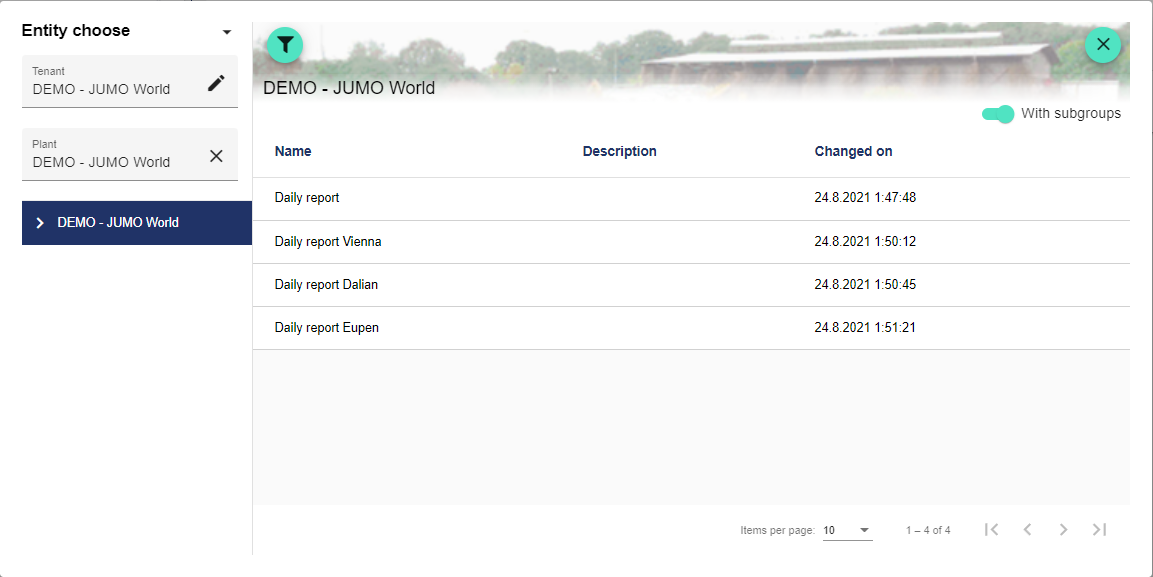
Once you are satisfied with your configuration, you can save it.