
Use
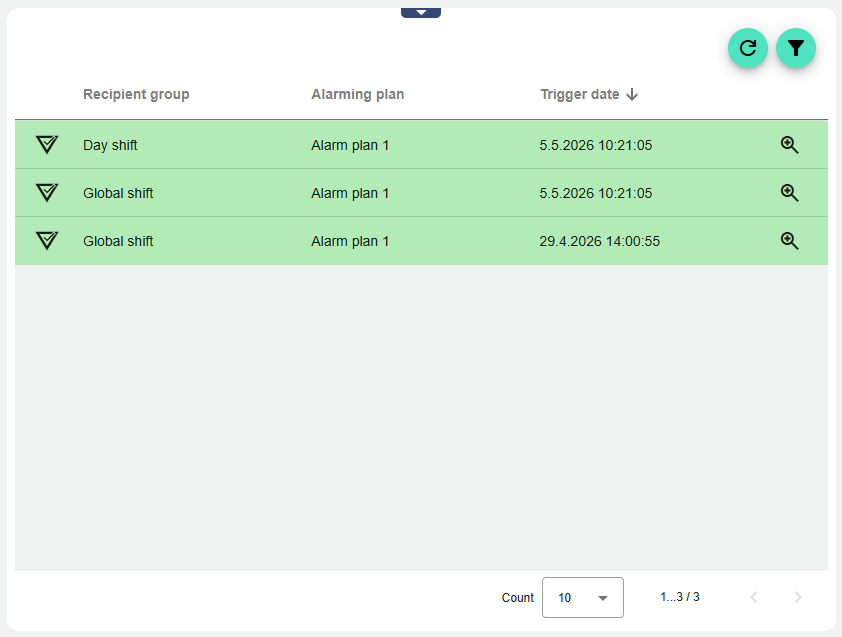
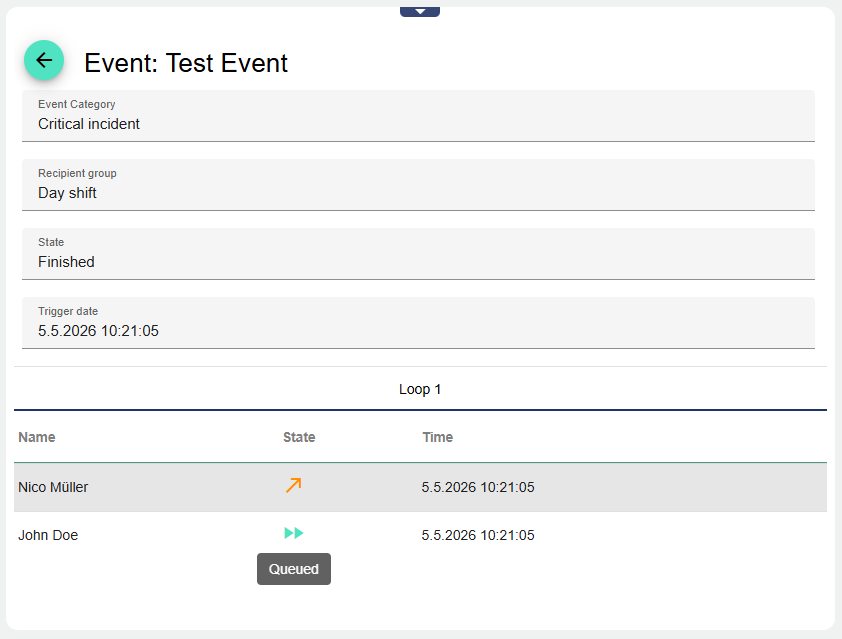
The Alarm Archive displays all received alarms. In addition, it provides the information about the time at which a Recipient Group was alerted and who received the alert. The prerequisite for this is a functional Alarm Planning created in the configuration.
See also: How do you create an alarm schedule?
|
Recipient Group |
Name of the Recipient Group |
|---|---|
|
Alarm Schedule |
Name of the Alarm Schedule |
|
Status |
Alarm status |
|
Trigger date |
Date on which the alarm was triggered |

Refresh |
You can update the alarm archive here |

Filter |
Clicking the filter icon opens the filter. Different filter categories are available for selection there. |

Magnifying glass |
Click the magnifying glass to go to the detailed view of the respective alarm |
Configuration
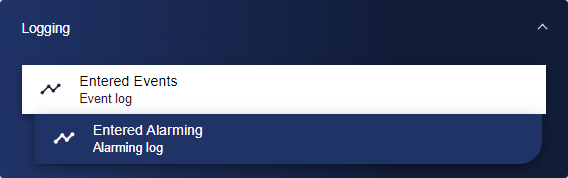
First, select the Alarm Archive widget from the Logging category.
In the Basic Configuration of the Alarm Archive, assign a suitable label (title). The header can be displayed by selecting the check box.
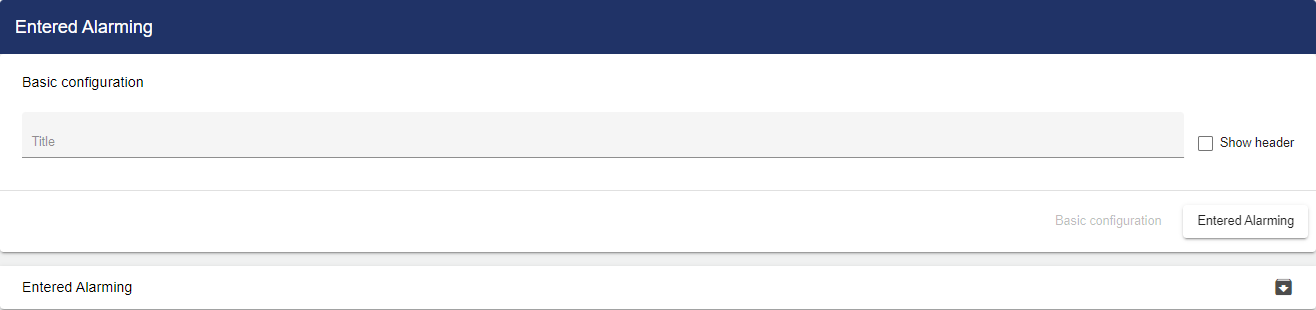
Then go to the "Entered Alarming" tab and assign an interval. An interval determines the rhythm according to which the Alarm Archive is updated. The length of the interval can be defined individually. "Interval" (number) and "Time unit" (second or minute) define the length of the interval. The "Period" setting specifies the period of time for which past alarms are displayed in the Alarm Archive.
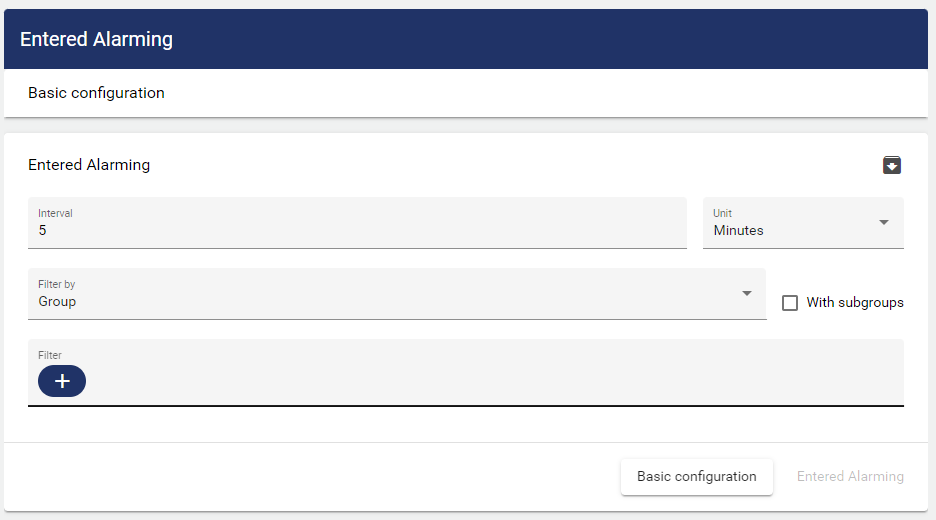
Once you are satisfied with your configuration, you can save it.