Use
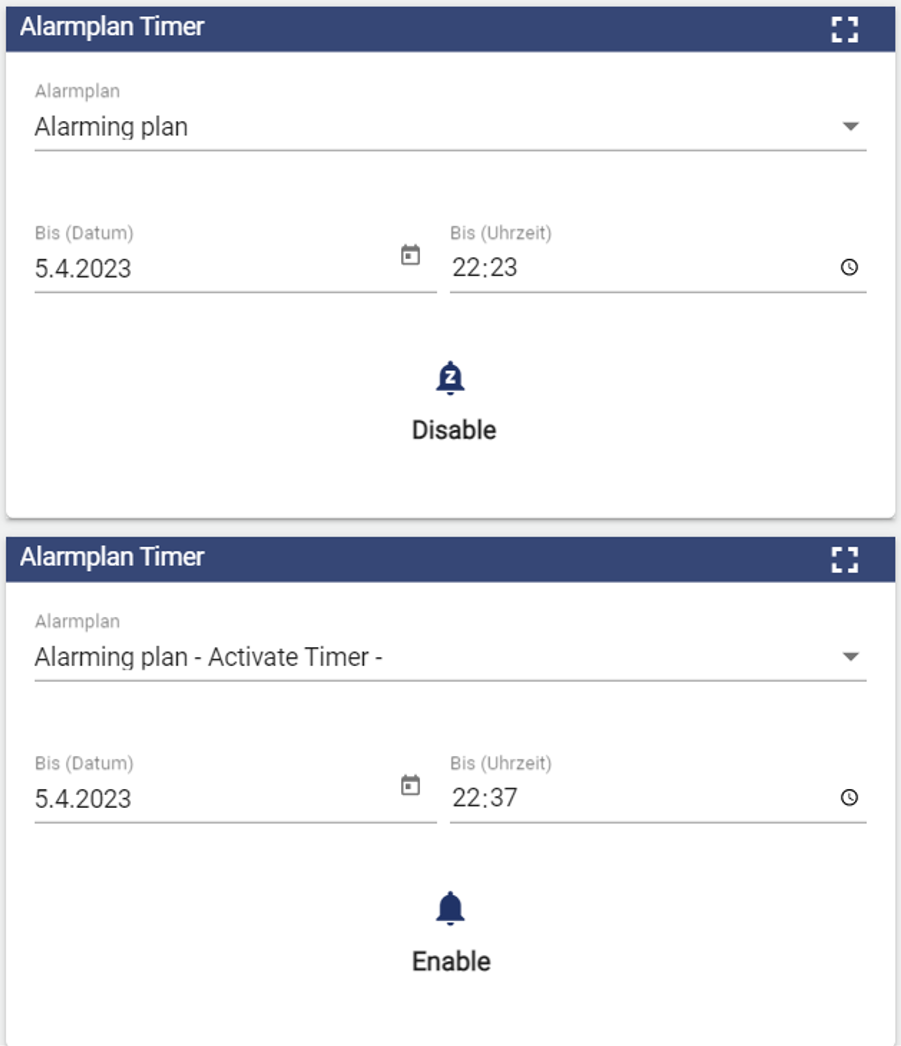
The widget: “Alarming plan timer” can be used to activate or deactivate alarming plans up to a certain date. If the alarming plan is disabled, no alarm will be sent to the recipient groups.
Configuration
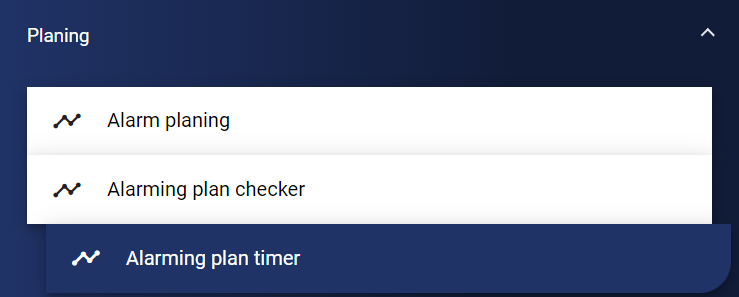
Select the widget from the Planning category.
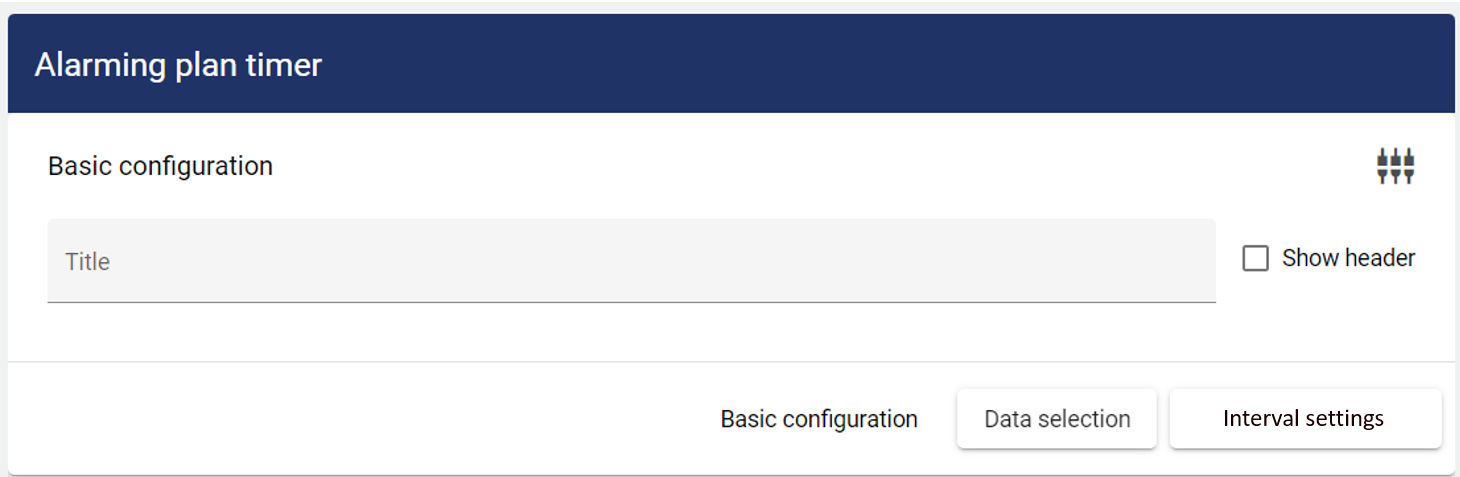
In the basic configuration, enter a suitable title. By selecting the check mark, the header can be displayed.
In the "Data selection" tab, the desired alarming plans can be selected and integrated via the Select Entity.
When an alarming plan is enabled, it can be disabled in the widget and vice versa.

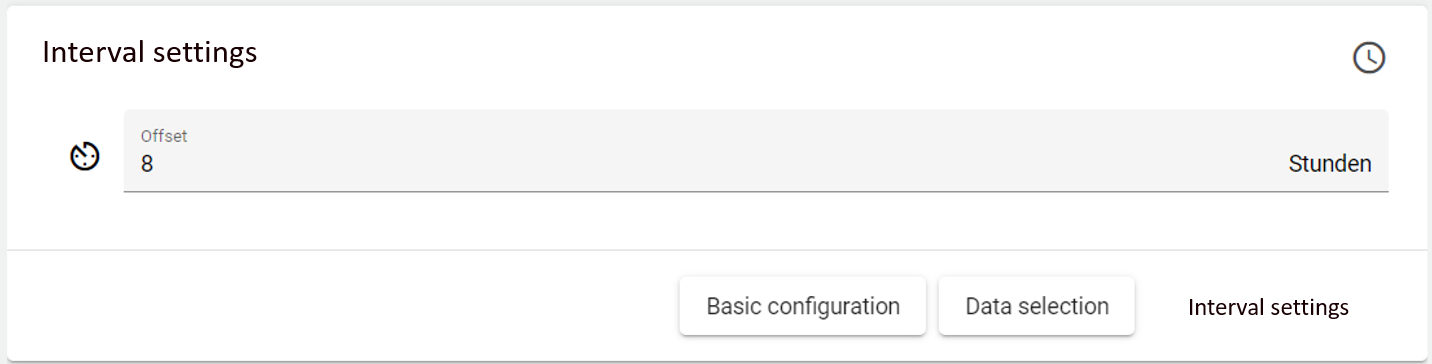
In the "Interval settings" tab, the "To time" displayed in the widget by default can be set. For example, if the alarming plan is activated or deactivated without changing the "To time", it is affected for this time (8 h in the example below).