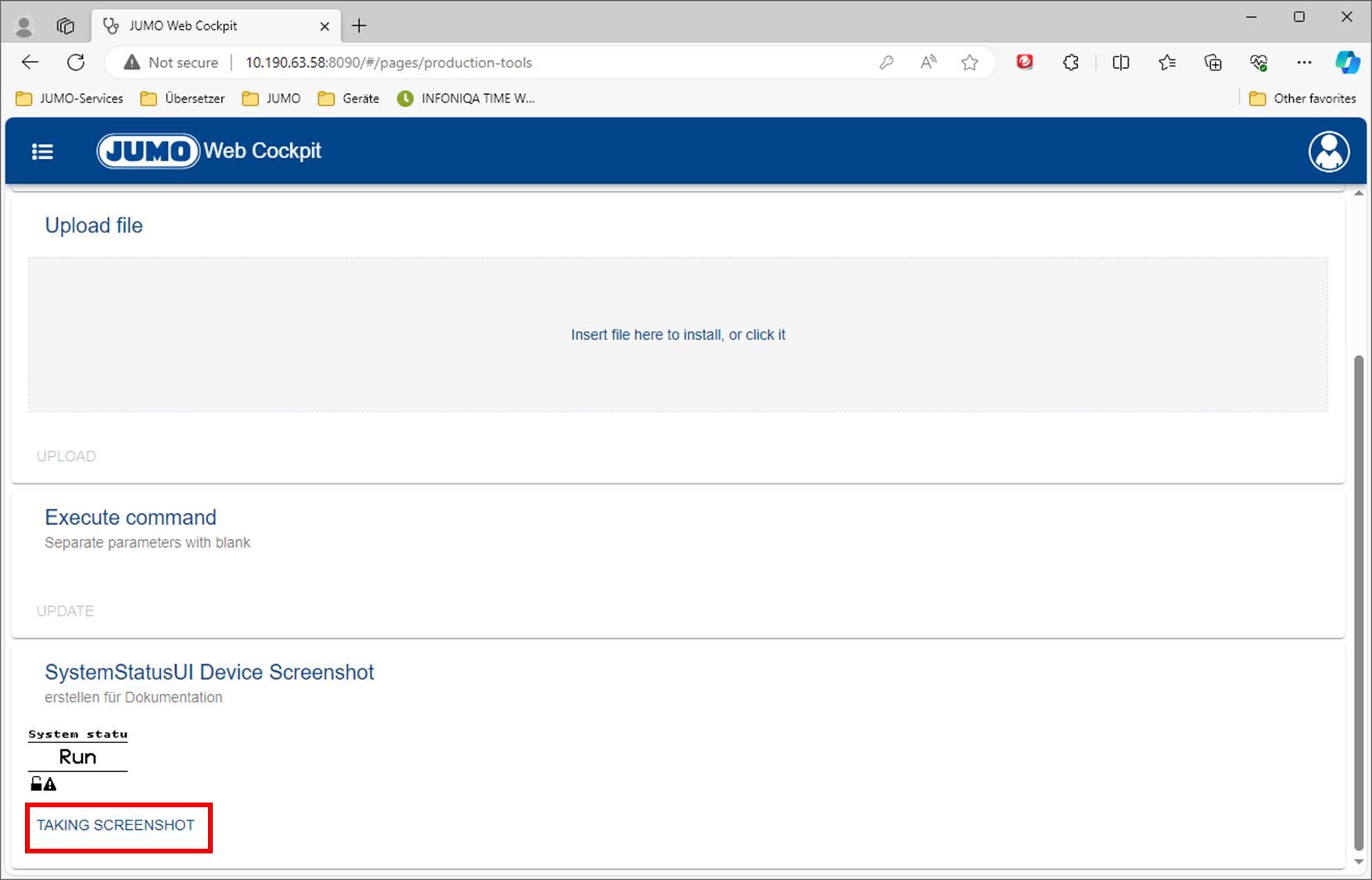
There are situations in which a screenshot of the variTRON display is useful and helpful.
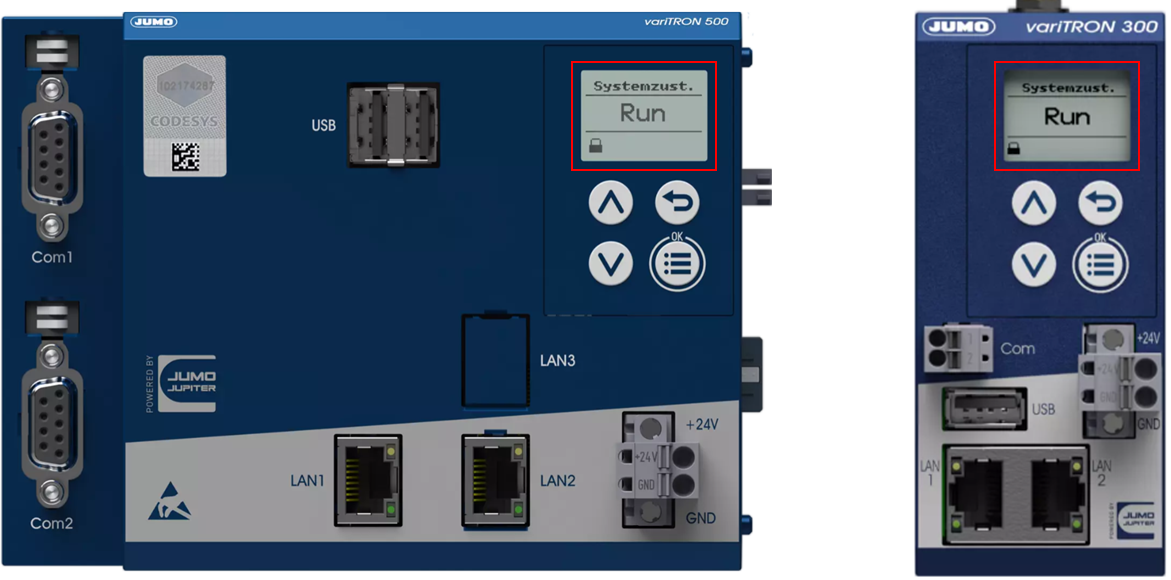
The variTRON 300 and variTRON 500 have a small LCD display on the front of the housing.
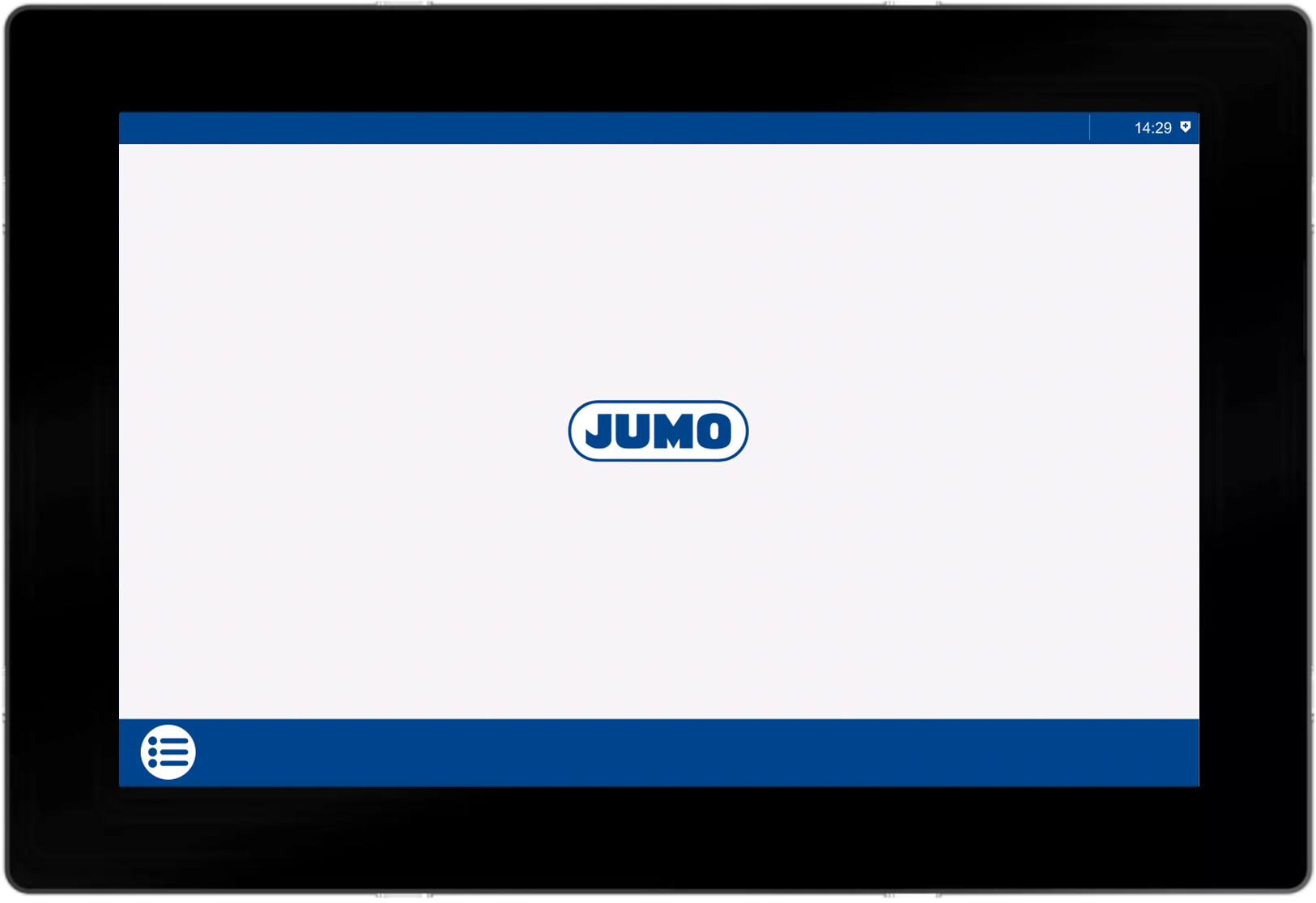
Depending on the variant, the variTRON 500 touch either has a 7” or a 10” LED display.
To create the prerequisites for taking a screenshot, the procedure is identical for all three variTRON types:
The function for creating a screenshot, which is deactivated when the variTRON is delivered, must be activated in the WebCockpit.
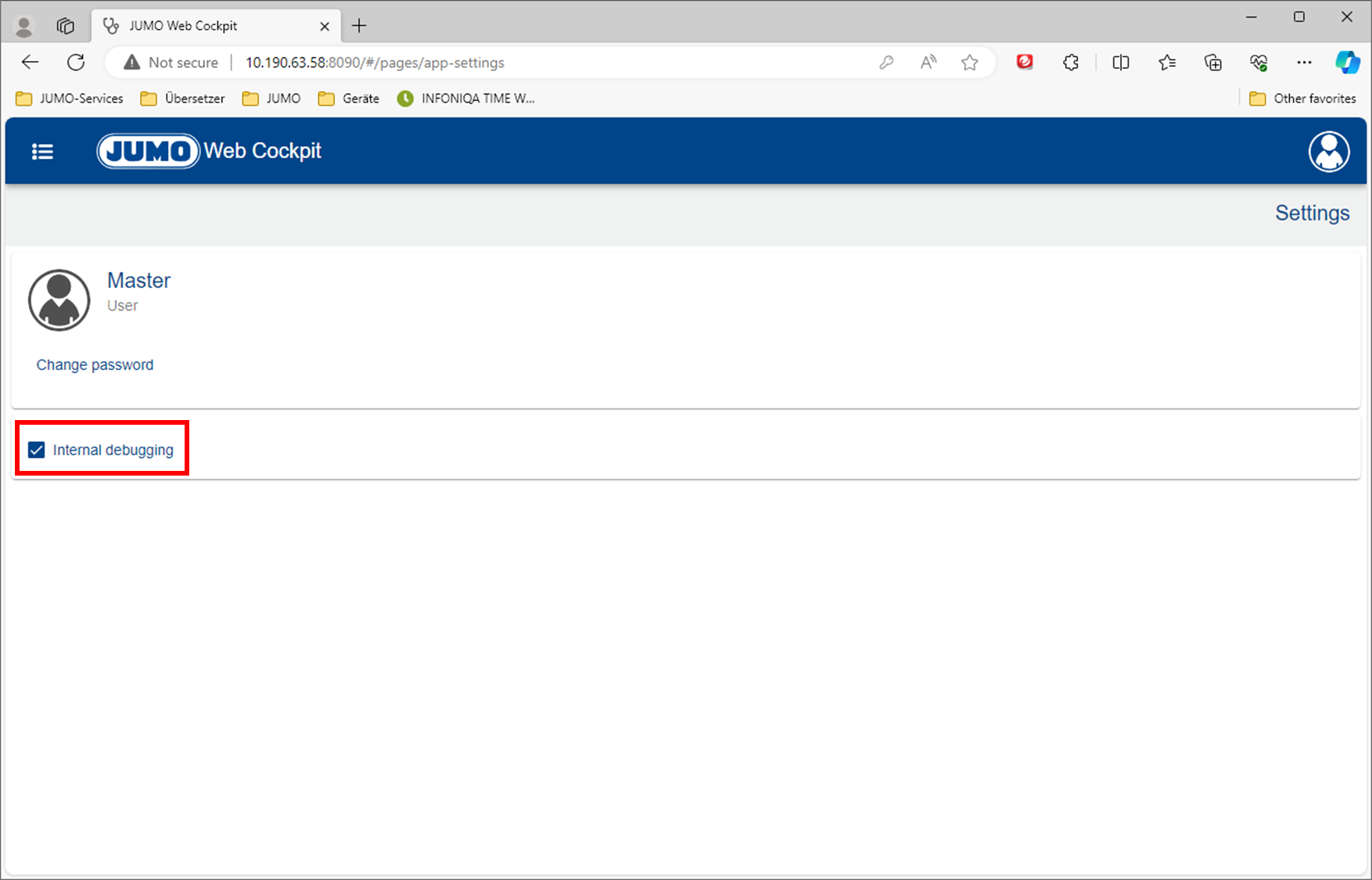
If you click on the logo of the logged-in user at the top right of the WebCockpit, the menu appears with which the Settings can be called up.
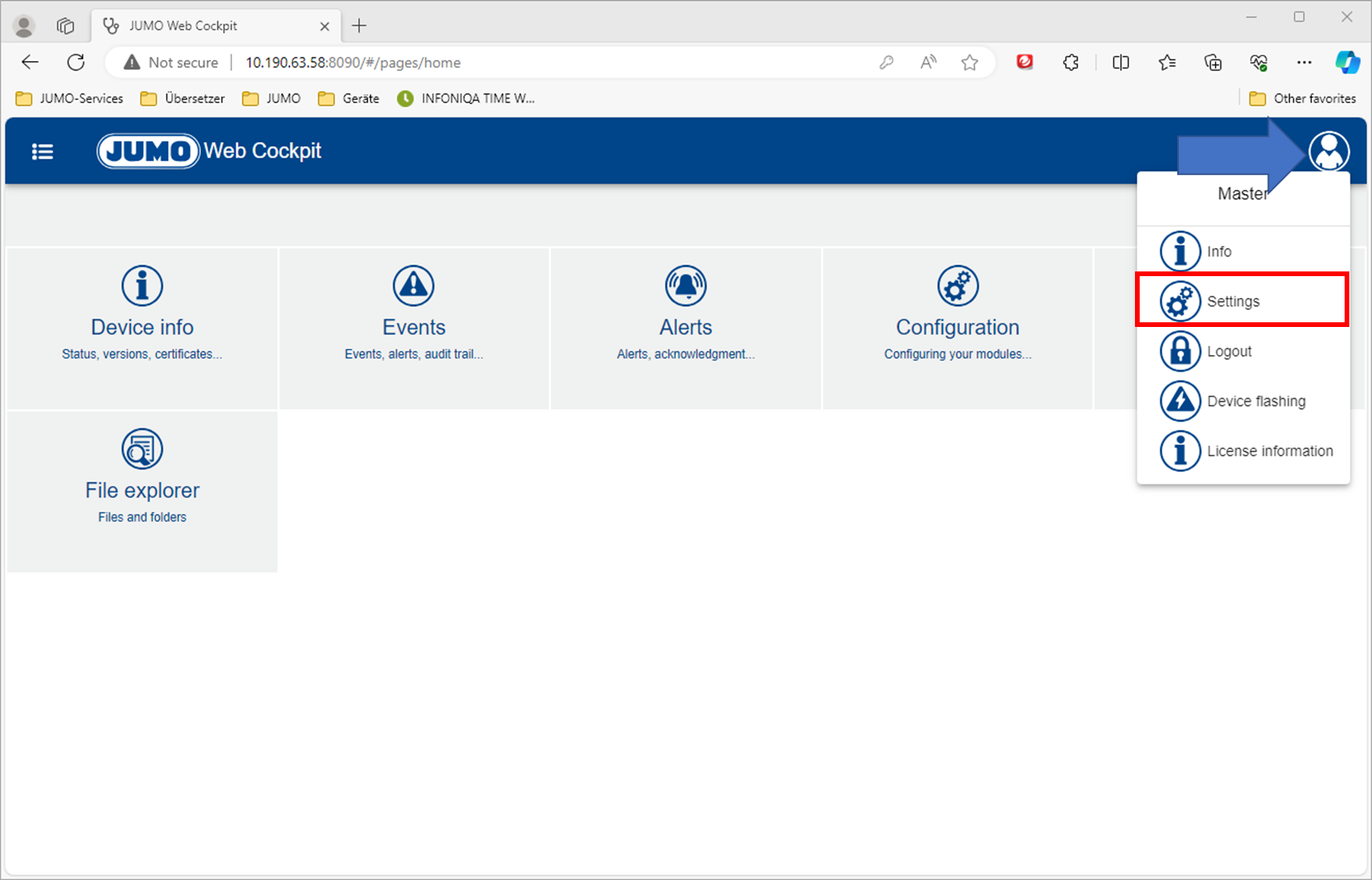
The internal debugging must be activated here.
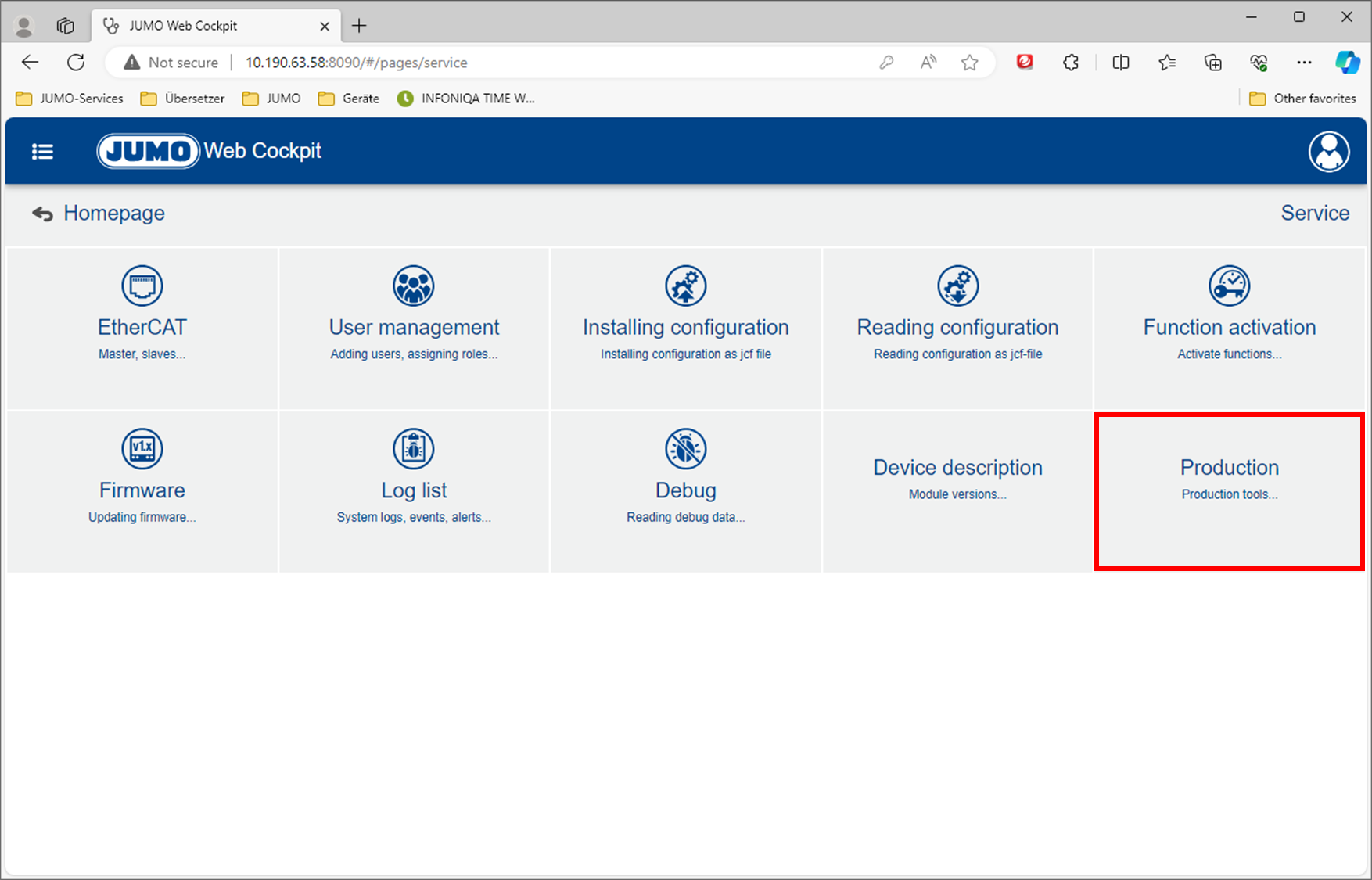
An additional Production tile is now available in the WebCockpit under the Service area.
If you scroll all the way down in the Production area, you will see the Taking Screenshot button.
By pressing this button, a screenshot is produced of the display - and
-
shown in the WebCockpit
-
saved as an image in png file format in the download area of the browser.