This function is used to agree and sign contracts or directives with clients. In general, this setting option can be used to store any contract document with the client or customer.
Procedure for signing a contract using the example of a customer order processing contract (OPC)
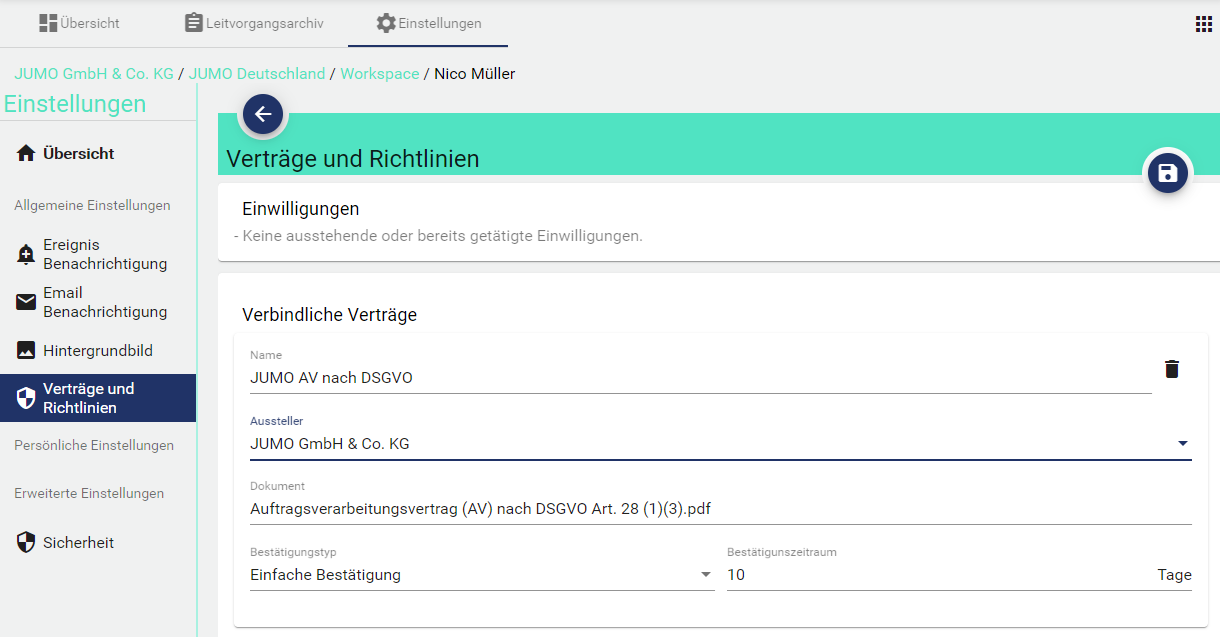
In the Administration of the respective Client under Contracts and Directives, upload the JUMO Cloud OPC under Add Contract:

Then set the values as shown below. A simple confirmation automatically logs the name of the acceptor. Personalized confirmation allows the approver to accept with signature. If the confirmation period expires, the client remains locked (data continues to be recorded until the client accepts). Once everything is filled in, it is necessary to save.
Simple confirmation
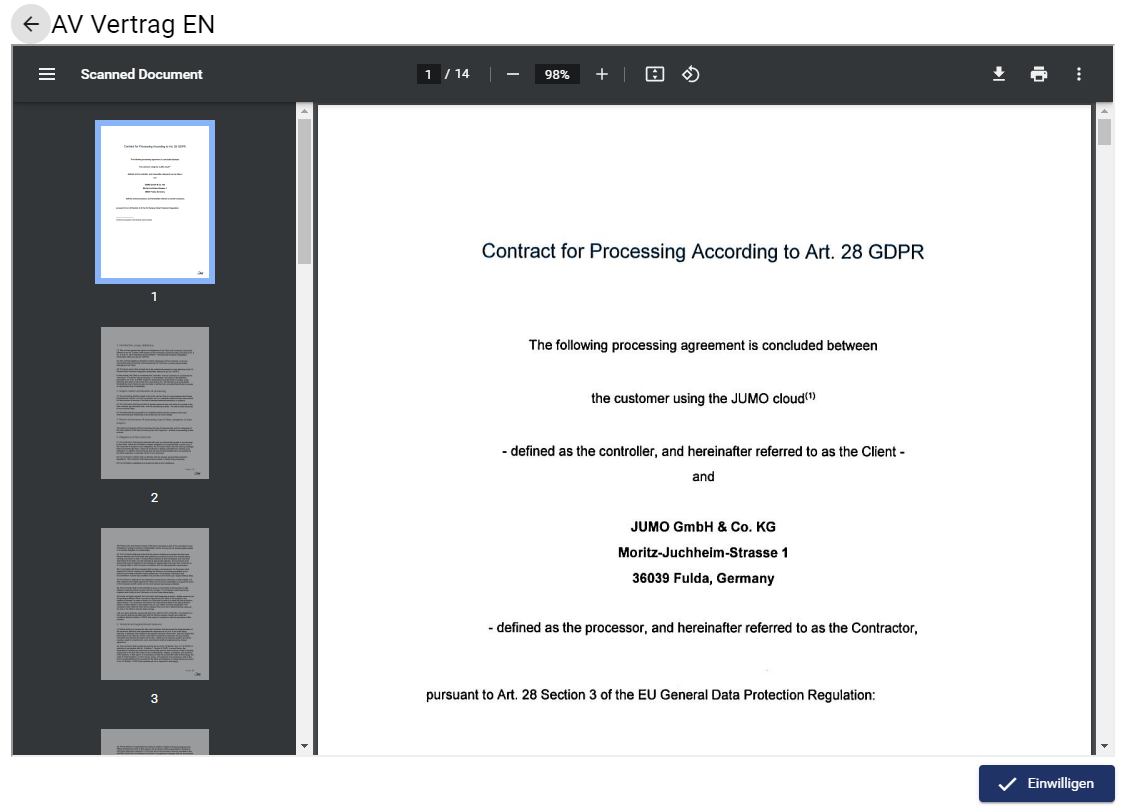
Personalized confirmation
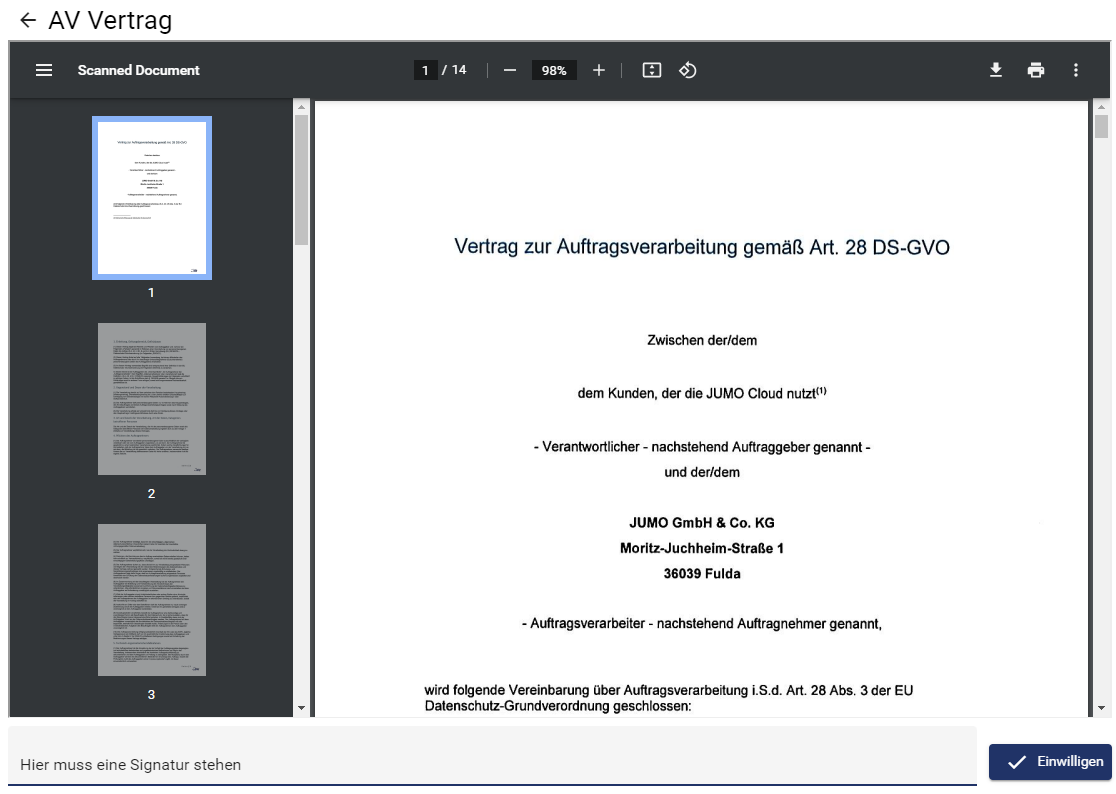
If a person now goes to the corresponding client (here JUMO Belgium) in which a contract was previously activated, the person receives this message with a request for acceptance. If the person accepts: The OPC applies to all persons associated with this client.
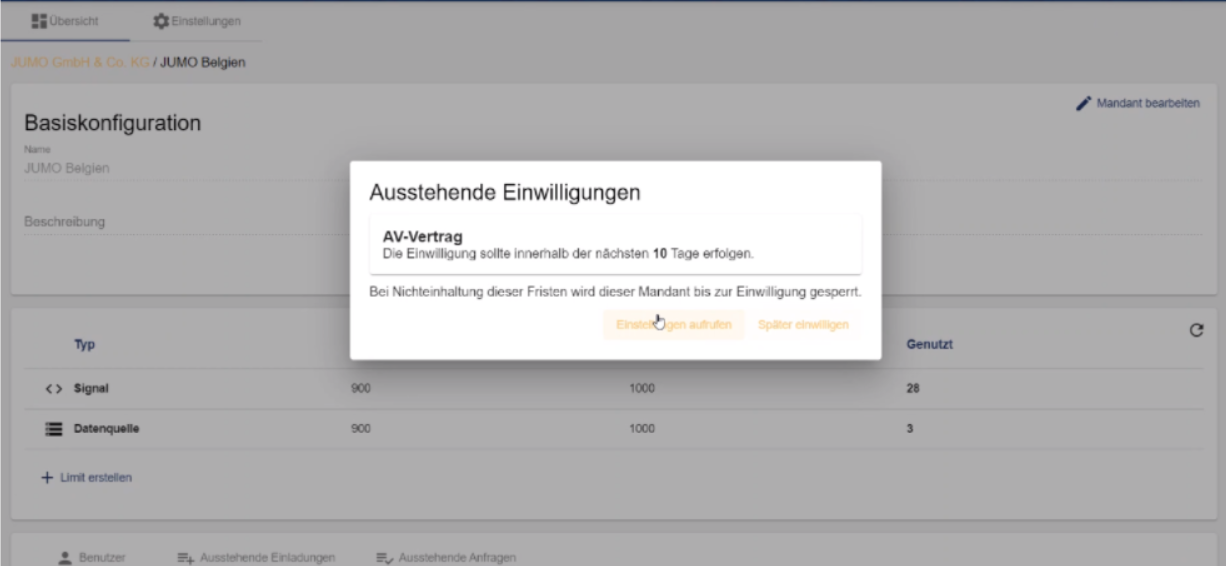
The person can then view and download the document.
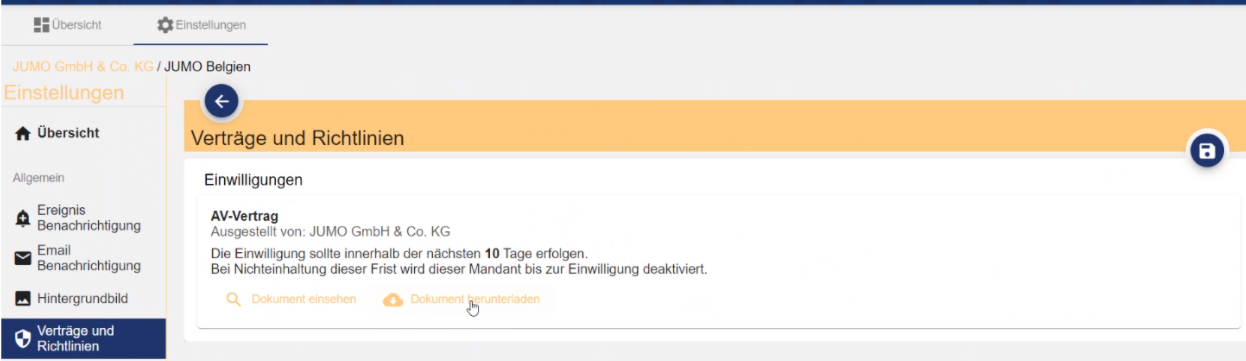
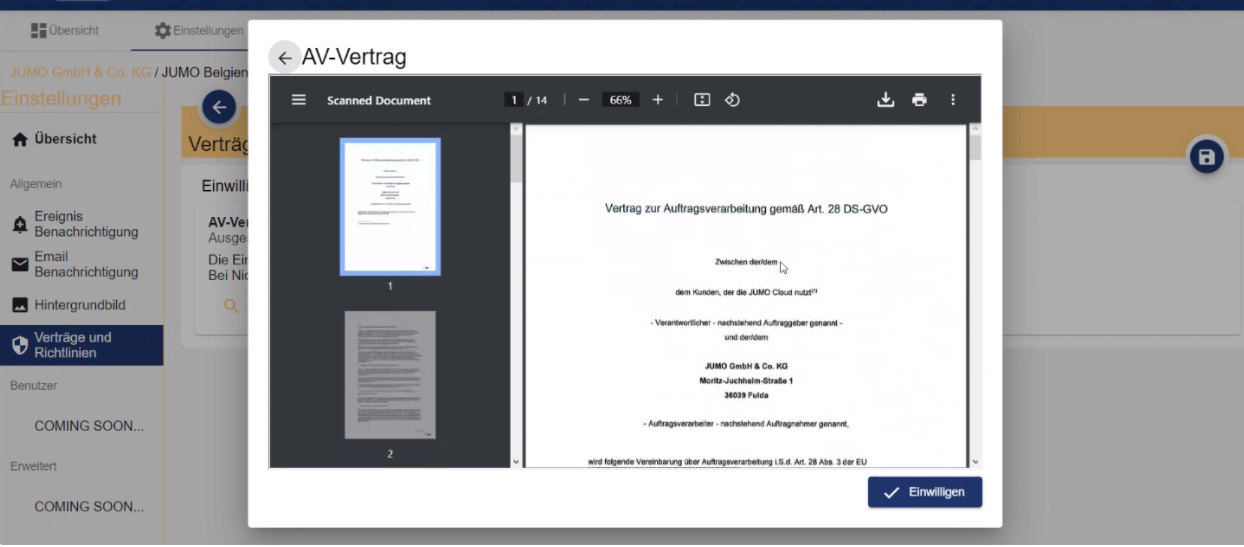
The person can then "Agree".
This requires "Read" and "Manage" access rights in Administration.
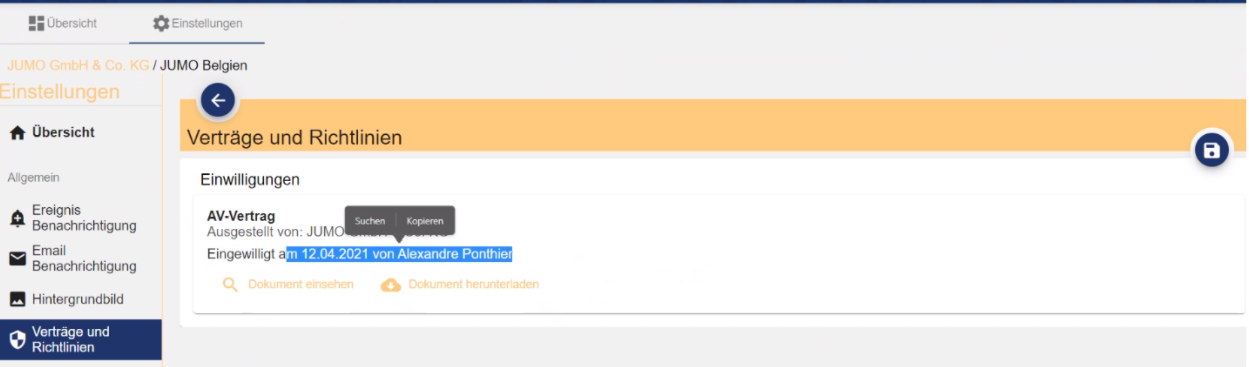
This contract status is now displayed for all parties:
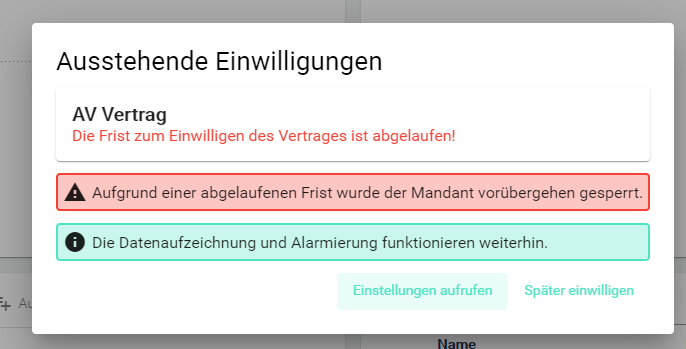
In case of non-acceptance and expiration of the set time, the following text is displayed. Every view except "Administration" is locked. If a customer clicks an element of the client, they land on the start page and receive this information.