Use
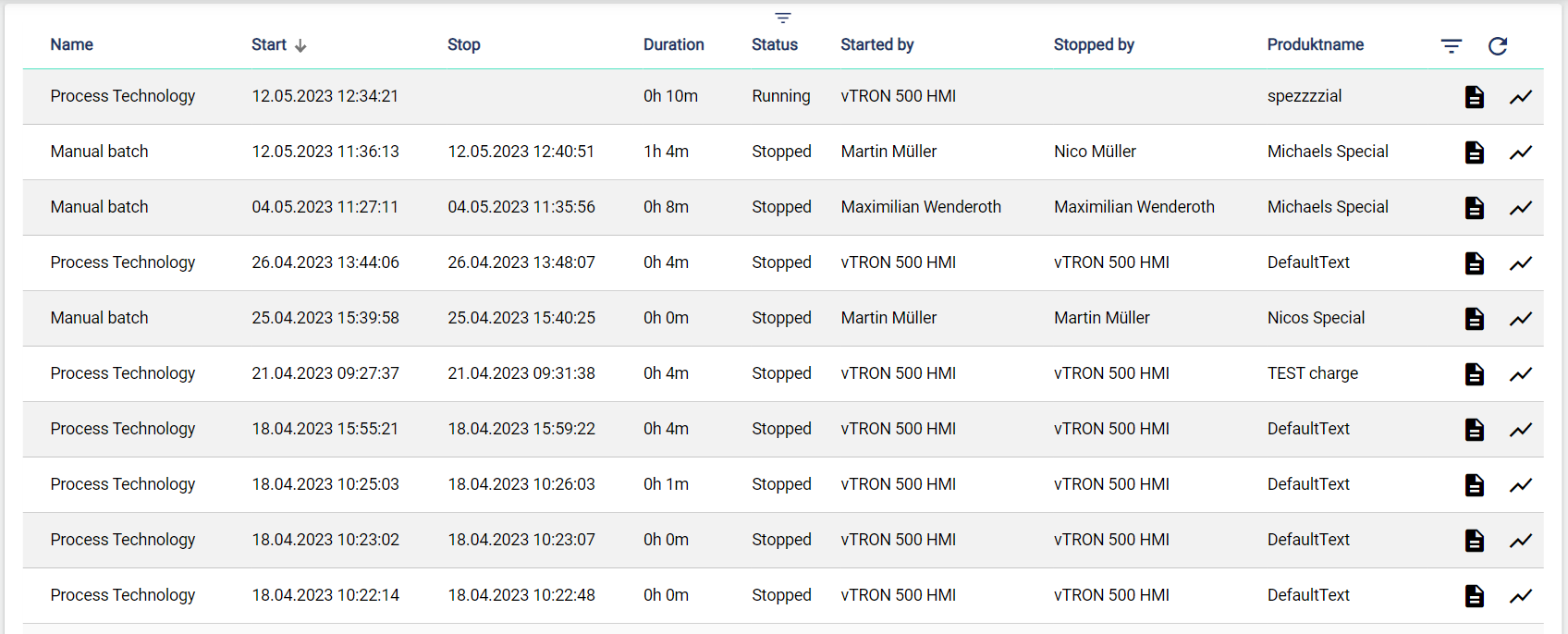
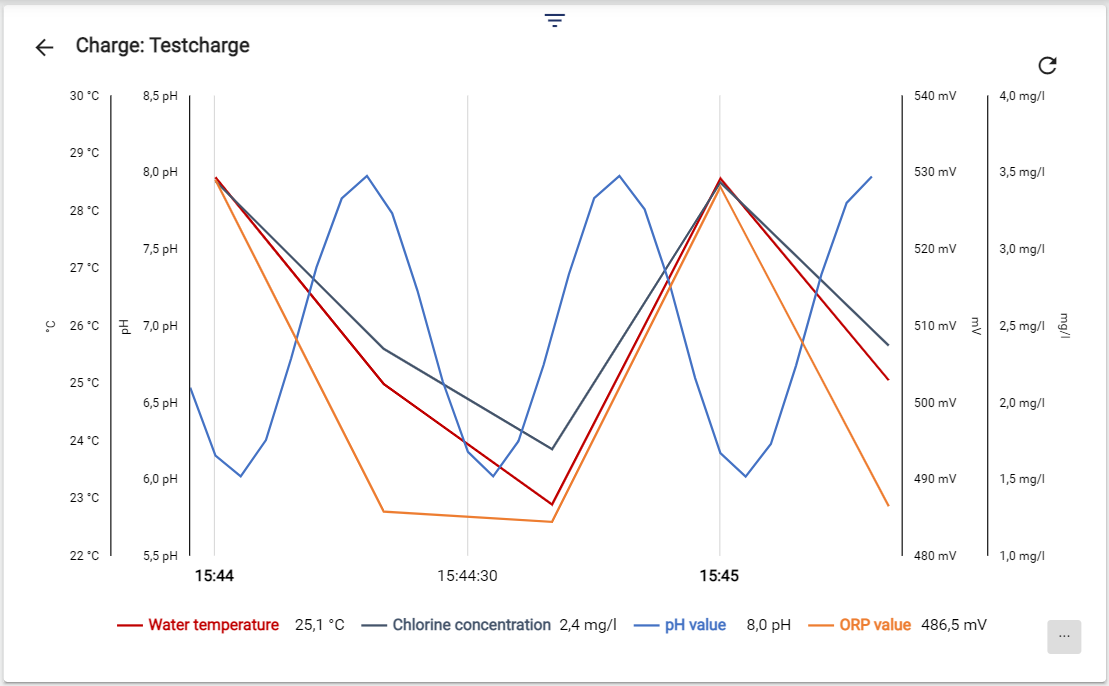
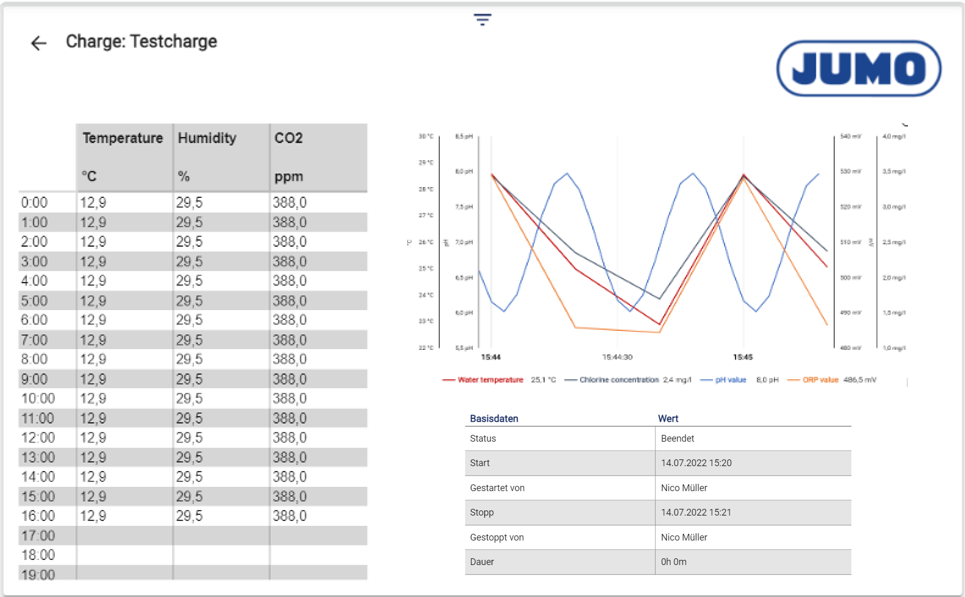
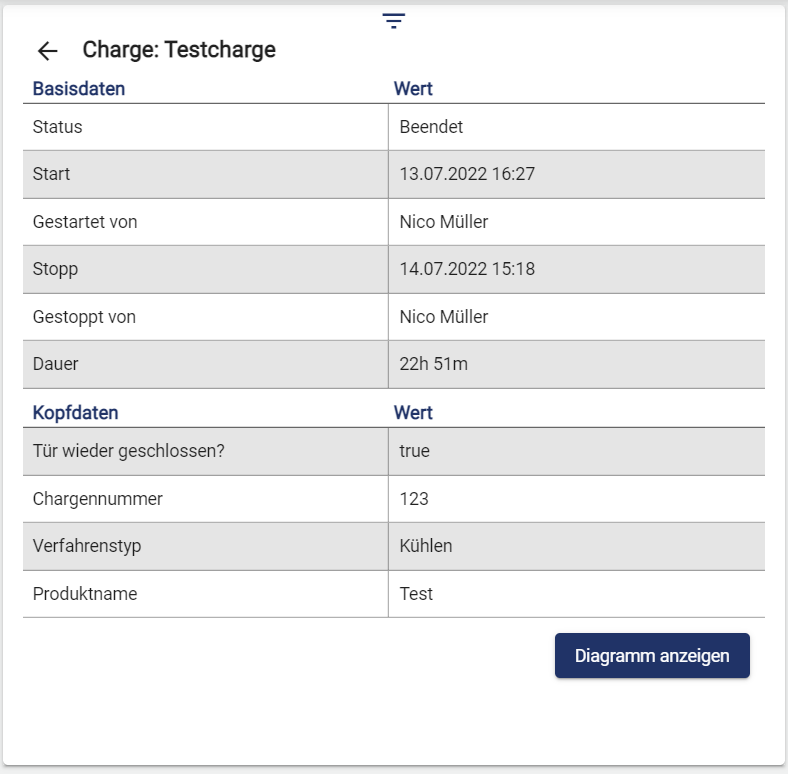
All completed and running batches can be displayed and filtered in the batch archive. Individual reports, signal curves and header data can also be viewed and evaluated for each batch.
To use the widget, a batch definition must have been created beforehand.
In order to use the widget, the “Advanced Reports” license module must be present.
|
Batch History |
Batch Report |
|---|---|
|
|
|
Base and header data |
|---|
|
Configuration
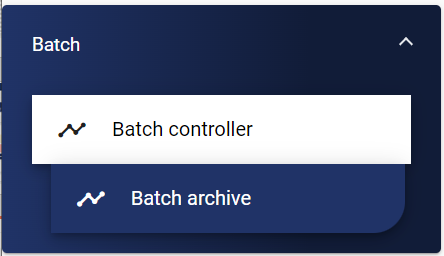
Select the Batch Archive widget from the Batch category.
Basic configuration
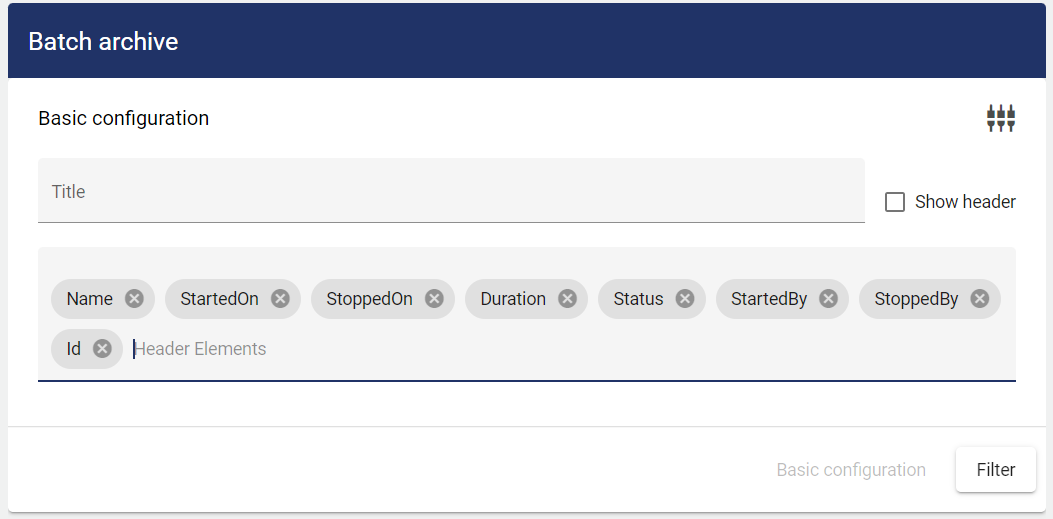
The header of the widget can be changed according to selected columns via the “Header elements” tab. All selected elements are then displayed.
Free text can also be entered as a “Header Elements”. If the same designation is entered here as in the “Metadata” from the batch definition, this information is then displayed as a column in the widget and can also be filtered.
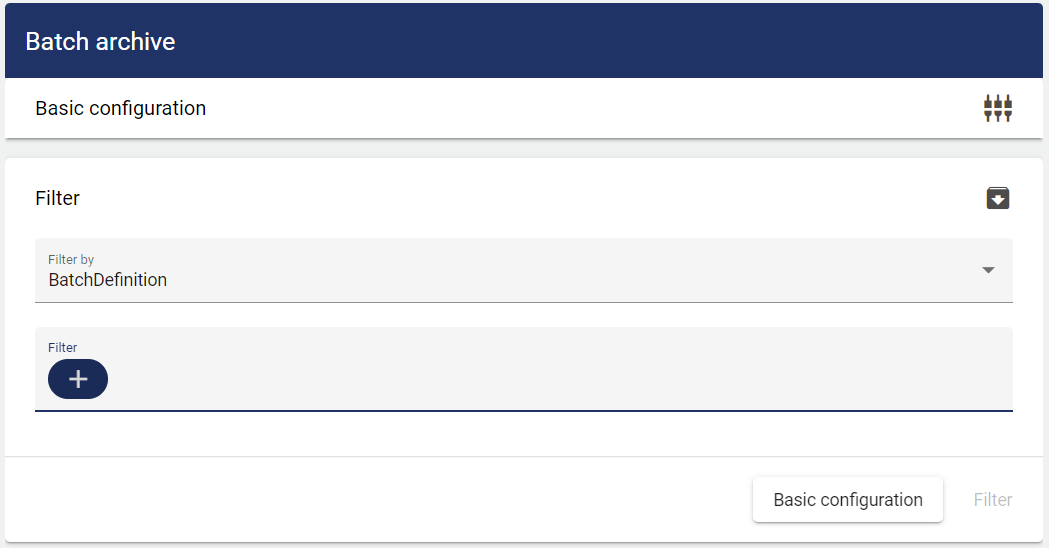
Filter
A batch previously created in the configuration under can be selected here according to "Batch definition" or "Group".