
Change time zone
The relevant time zone is selected using the drop-down menu.
Change layout
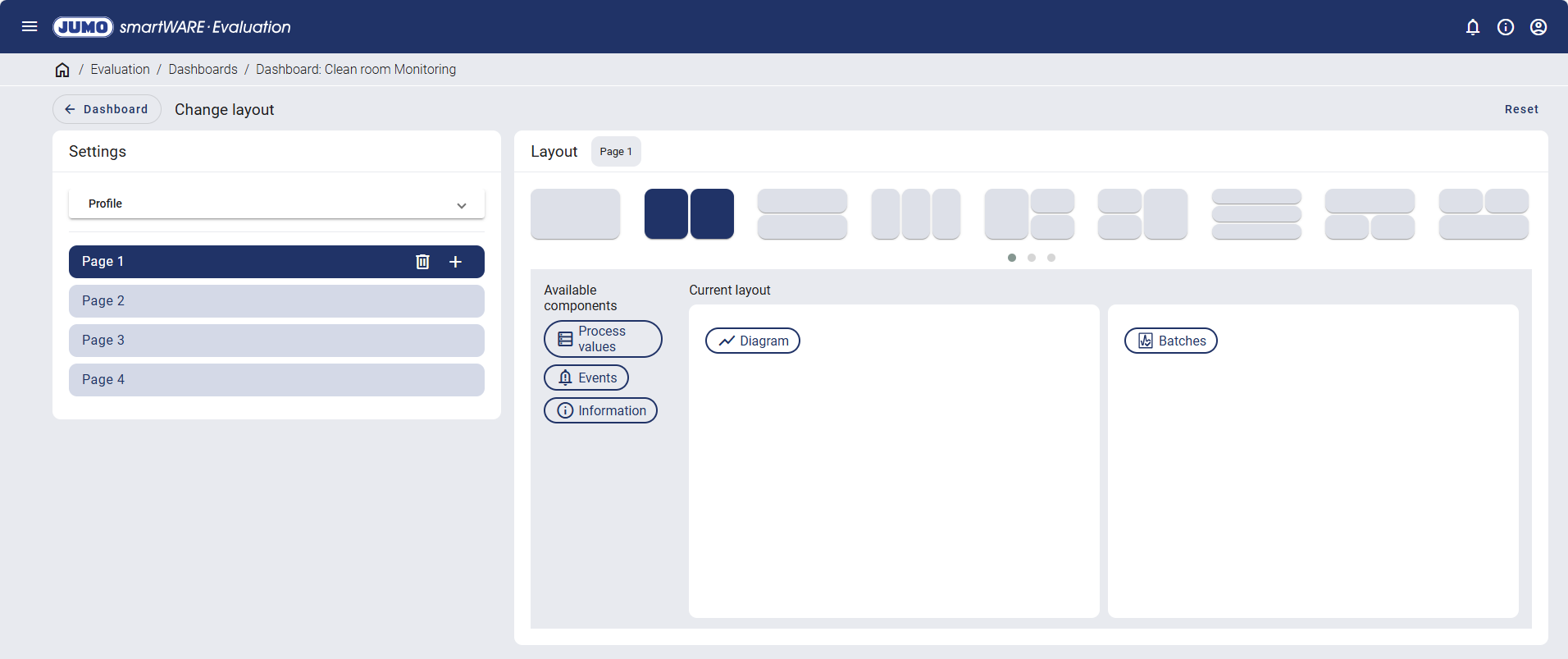
A new profile can be created or an existing profile loaded using the layout settings. Any number of pages can be added when creating a profile.
Profiles enable users to save the structural configuration of the pages of a dashboard and reuse them when creating a new dashboard.
The layout of each page can be configured individually. A choice can be made between various views and the available components can be dragged to the relevant area using drag and drop.
The following widgets are available:
Default settings
A user with the "Evaluation / Dashboards: Define default settings" permission can define key default setting for dashboards. These default settings then apply to all users.
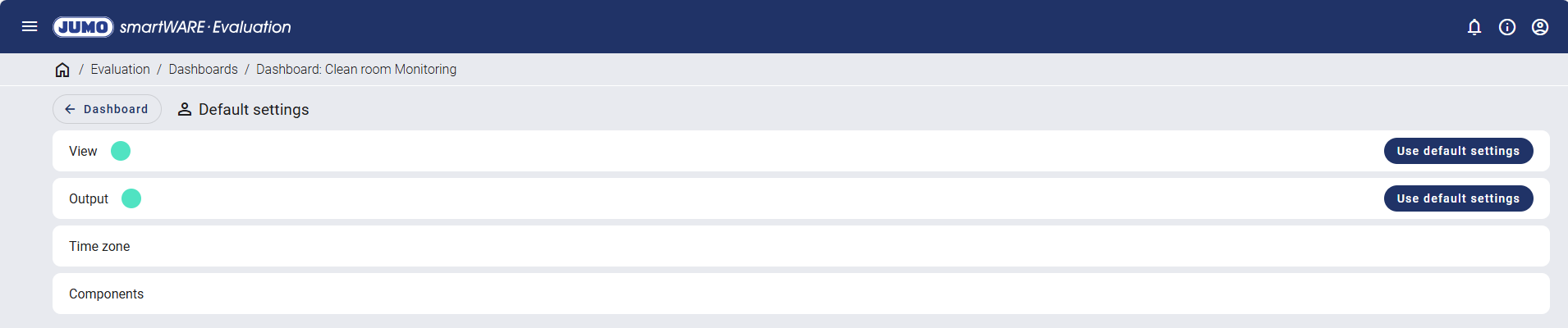
User-specific settings are marked with a colored circle. The "Use default settings" button can be used to restore the original settings.
Factory settings
Factory settings are the system default settings, which are used when creating a new dashboard. They are not defined by users.
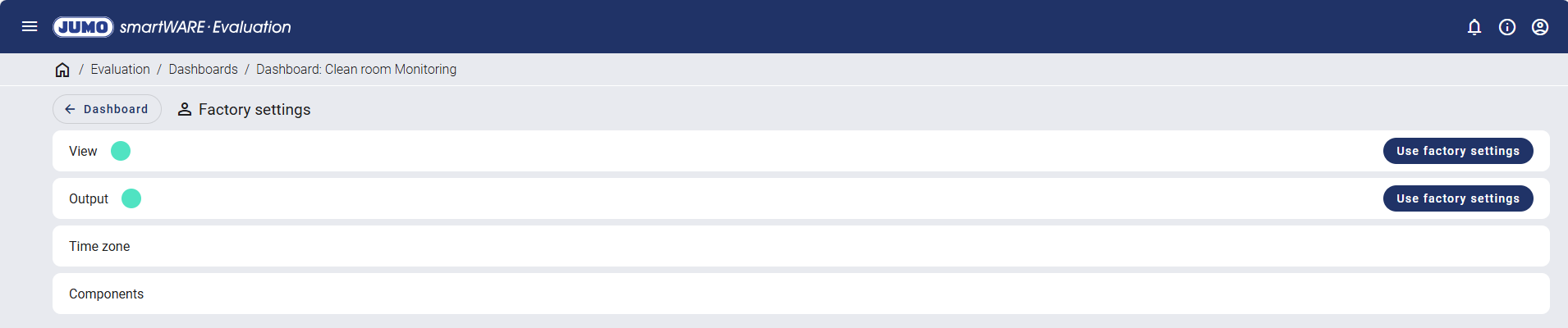
User-specific settings are marked with a colored circle. The "Use factory settings" button can be used to restore the original settings.