
Use
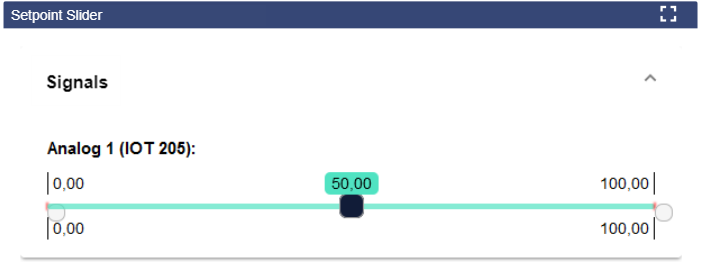
The Setpoint Slider is used to set an analog signal or an analog setpoint within a defined range.
Configuration
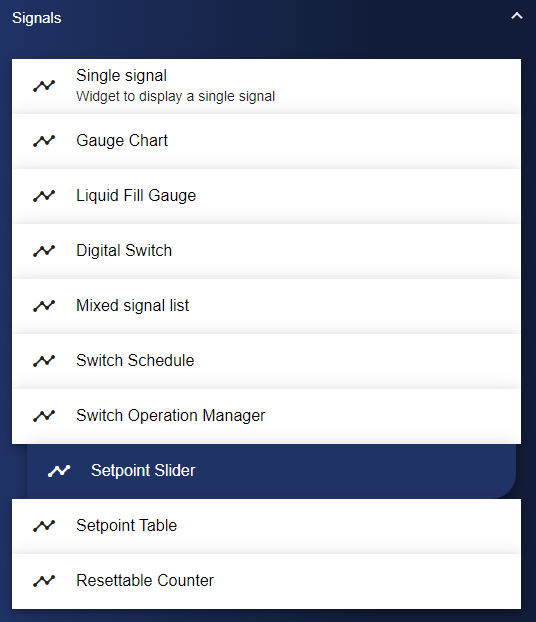
Select the Setpoint Slider widget from the Signals category.
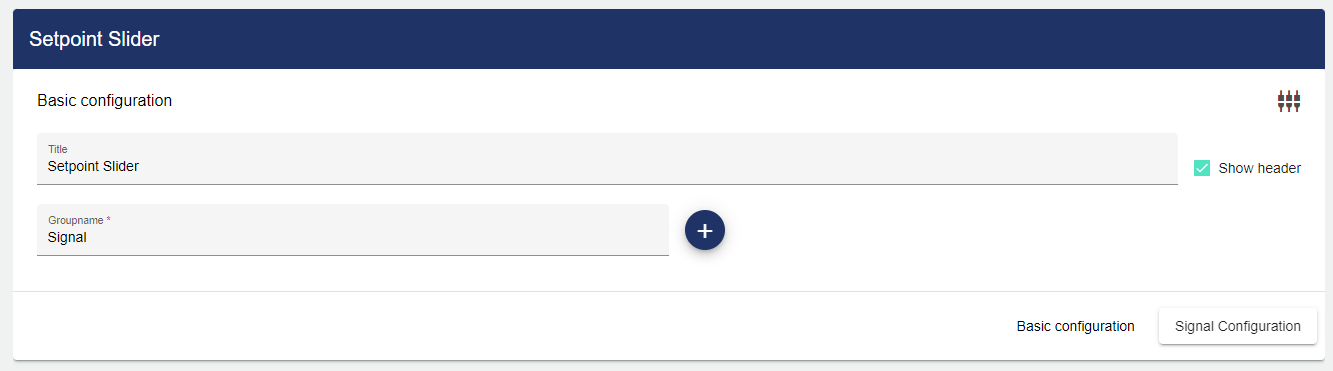
In the Basic Configuration of the Setpoint Slider, assign a suitable label (title). The header can be displayed by selecting the check box. You also need to add a Group name. Click the "+“ icon to create the respective configuration of the Group.
Under the Signals configuration, you now need to select a signal via the "+" icon.
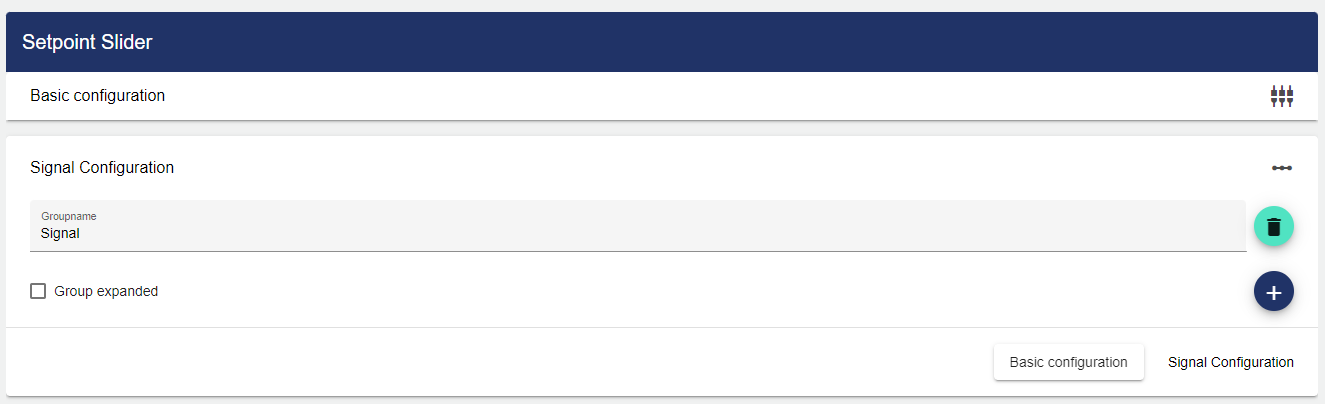
If you want to expand the display of the Group in the Dashboard, activate the corresponding checkbox here.
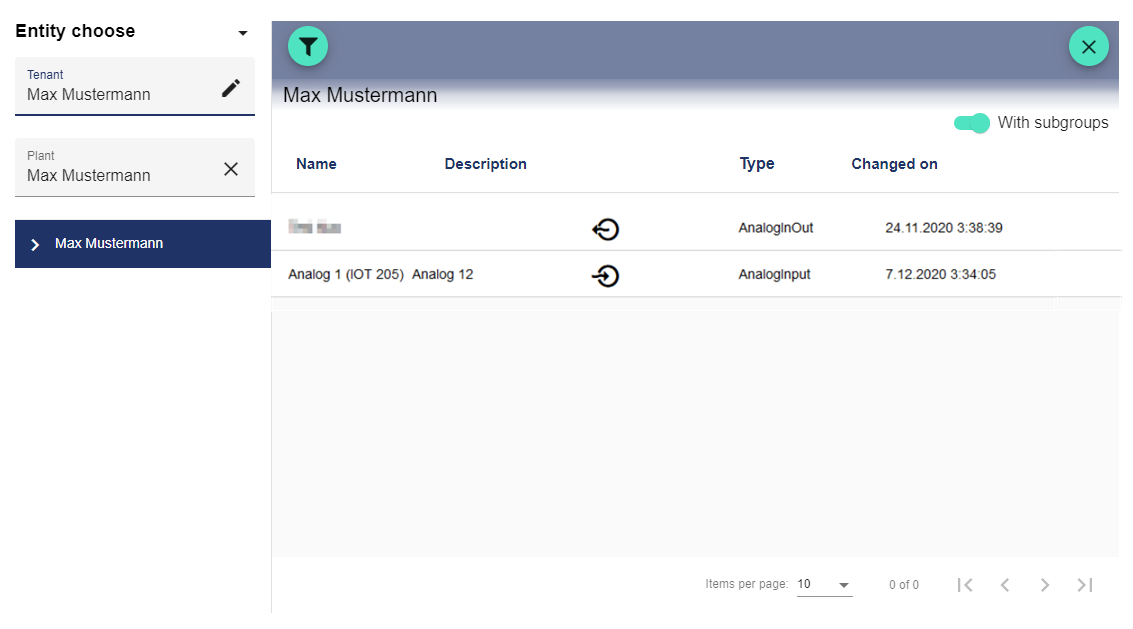
Clicking the Plus button opens the Entity-Select window. You can add a previously created signal here.
Once you are satisfied with your configuration, you can save it.