
Roles are used to assign Access Rights.
In this part of the application, you can edit your already created individual roles or create a new individual role. Roles can be assigned permissions that give users access to specific functions in a Client and in the Configuration.
-
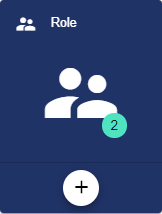
By selecting the "Role" button, you can edit a Role that was created earlier. A new Role is created via the Plus button.
-
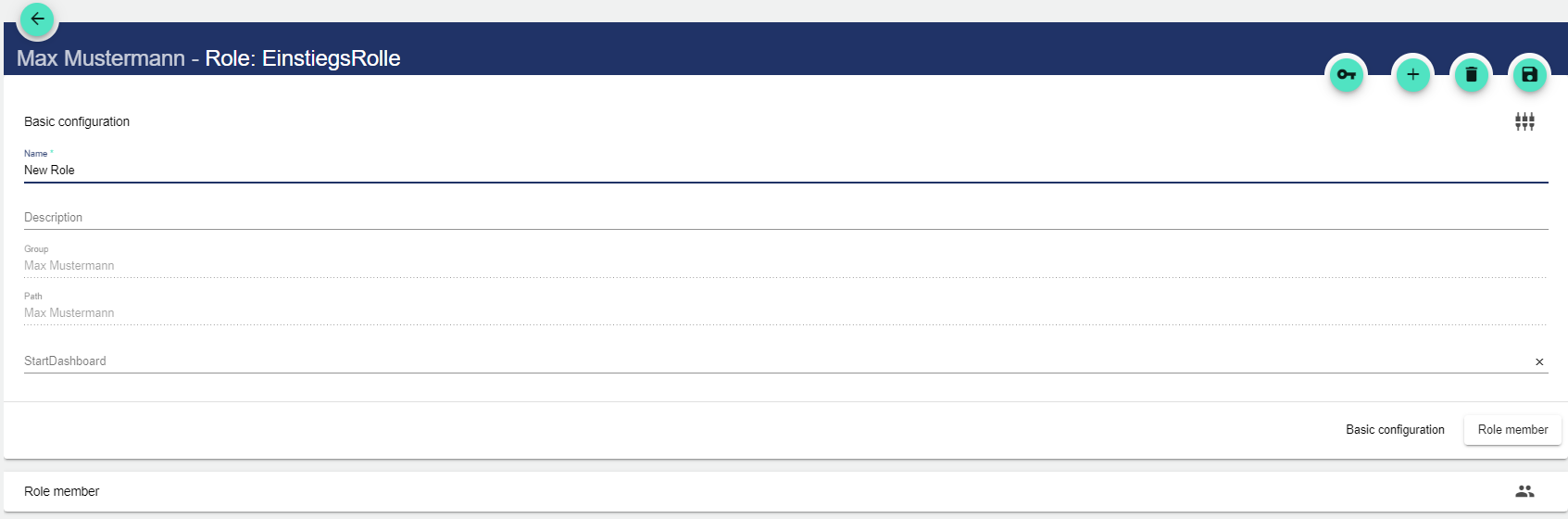
In the Basic Configuration of the Role, assign a suitable title. The Description field is optional. The "Group" field shows the Client in which this Role was created. The path is generated automatically by the system.
-
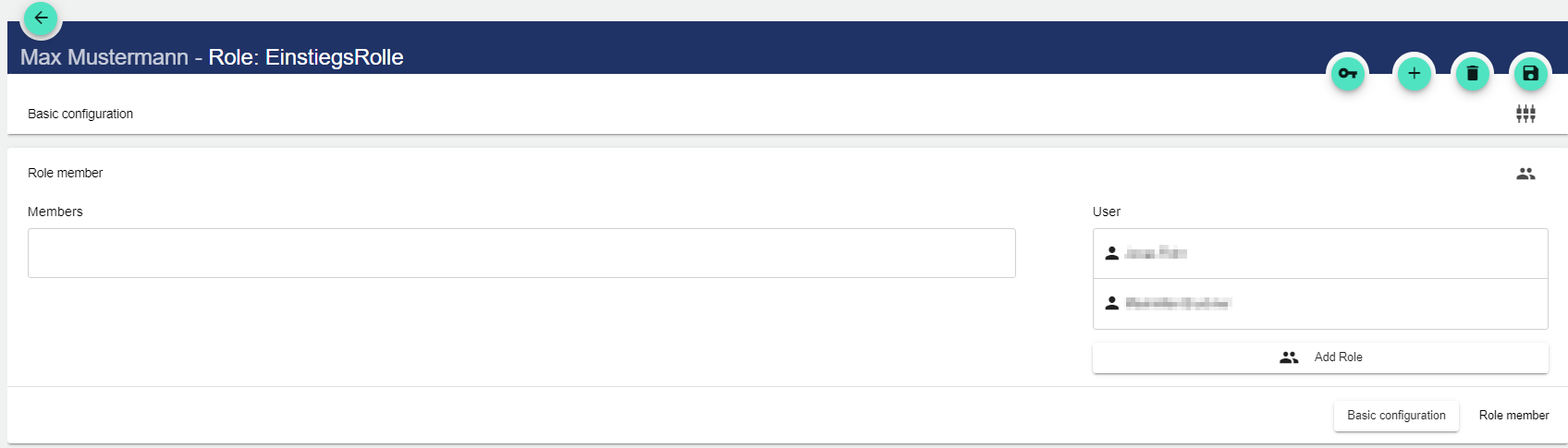
In the "Members" tab, you can assign the created users to the Role. You can drag and drop the users into the Members field. If you add a role via "Add Role", the permissions of the members of the added role are extended by the permissions of the selected role.
You can find the possible roles and rights under User Management | Add System Roles