
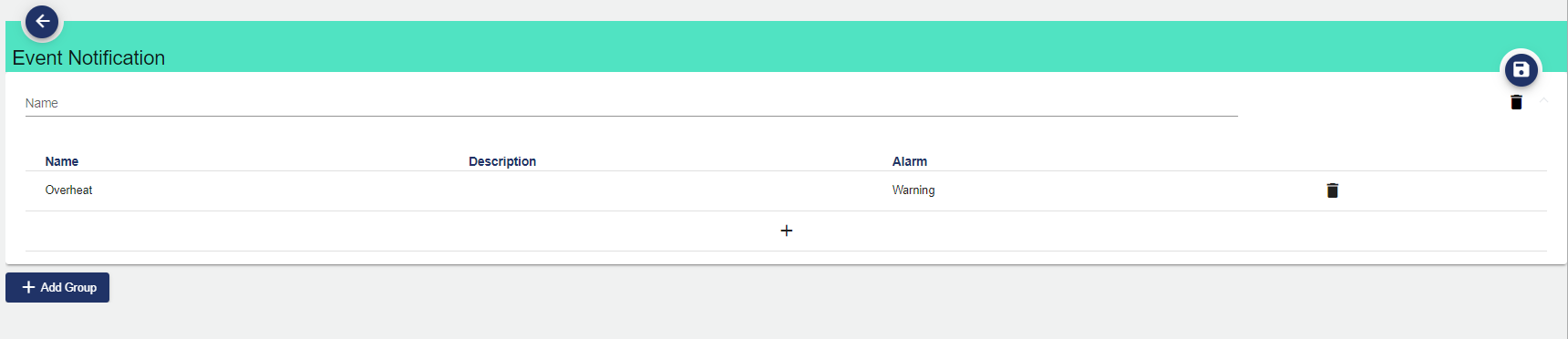
Event Category can be selected in the Event Notification area. Events are located within the Event Category. If an Event Category is selected, the JUMO smartWARE SCADA sends a notification for each Event in the category.
-
You can add Event categories to the Event group by clicking the "+" button.
-
Another window opens:
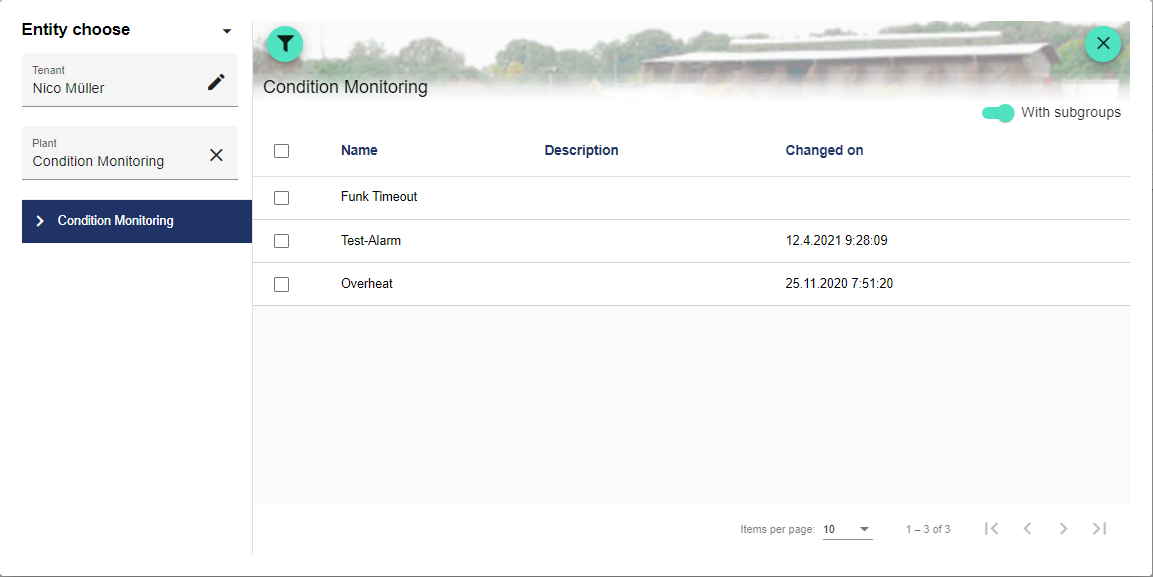
A previously created event category can be selected here via the filter on the left.
-
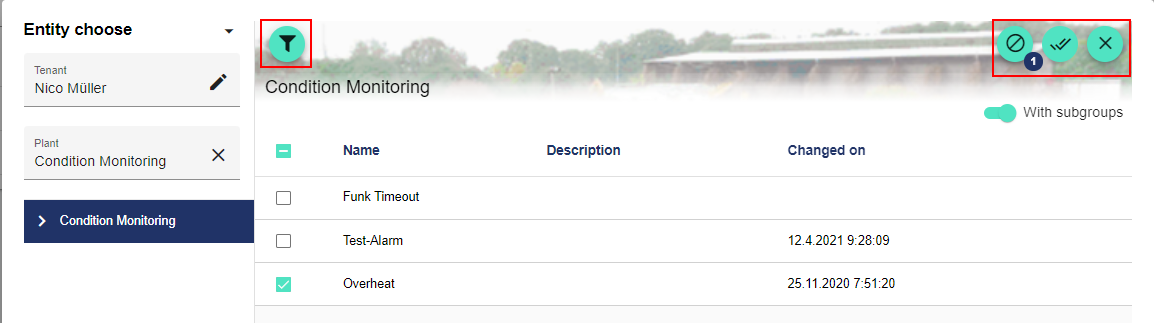
Use the filter icon to start the quick search. The icons on the right side can be used to clear, confirm or cancel the selection.
-
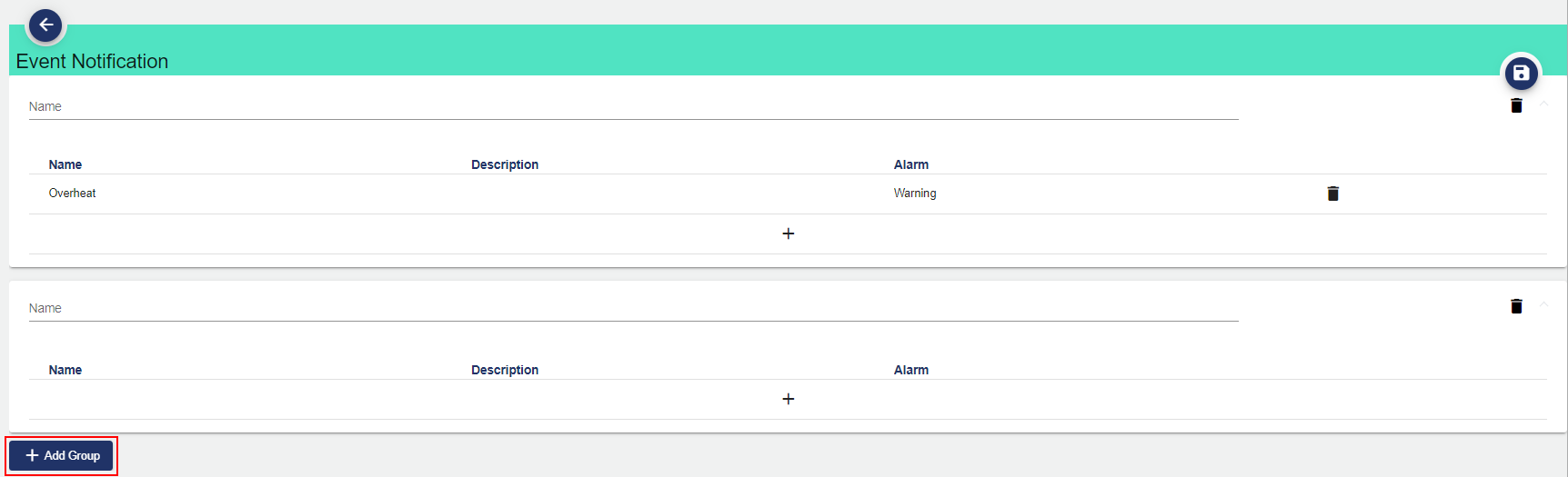
The "Add Group" button can be used to create additional Event Groups.
|
Attribute |
Explanation |
|
Name |
You can specify the name of the Event Group here |
|
Name |
Name of the event category |
|
Description |
Description of the Event Category |
|
Alarm |
Alarm type specified in the Event Category |