Create adapter / target / slave
The Ethernet interface must be added to the variTRON that is to be used as an adapter via the context menu of the CPU and the Add Device... menu item.
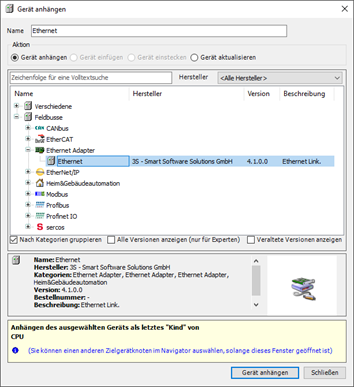
The Ethernet/IP adapter is then added via the Add Device... menu item in the context menu of the Ethernet device.
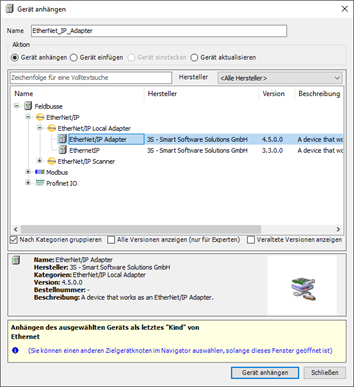
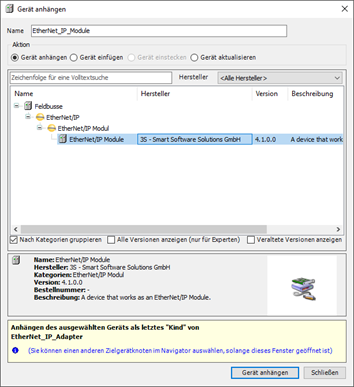
The Ethernet/IP module is then added via the Add Device... menu item in the context menu of the Ethernet/IP adapter.
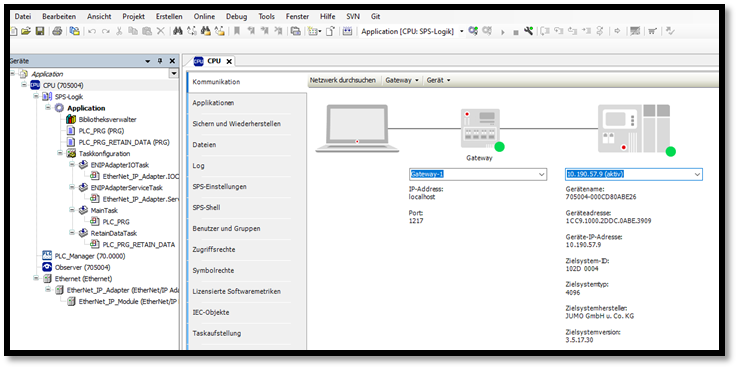
Connect the CODEYS Development System to the CPU by entering the address of the target device in the Communication area.
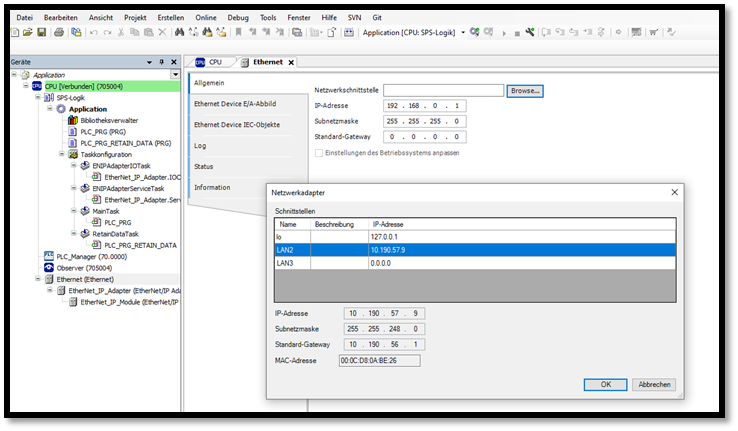
In Ethernet the network interface can be selected via which communication should take place by EthnerNet/IP.
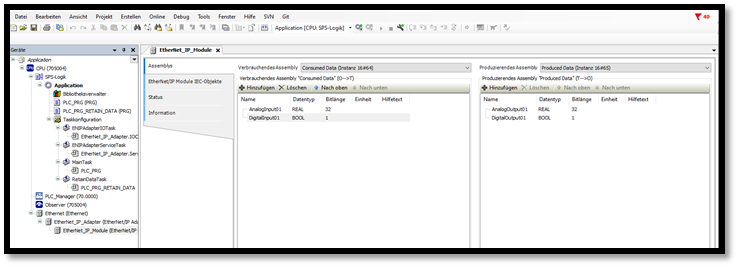
Channels for read/write can be defined via EtherNet_IP_Module. Produced Data are channels created by the adapter, Consumed Data are channels that come from the scanner.
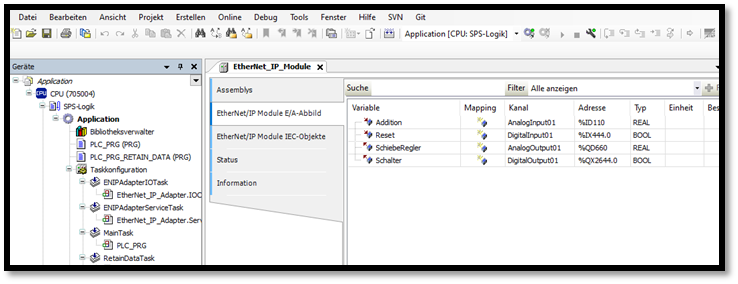
Variables can now be defined for the above created channels in the EtherNet/IP Module I/O image register.
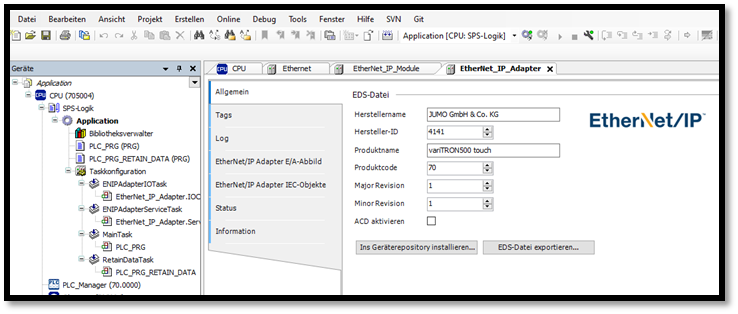
Right at the end, device-specific data can be entered for the EtherNet_IP_adapter in the General tab. A device description is created and installed using the button Ins device repository install…
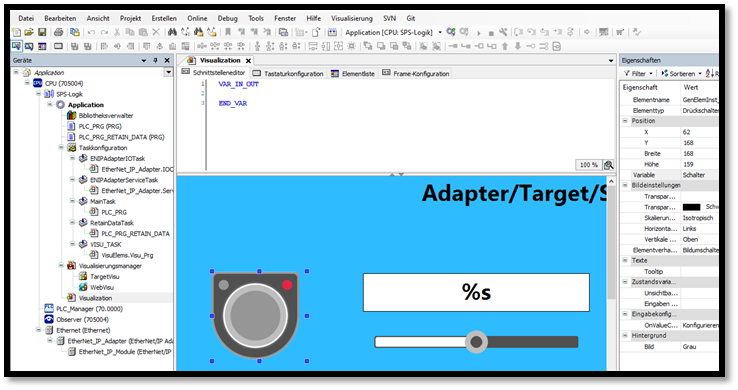
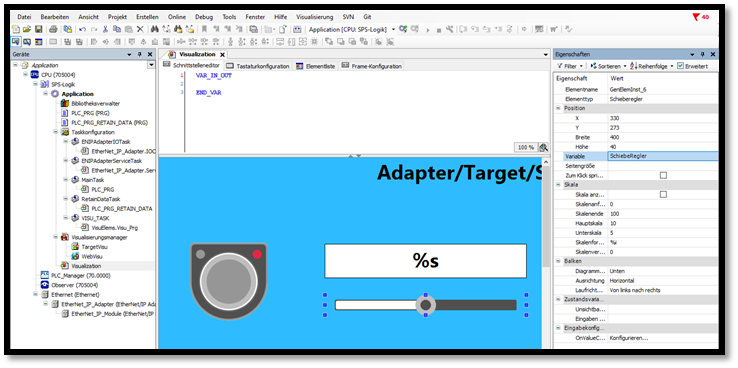
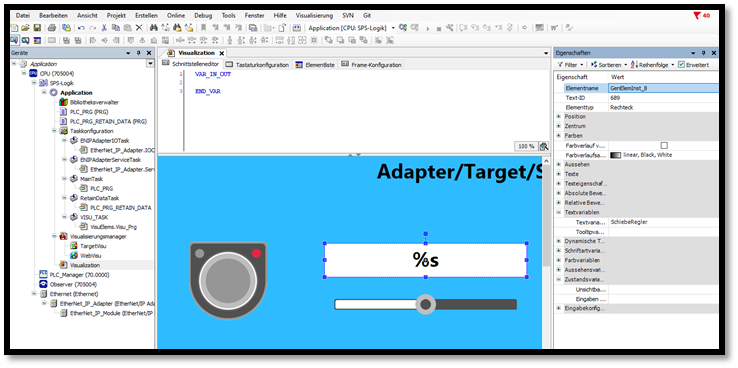
In the visualisation, the variables from the output channels (Produced Data) can be assigned to the visu elements. This means that the variables can he changed for the runtime. The changes can be viewed in the scanner.