The Recorder View (recorder function) is integrated from firmware version 9 and higher. The CODESYS UI and device UI can be toggled between.
Switch to device UI
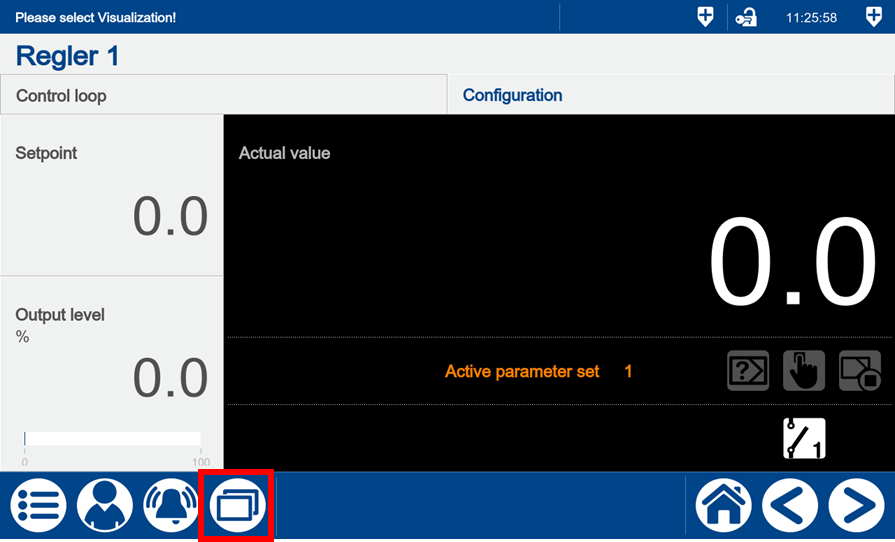
The user can toggle to the device UI using the "visualization menu" on the variTRON 500 touch display.
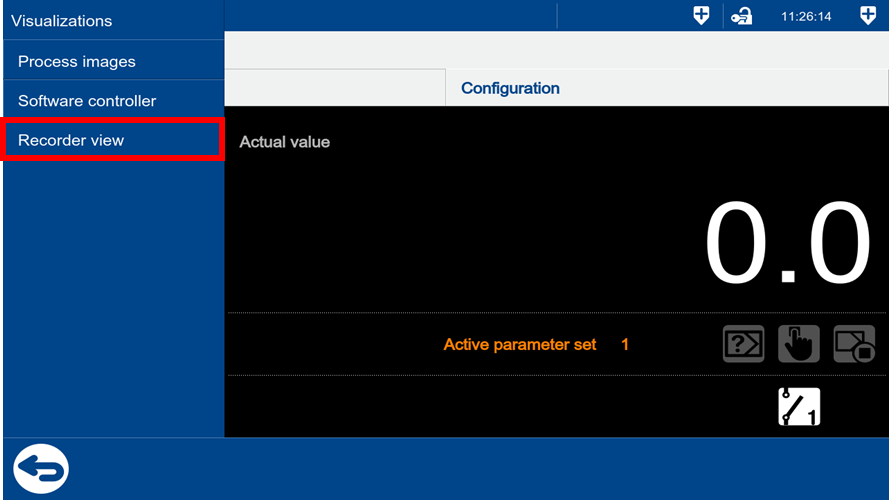
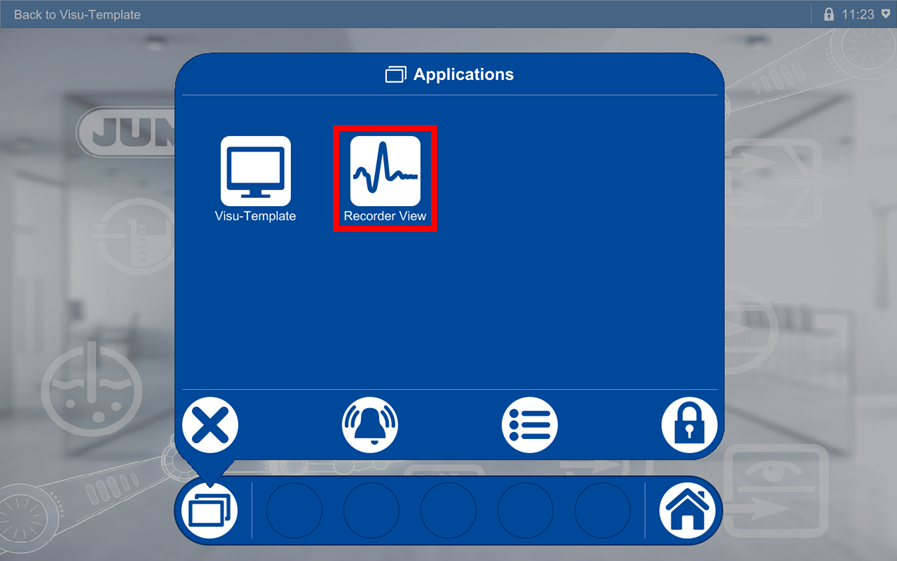
Select the "Recorder view" menu item. This menu item is only visible on the device display, not in the web view.
Once "Recorder view" has been selected, the system switches from the CODESYS UI to the device UI. The menu bar now has a different layout and can be shown/hidden.
Open visualization in the menu bar. The menu items are displayed as icons. Call up the Recorder View by clicking on the relevant icon.
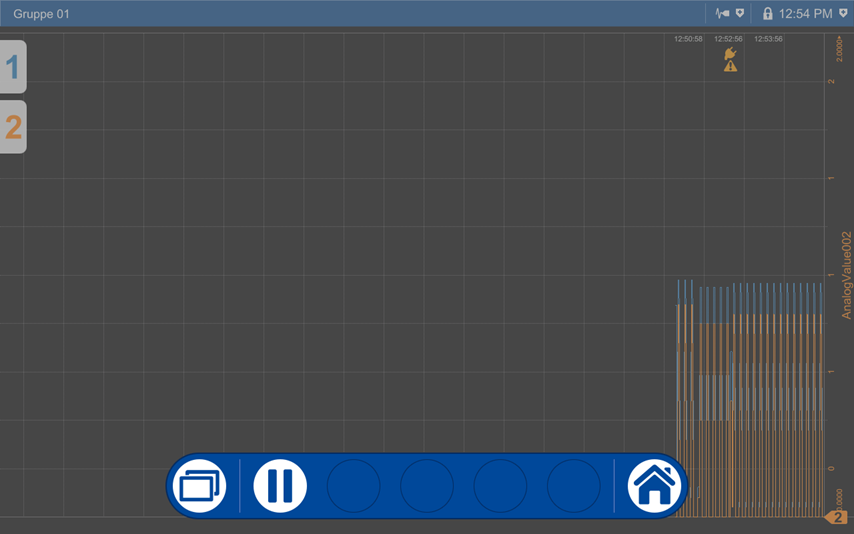
Example of a Recorder View with two analog signals:
Back to CODESYS UI
Open the visualization in the device UI using the menu bar. Select the "Visu-Template" button.
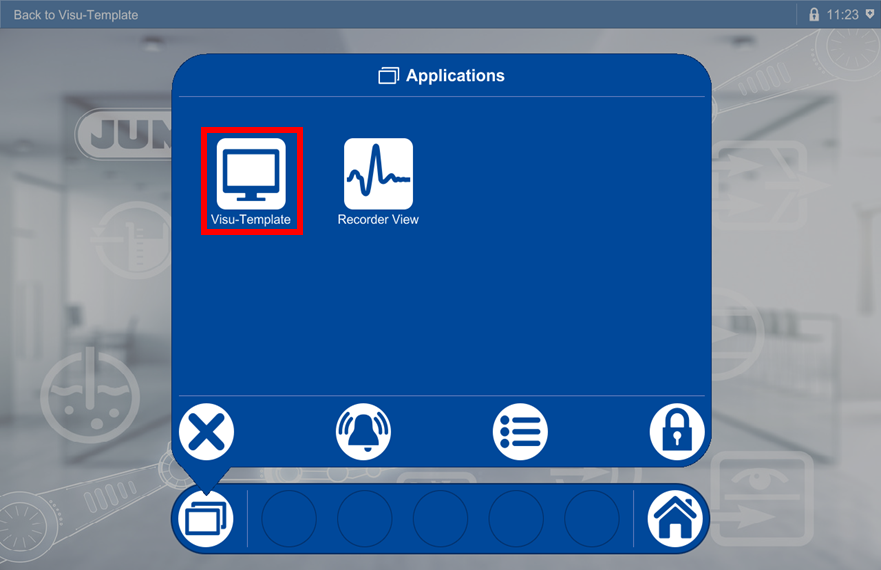
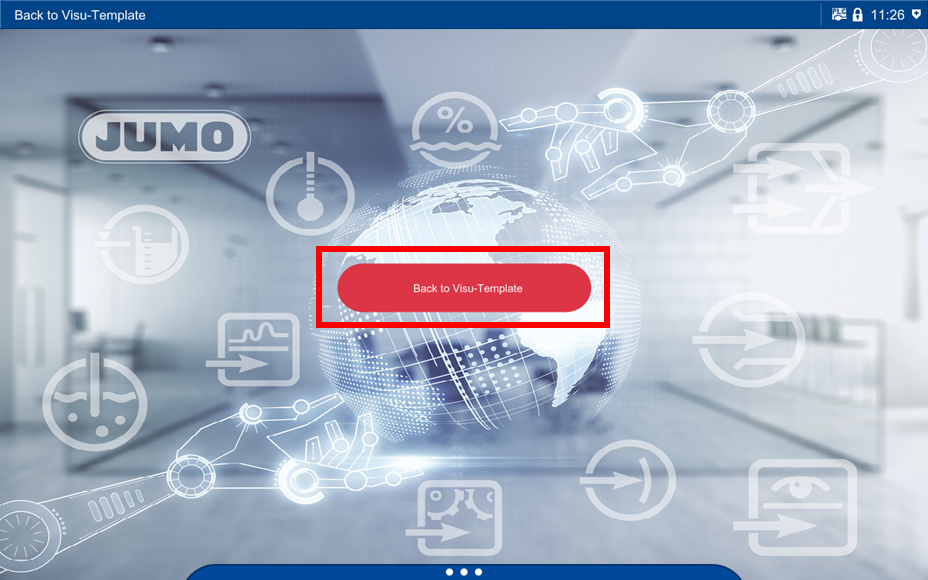
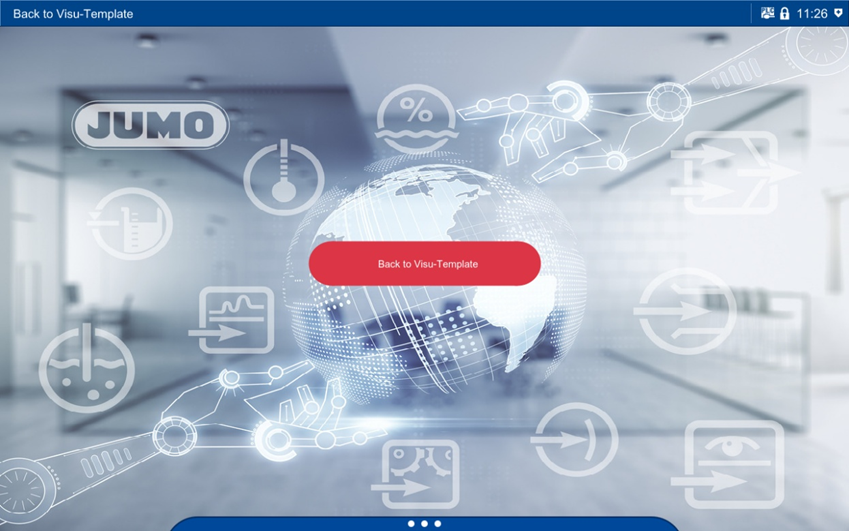
Press the "Back to Visu-Template" button in the screen shown to return to the CODESYS UI.