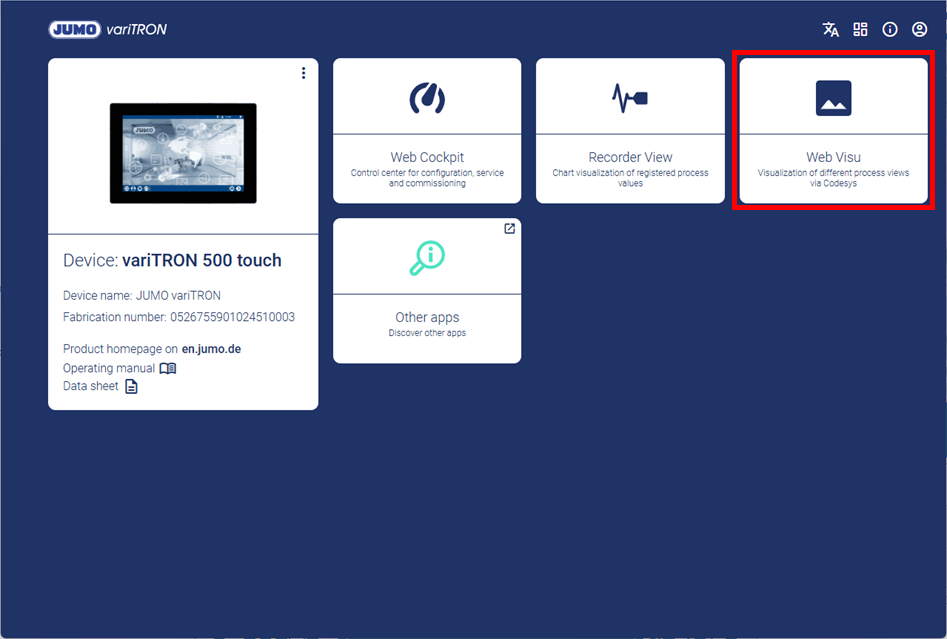
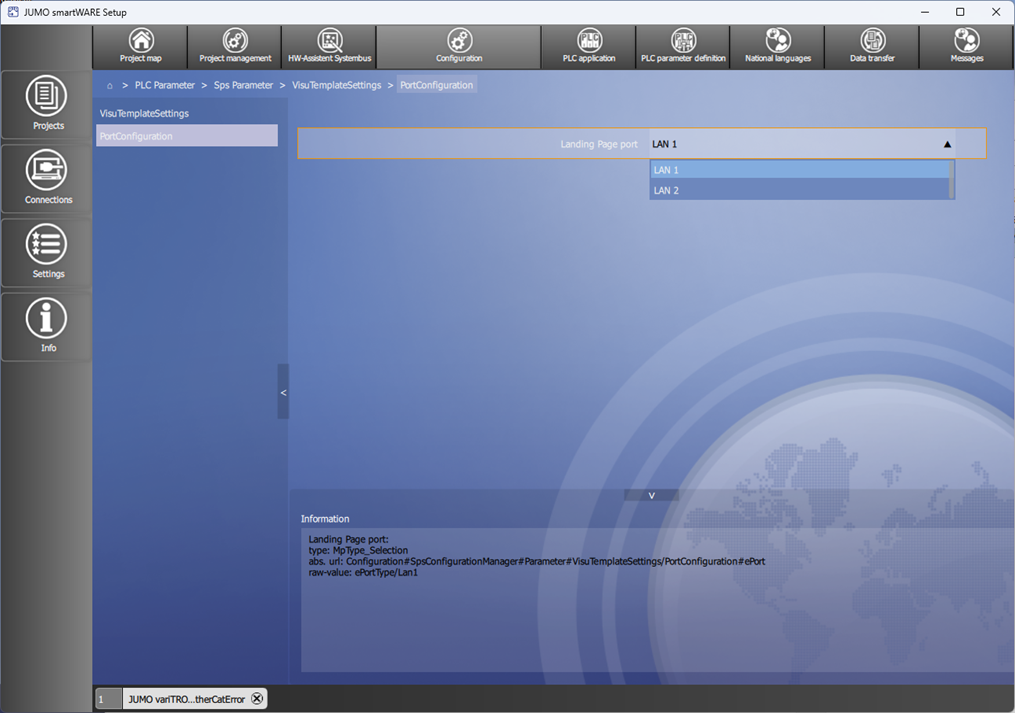
The LAN port connected to the company network must be selected in JUMO smartWARE Setup under PLC Parameter > Sps Parameter > VisuTemplateSettings > PortConfiguration for this purpose.
Standard configuration:
-
variTRON 300: LAN1
-
variTRON 500: LAN1
-
variTRON 500 touch: LAN2
Switch to Landing Page
After configuration, a new menu item Landing Page appears in Visu template in the visualization menu.

The user can switch to the Landing Page by pressing the relevant button.

Return to visualization
The user switches from the Landing Page back to the visualization by selecting the Web Visu tile.