
Usage
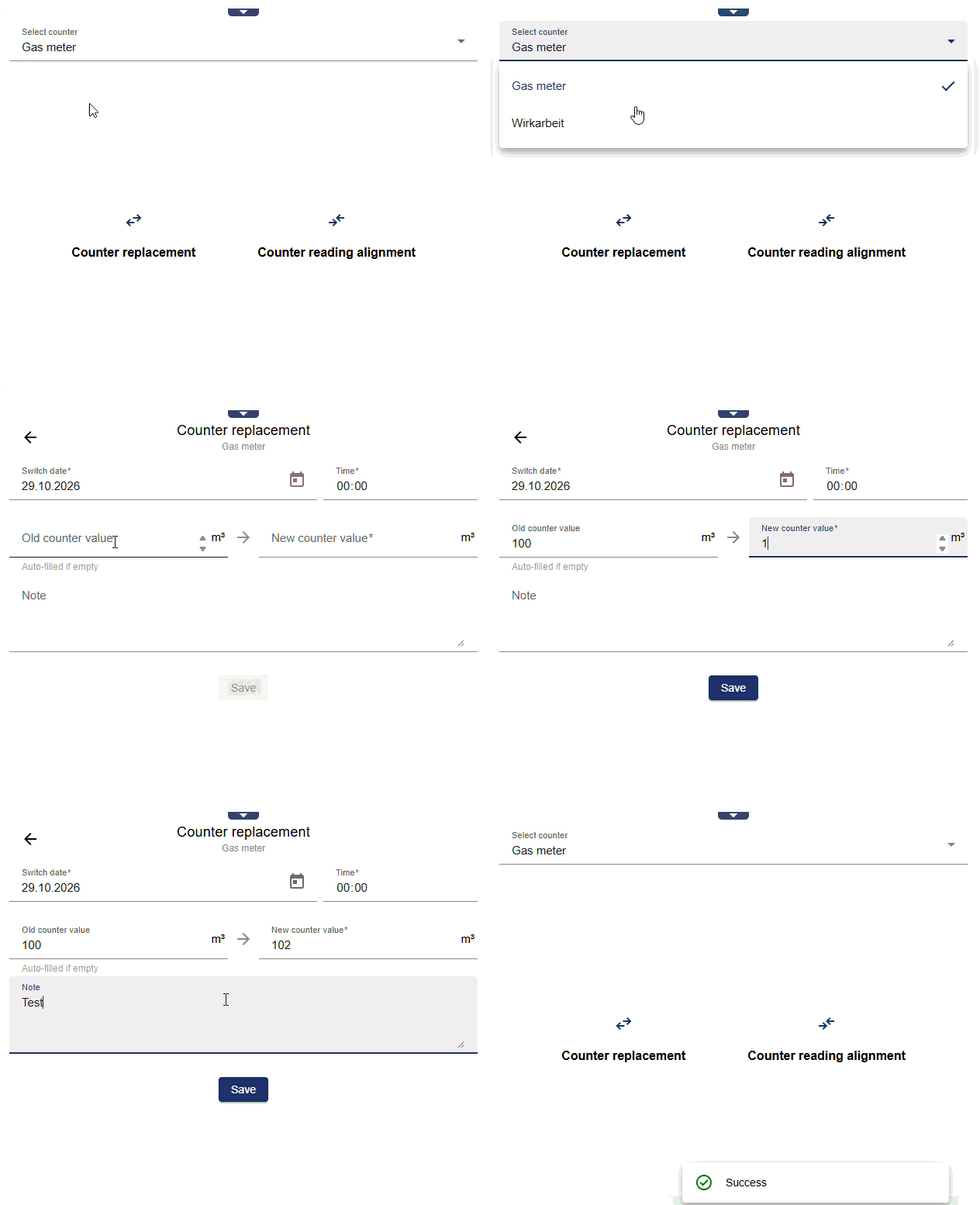
The Widget: Meter Management is used directly to perform Meter Replacements and Meter Reading Alignments. First, select the desired meter and then decide whether you want to record a replacement or an alignment.
For Meter Replacements, enter the current meter reading of the previous meter and transfer it to the new meter. For Meter Reading Alignments, correct discrepancies between the actual meter reading and the value stored in the system, for example if differences have occurred due to technical influences during pulse counting.
Configuration
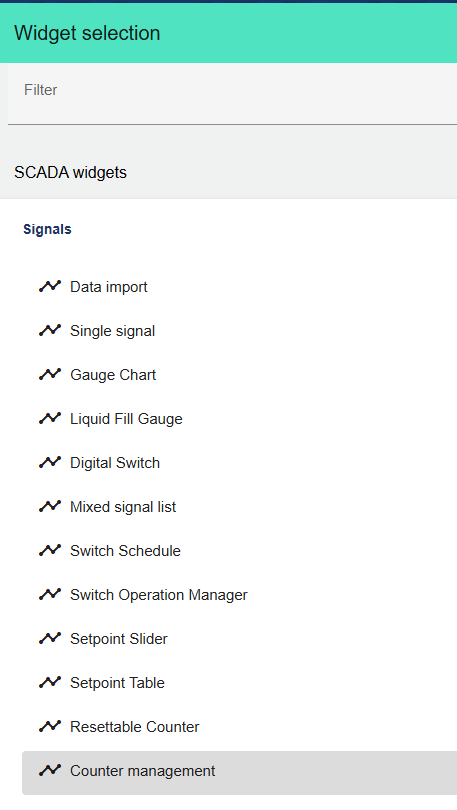
Select the widget from the Signals category.
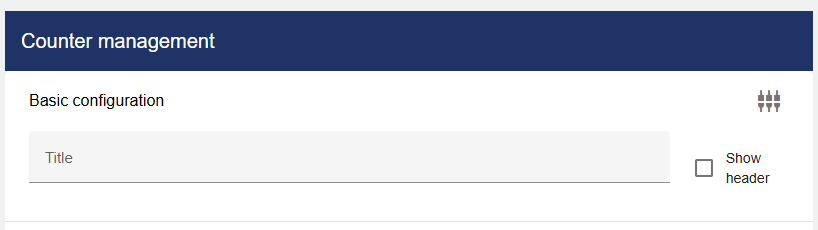
In the basic configuration of the widget, assign a suitable title. By selecting the check mark, the header can be displayed.
Then go to the “Counter selection” tab and click “Add signal”.
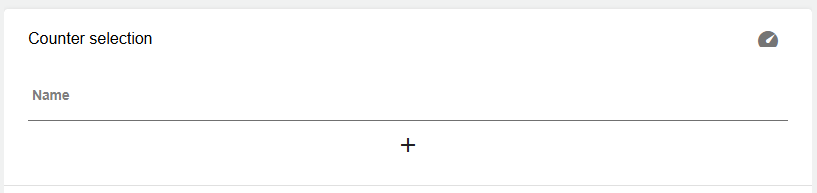
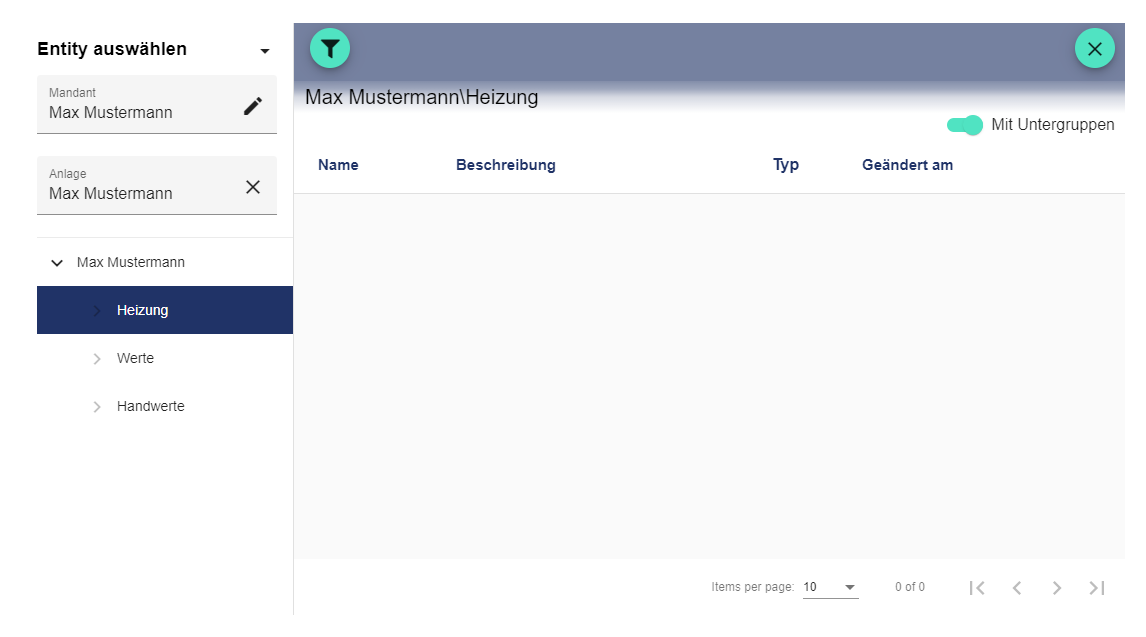
The Entity Select window is opened via “Add signal”. A previously created signal can be added.
When you are satisfied with your configuration, you can save it.