
The Dashboard is the central element for controlling and visualizing process information in the form of Widgets.
Setting up a Dashboard is the basis for the further use of the JUMO smartWARE SCADA. The creation of a Dashboard and the associated panel(s) is described in more detail in the following chapter: Dashboard Setup.
-
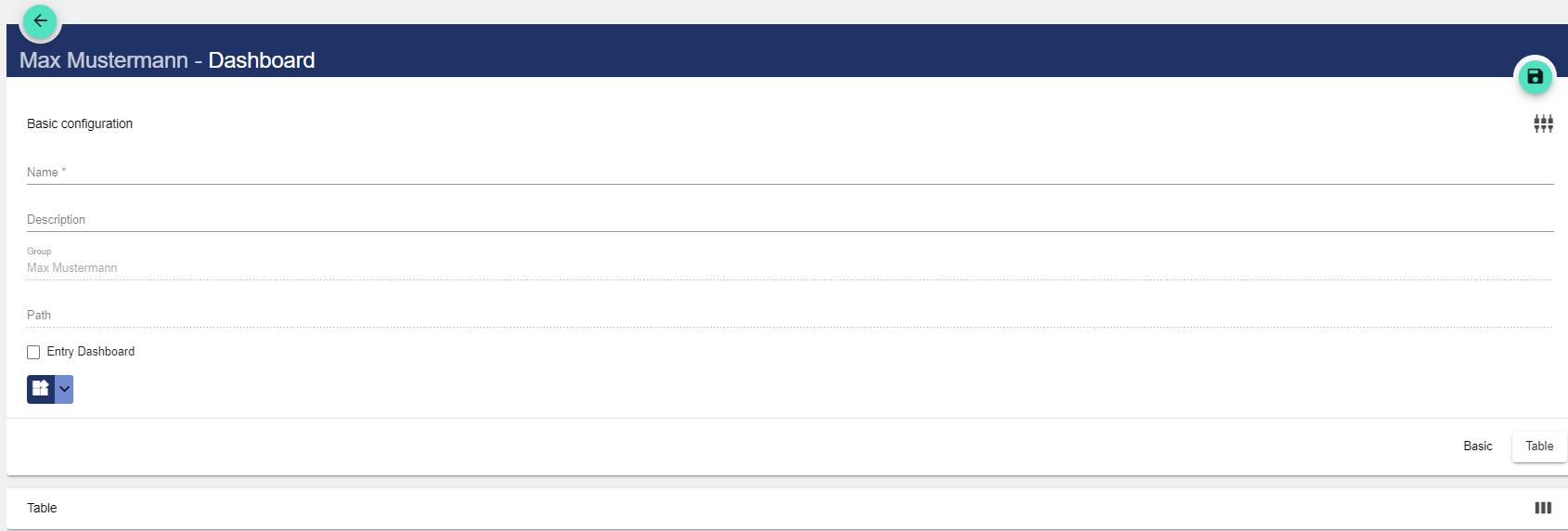
Use the Plus button to create a new Dashboard.
-
Assign a name to the Dashboard in the Basic Configuration. The Description field is optional. The Dashboard can also be created as an "entry-level" dashboard. This means that you always access the other information via this Dashboard.
-
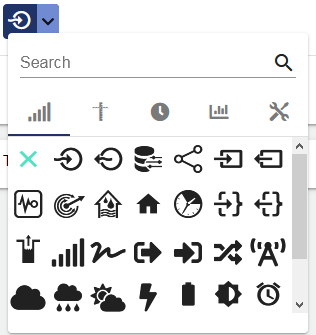
Optionally, you can select the desired icon from the menu.
-
Save the Dashboard by clicking the Disk icon.
-
The panel can be created either directly when creating the Dashboard or later by editing the existing Dashboard.
-
The condition for a new Dashboard is always a panel.
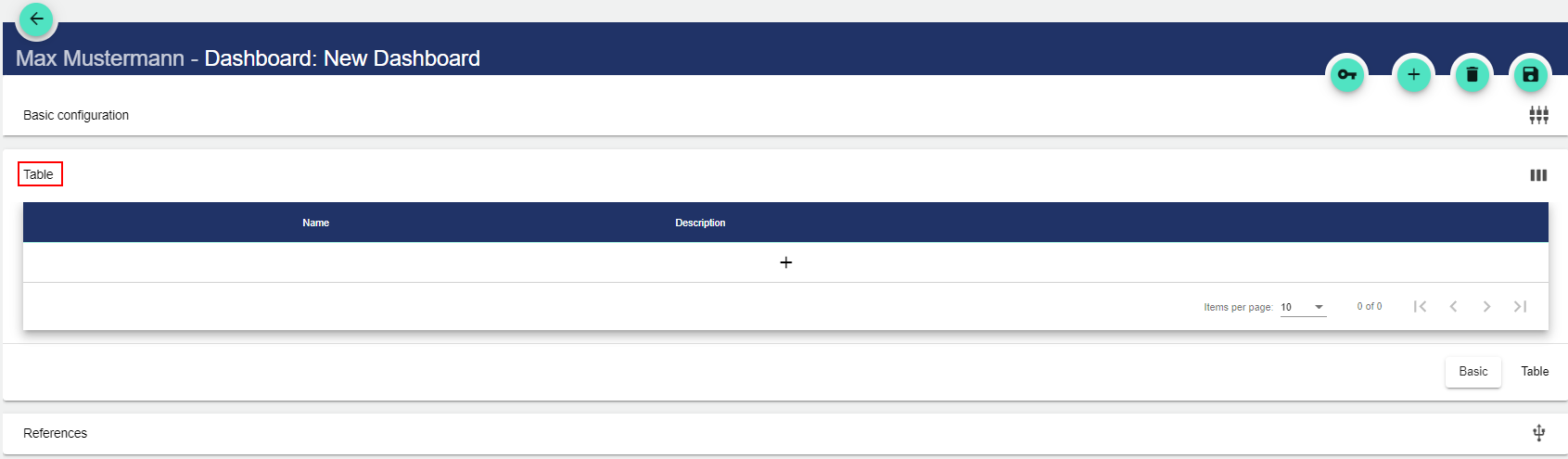
The name is used to identify a panel at a later time.