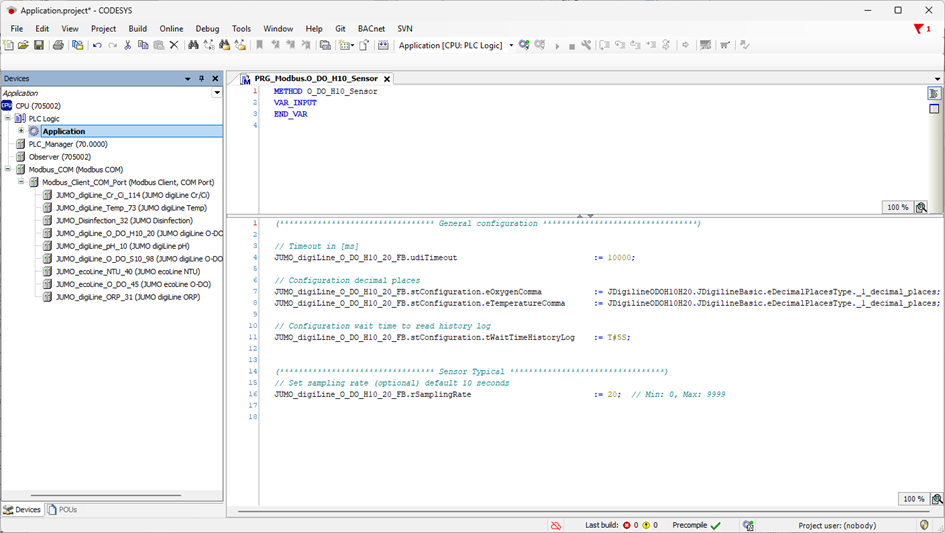
General configuration
|
Timeout |
If the default value (10000 ms) is too low or too high (depending on the number of devices at the interface), it can be modified. |
|
Decimal place |
The decimal place for the values shown in the Visu object can be changed here. |
|
WaitTimeHistoryLog |
If the default value (8 s) is too low or too high (depending on the number of devices at the interface), it can be modified. |
Device-specific configuration and parameterization
|
SamplingRate |
The default value (10 s) for the sampling rate can be changed as desired. Sampling rates from 0 to 9999 seconds are possible. |
Calibration
Press the button to start calibration.
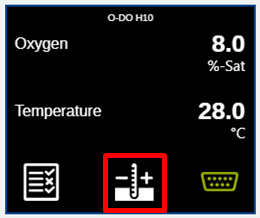
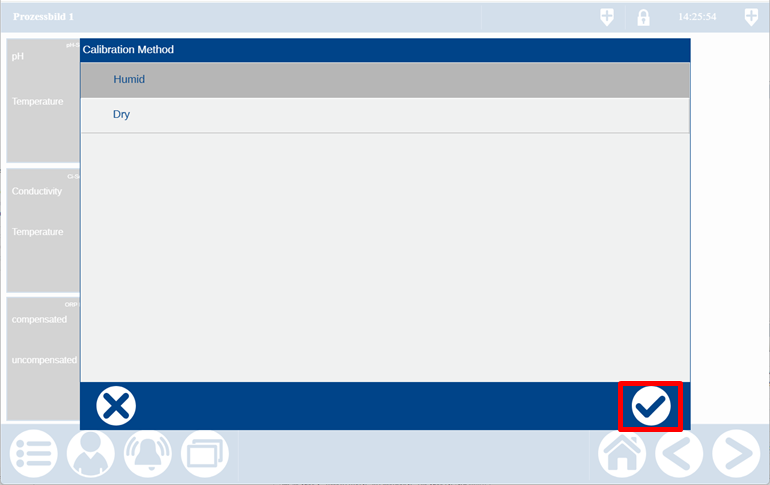
The calibration method must be selected first.
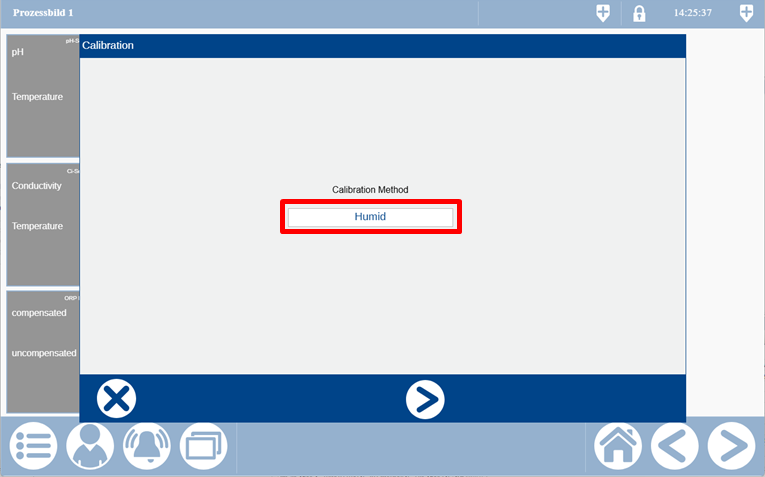
The humid and dry method can be selected here.
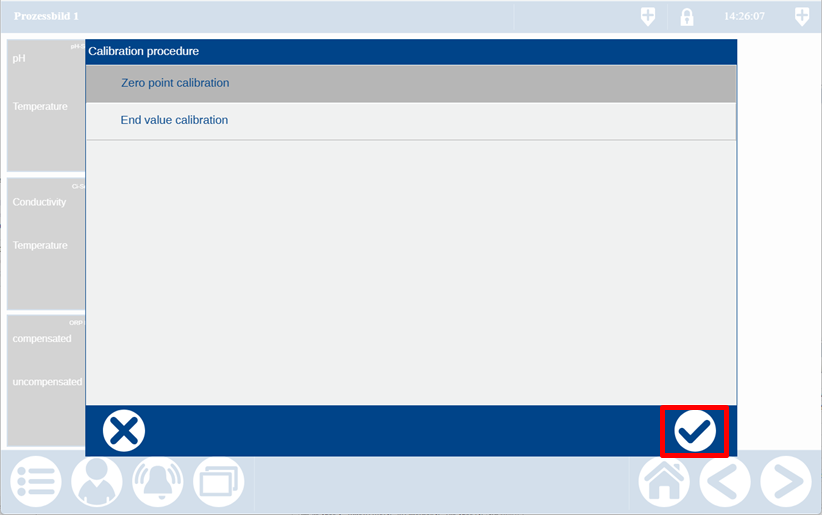
The calibration procedure must then be selected.
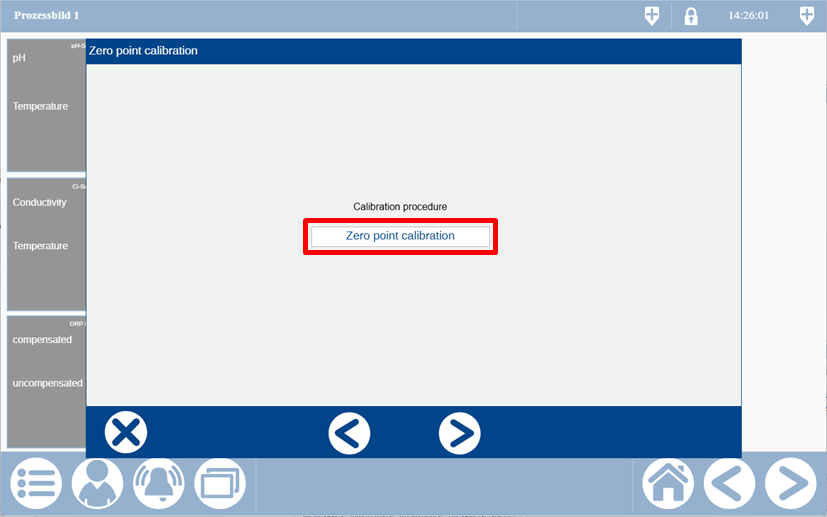
Zero point and end value calibration can be selected here.
You are now requested to immerse the sensor in the reference solution and to confirm with the forward arrow.
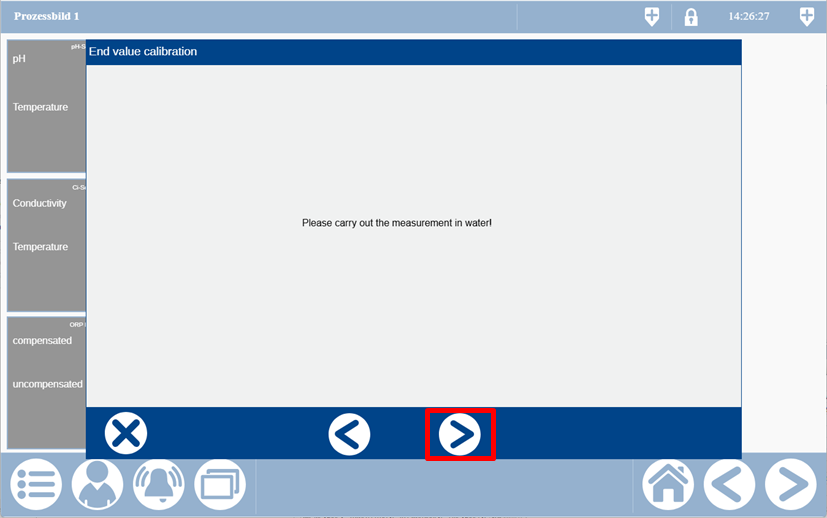
Only when the displayed value is stable can you skip to the next step.
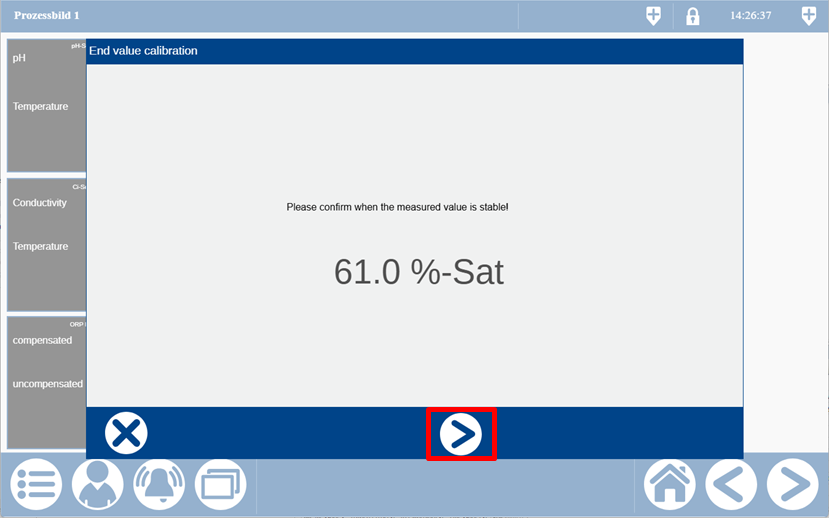
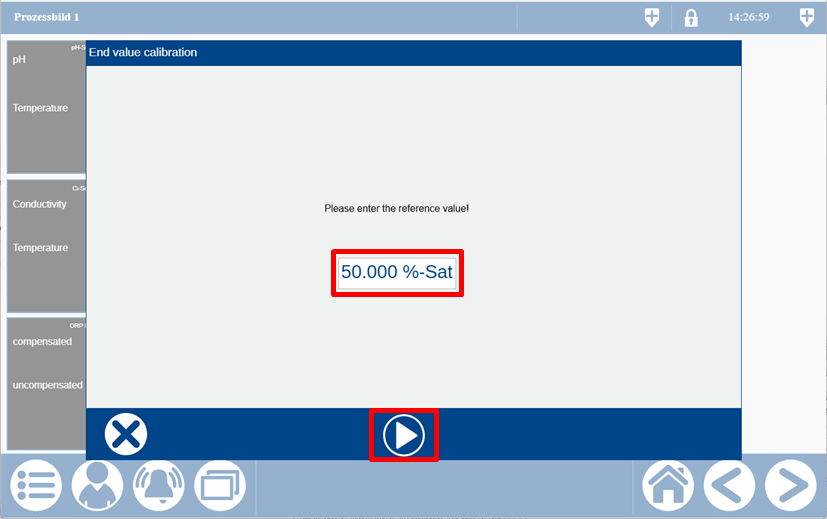
Input the reference value now and start the calibration.
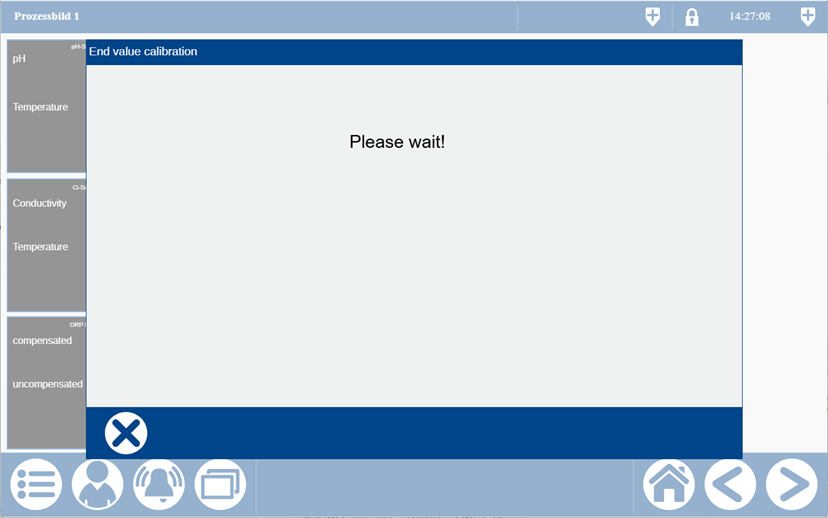
The sensor needs a moment to process the calibration data internally.
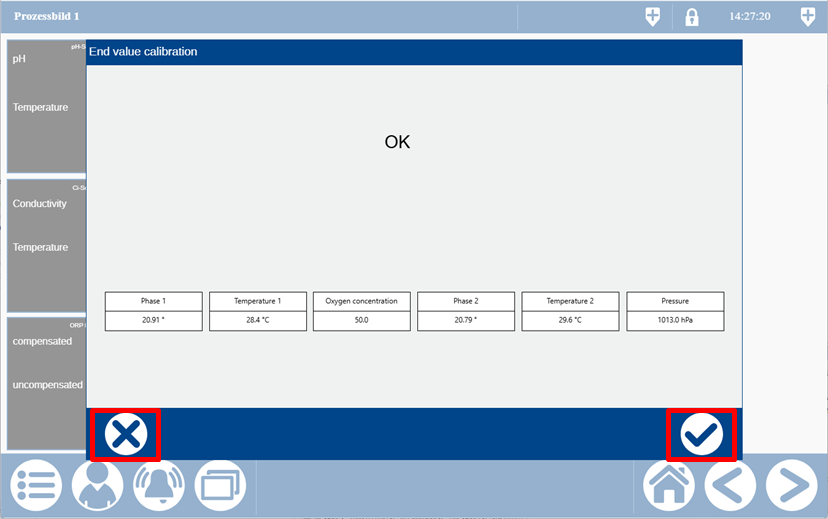
The result is displayed when processing is complete. The calibration can now be adopted or rejected via the buttons.