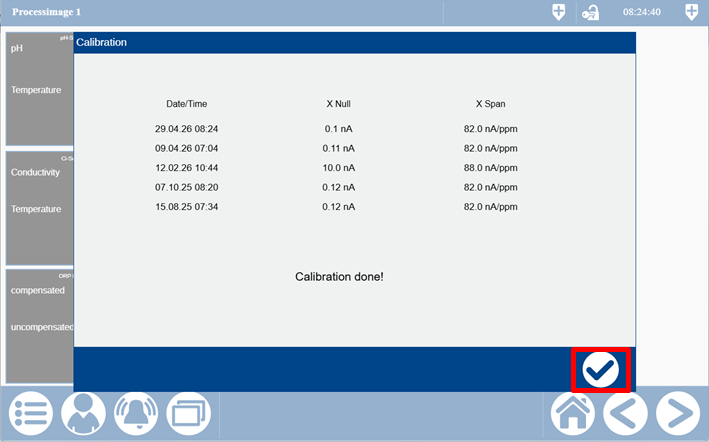
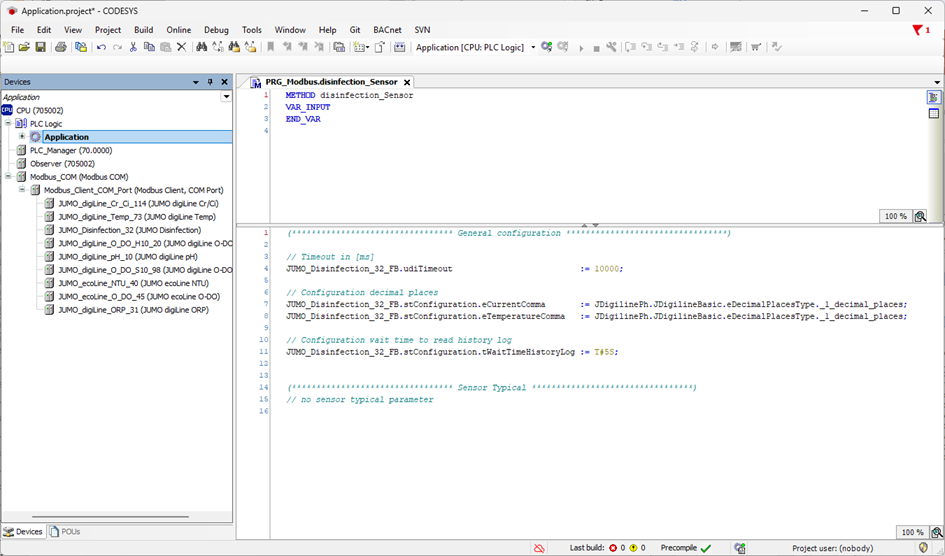
General configuration
|
Timeout |
If the default value (10000 ms) is too low or too high (depending on the number of devices at the interface), it can be modified. |
|
Decimal place |
The decimal place for the values shown in the Visu object can be changed here. |
|
WaitTimeHistoryLog |
If the default value (8 s) is too low or too high (depending on the number of devices at the interface), it can be modified. |
Device-specific configuration and parameterization
None available.
Calibration
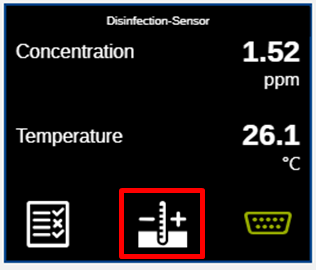
Press the button to start calibration.
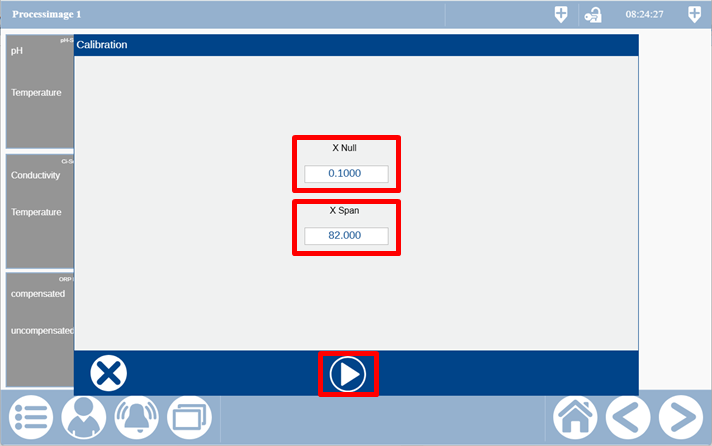
The values for X Null and X Span must be input in the first step and then the calibration started.
In the next step, there is an overview of the acquired values and whether the calibration has been performed successfully. The calibration can now be completed using the button.