
A Sub-client is a Tenant that is subordinate to another client.
Add Sub-clients
A new Sub-client can be created using the "+" button. The prerequisite for this is the "Create" access right in User Management.
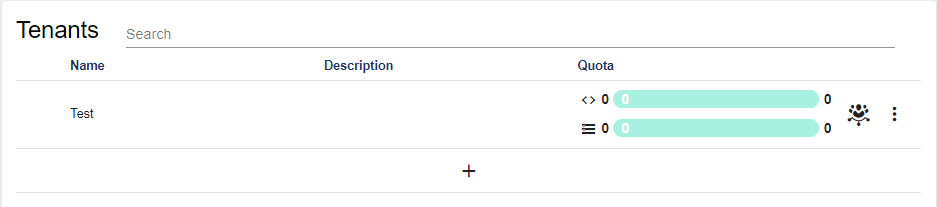
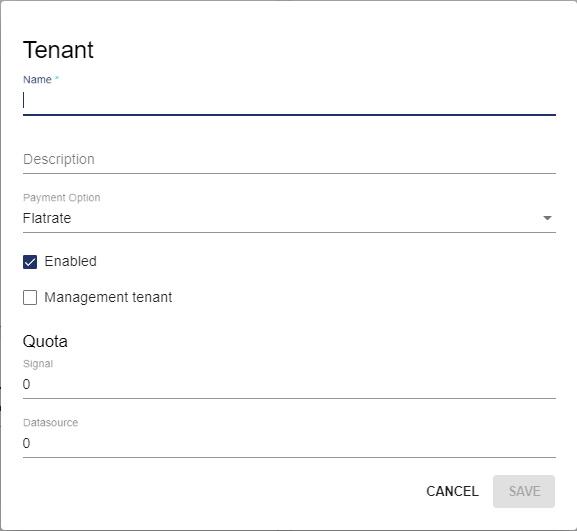
The following screen opens:
|
Attribute |
Meaning |
|
Name |
Name of the Sub-client |
|
Description |
Short description of the Sub-client (optional) |
|
Payment method |
Flat rate or pay-per-use available for selection. The payment methods specified in the offer apply. This setting serves as an overview and is currently without function. |
|
Activated |
Specifies whether the Client is activated or deactivated. If a Client is deactivated, this client and its sub-clients can no longer be accessed. This function can be used to lock sub-clients. |
|
Administration Client |
Specifies whether the Sub-client becomes an Administration Tenant. |
|
Quota |
Specifies the maximum contingent of signals and data sources of the sub-client. |
Sub-client Options
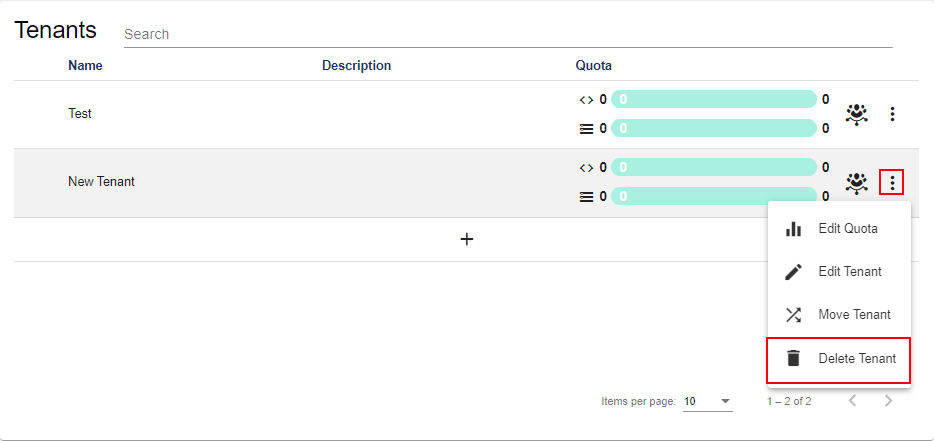
The menu is used to access the sub-client options. Settings can be made here.
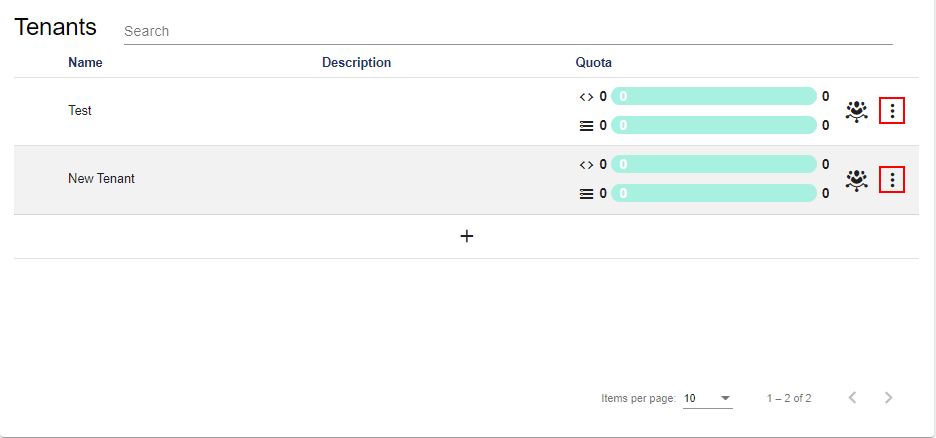
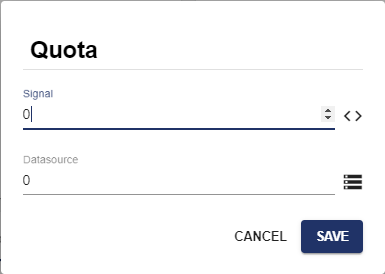
Edit Quota
In this area, you can edit the maximum Quota for sub-clients.
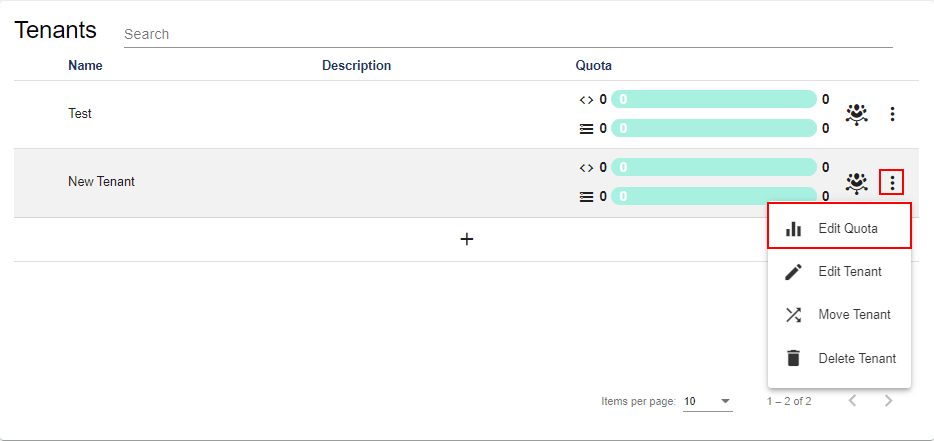
Edit Clients
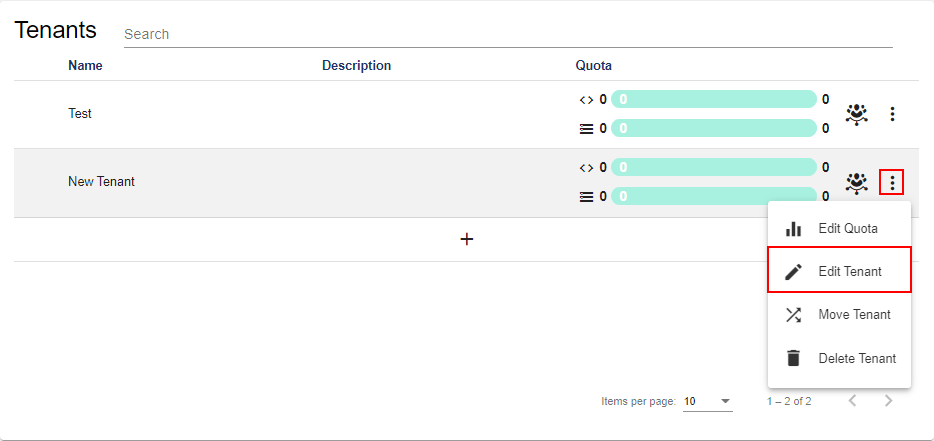
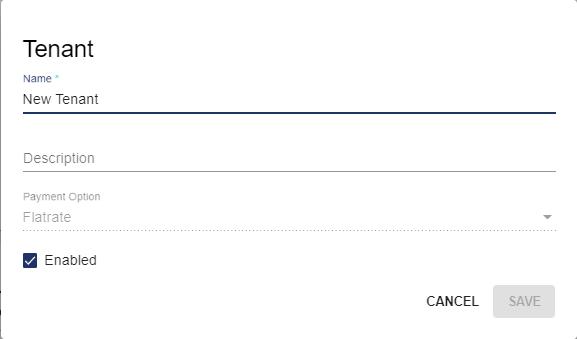
In this area, you can edit the following attributes:
|
Attribute |
Description |
|
Name |
Name of the Sub-client |
|
Description |
Short description of the sub-client |
|
Activated |
Specifies whether the client is activated or deactivated. |
Move Clients
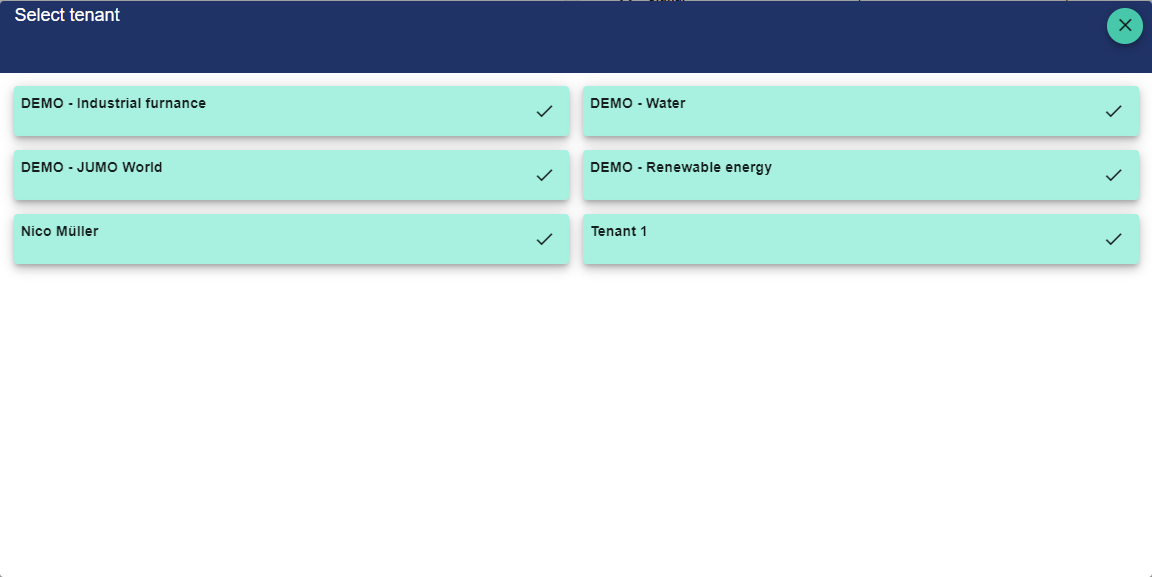
This option allows you to move clients under another client. All users and all elements of the client are also moved.
A client can only be moved under a client with sufficient quota.
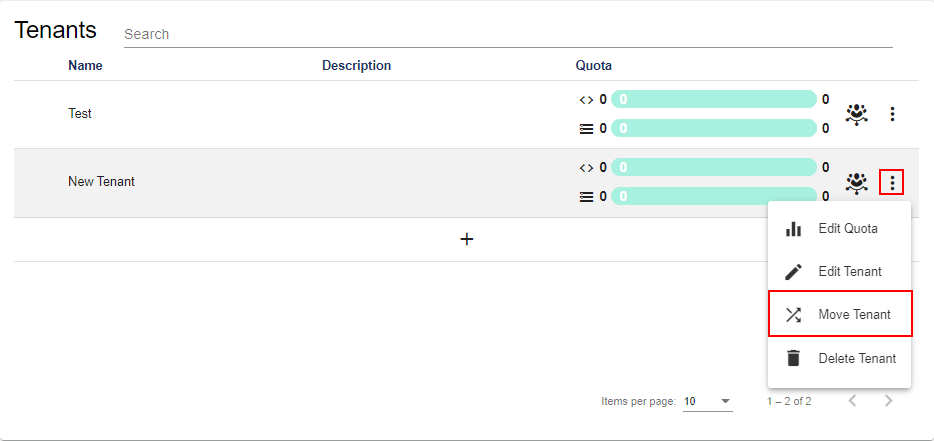
You can then select the desired client via the checkmark. The client now becomes a sub-client of this client.
Delete Clients
This option can be used to delete the client.
Open Administration for Sub-clients
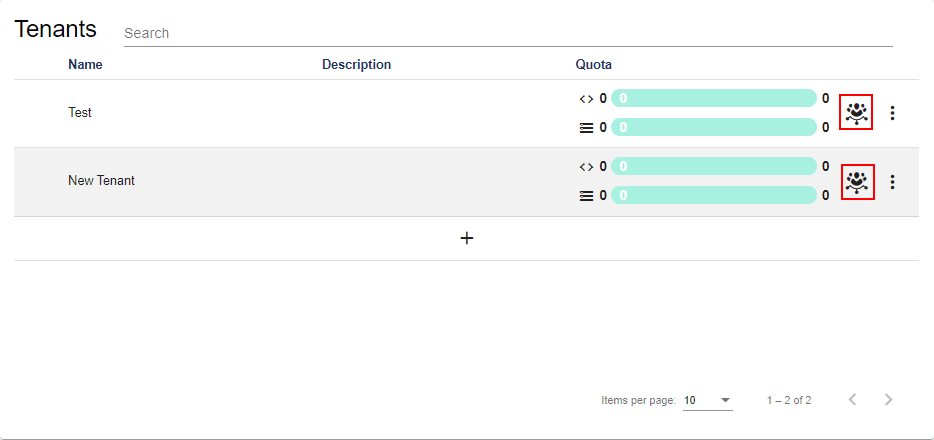
This button opens the Administration of the individual sub-clients. The configuration options are the same for both a client and a sub-client.