Use
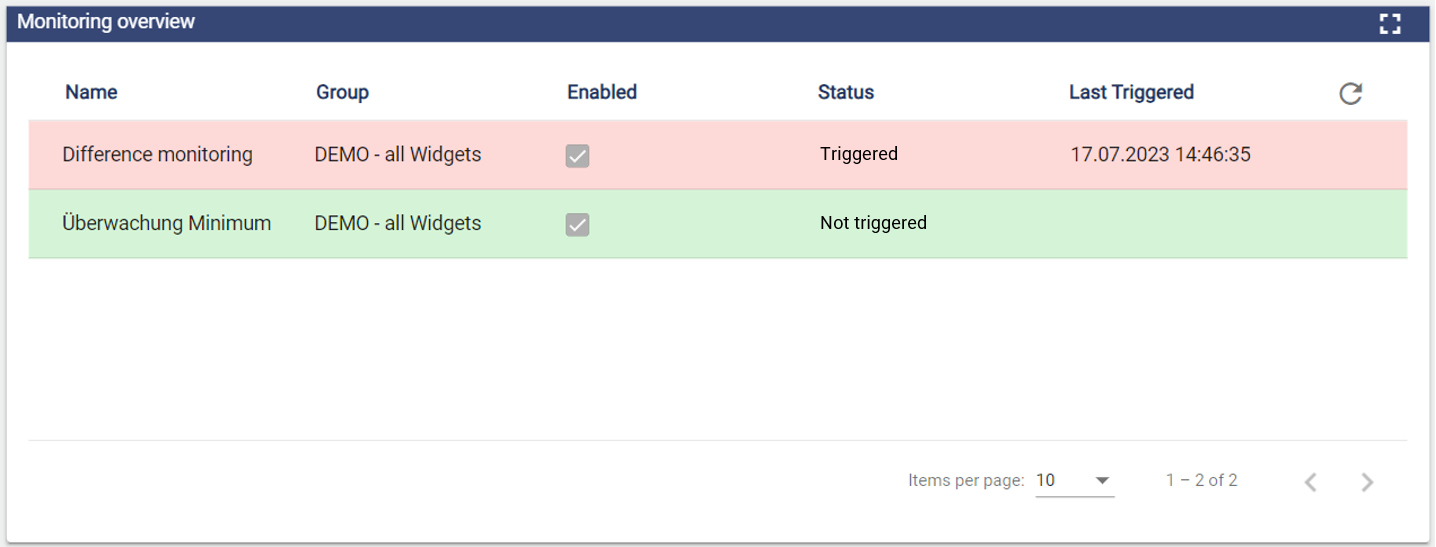
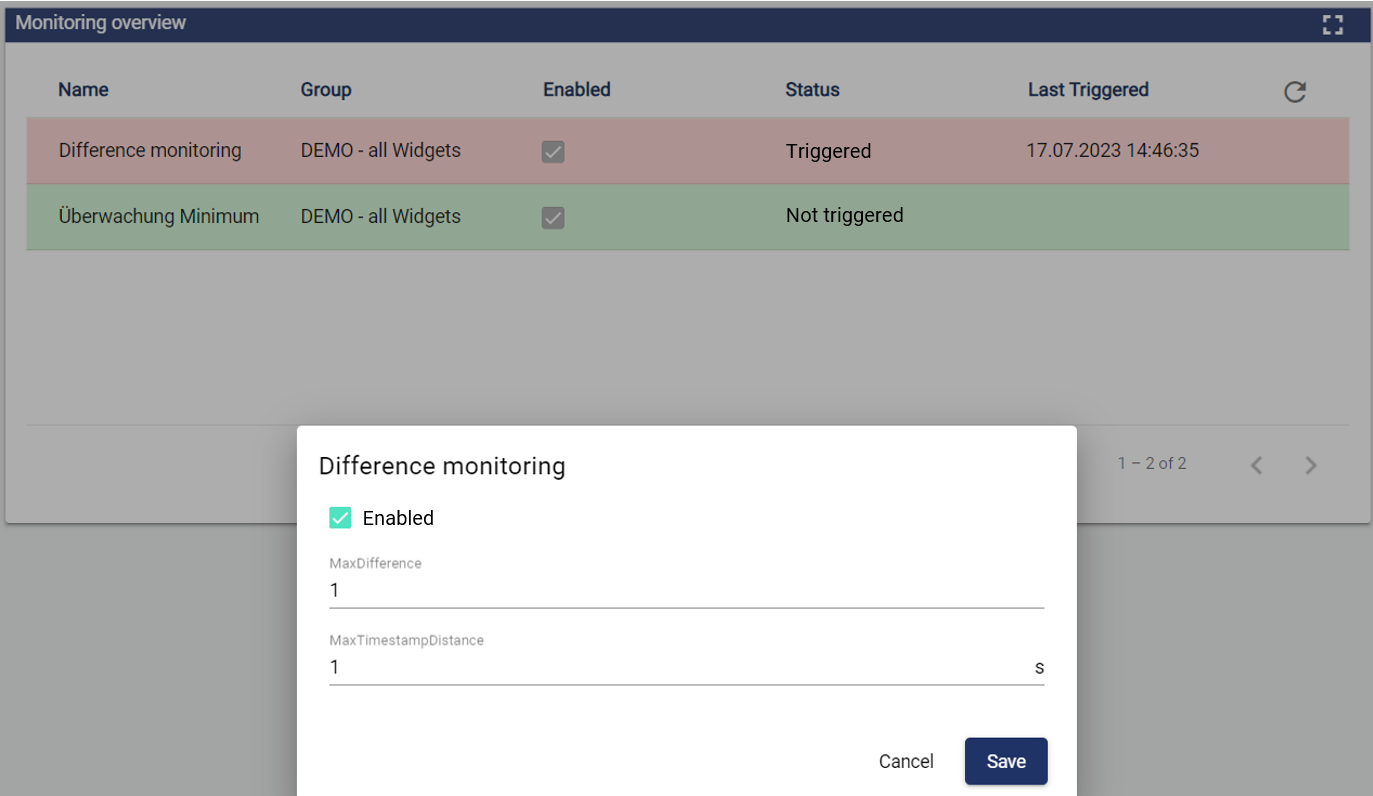
With the widget: Monitoring Management, users can now configure the monitoring objects created in the configuration in the dashboard. The status and the last triggering are also displayed.
Configuration
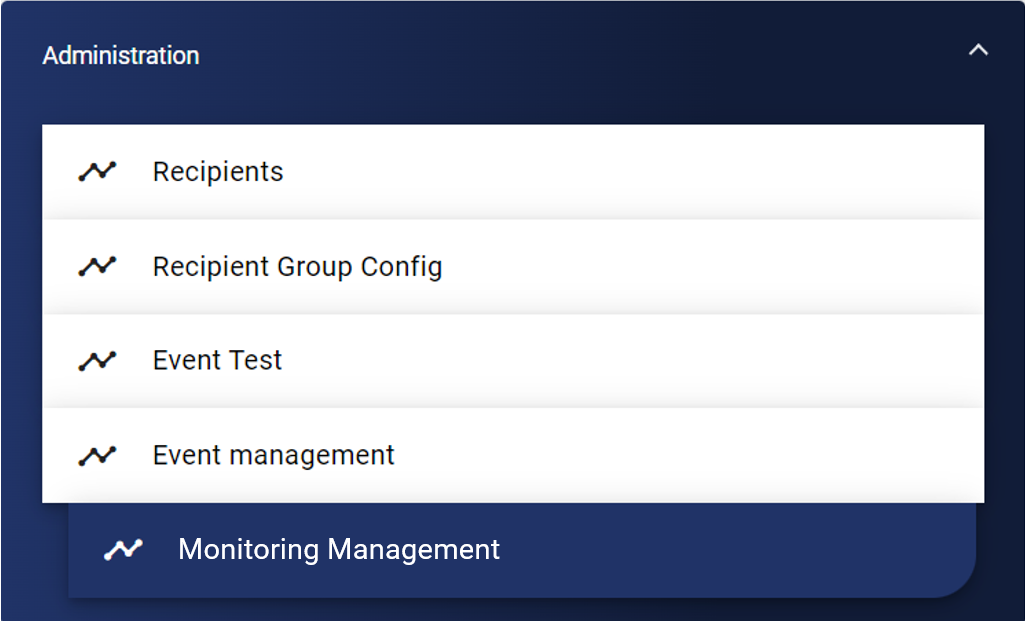
Select the corresponding widget from the Administration category.
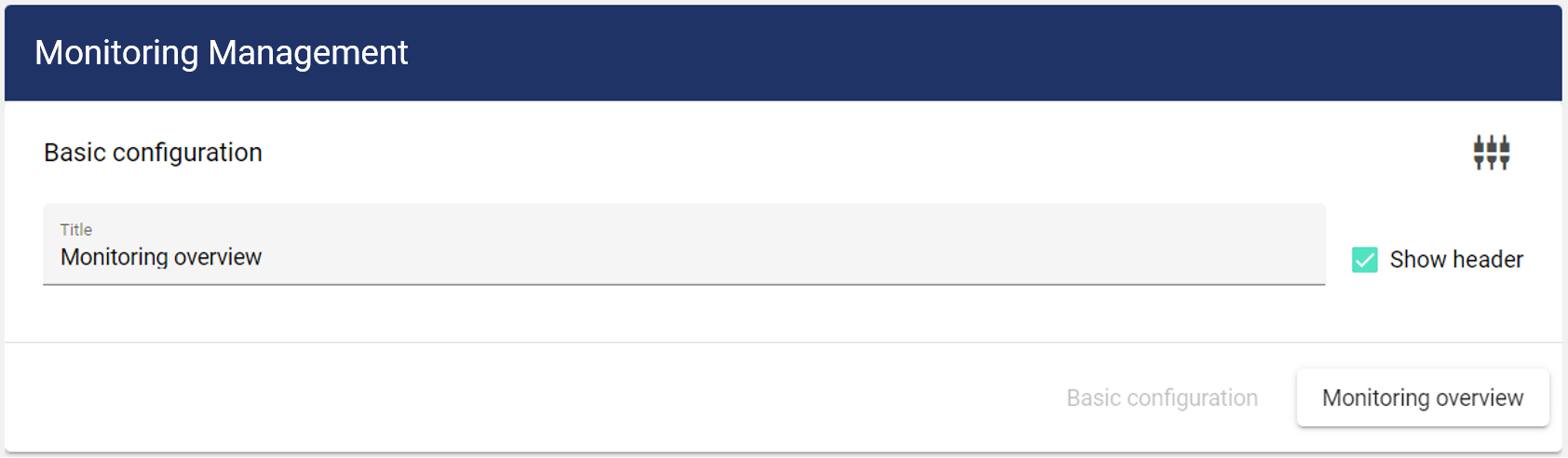
First, you are within the Basic Configuration tab. Here you assign a suitable title to your object. The header can be optionally displayed.
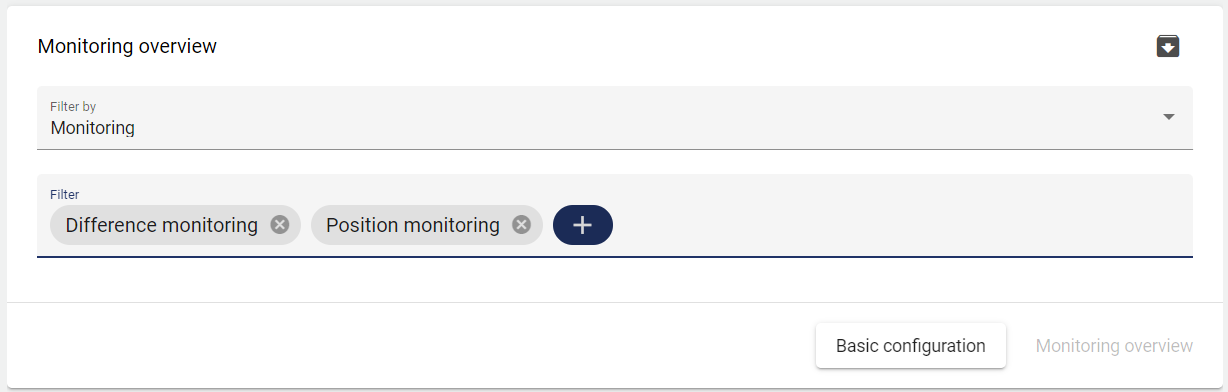
In the Monitoring Management tab, you can select the respective monitoring objects to be displayed in the widget.