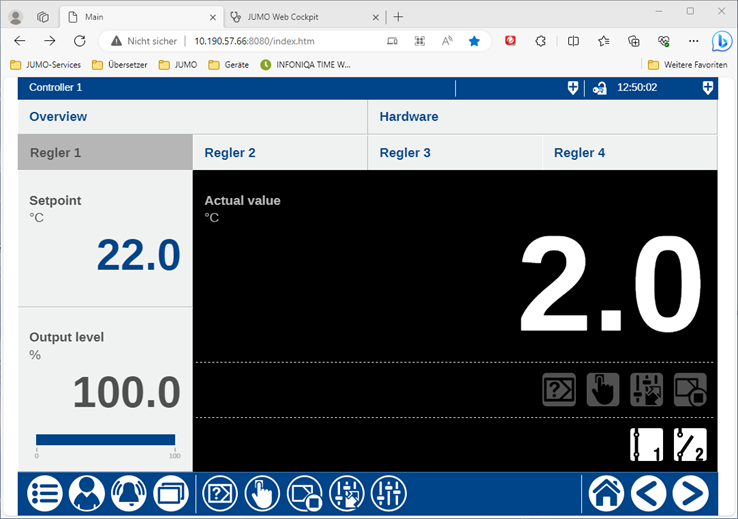
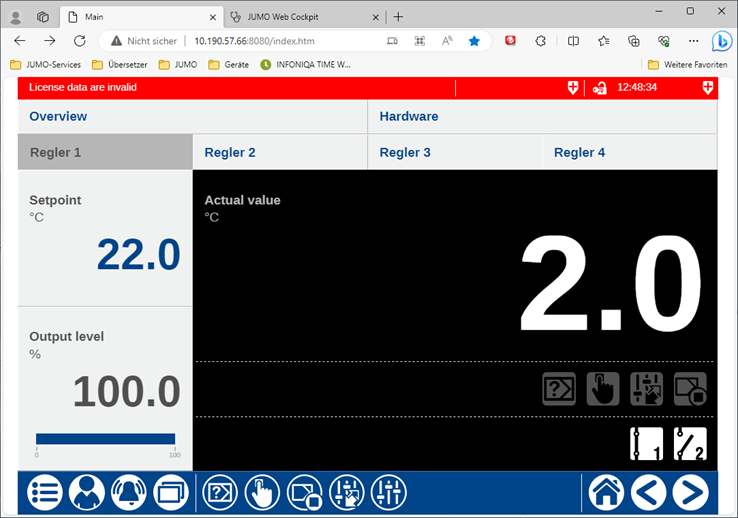
In the left-hand area of the status bar (up to the first separator), the name of the active visualization is displayed against a blue background. If an alarm occurs, the alarm text of the active alarm is displayed alternately against a red background. In the meantime, you can switch to the Alarm window by pressing the left area of the status bar.