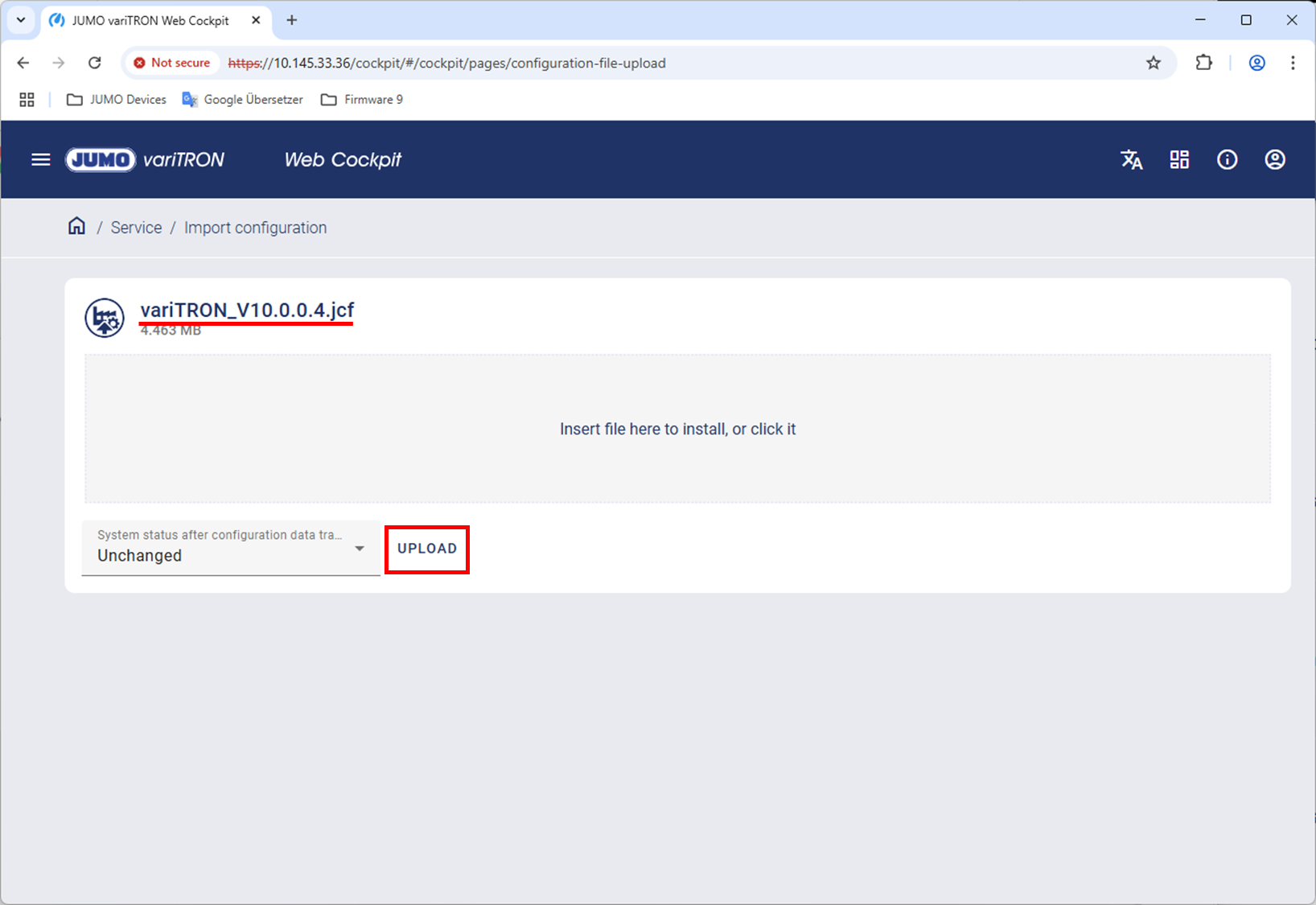
If you want to quickly and easily import a new configuration into the variTRON, all you need is the configuration file with the .jcf extension and access to the variTRON via the Web Cockpit.
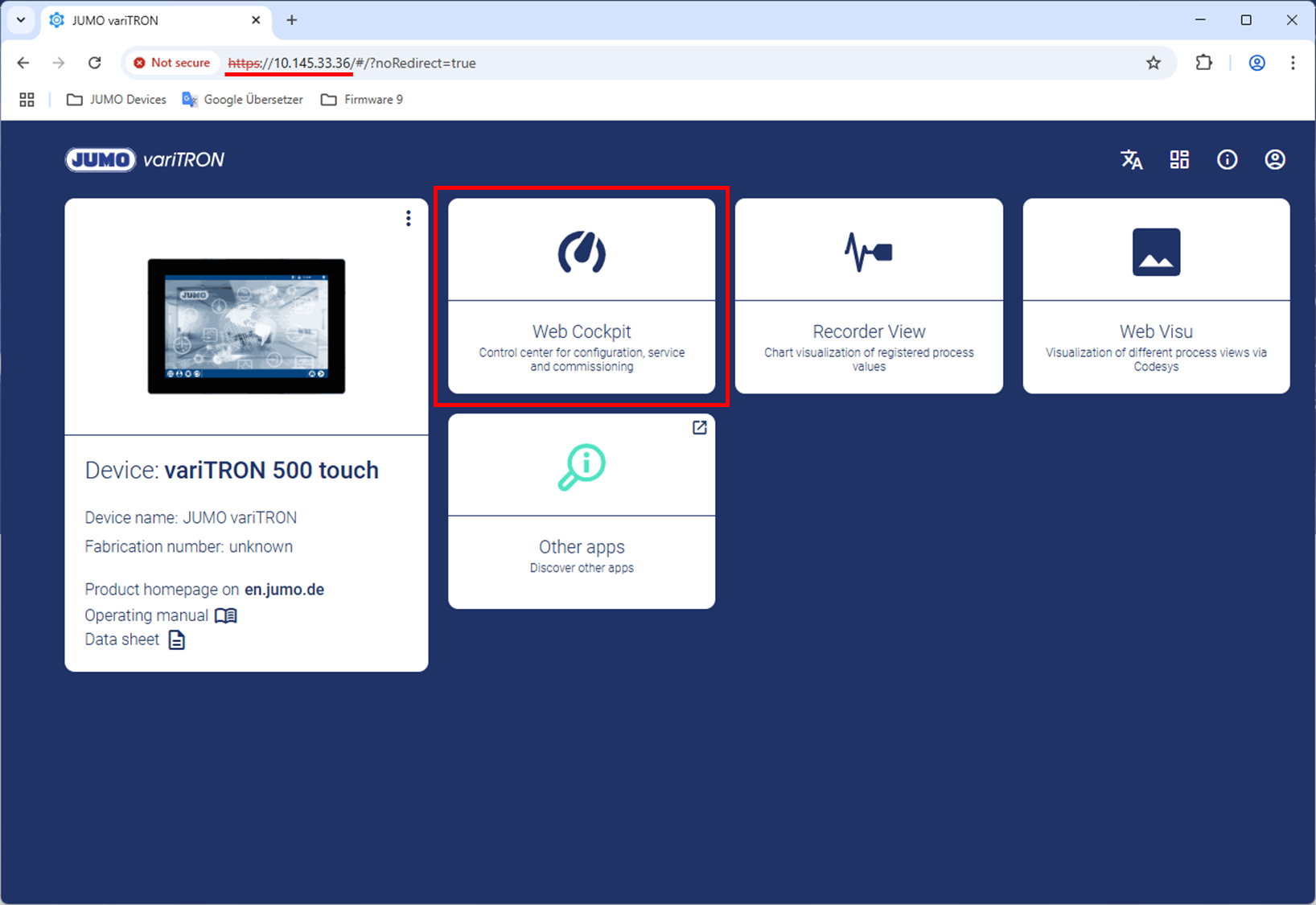
Enter the IP address (http://<ip-address>) of the variTRON in your browser. The main view (landing page) will open. Use the Web Cockpit tile to switch views.
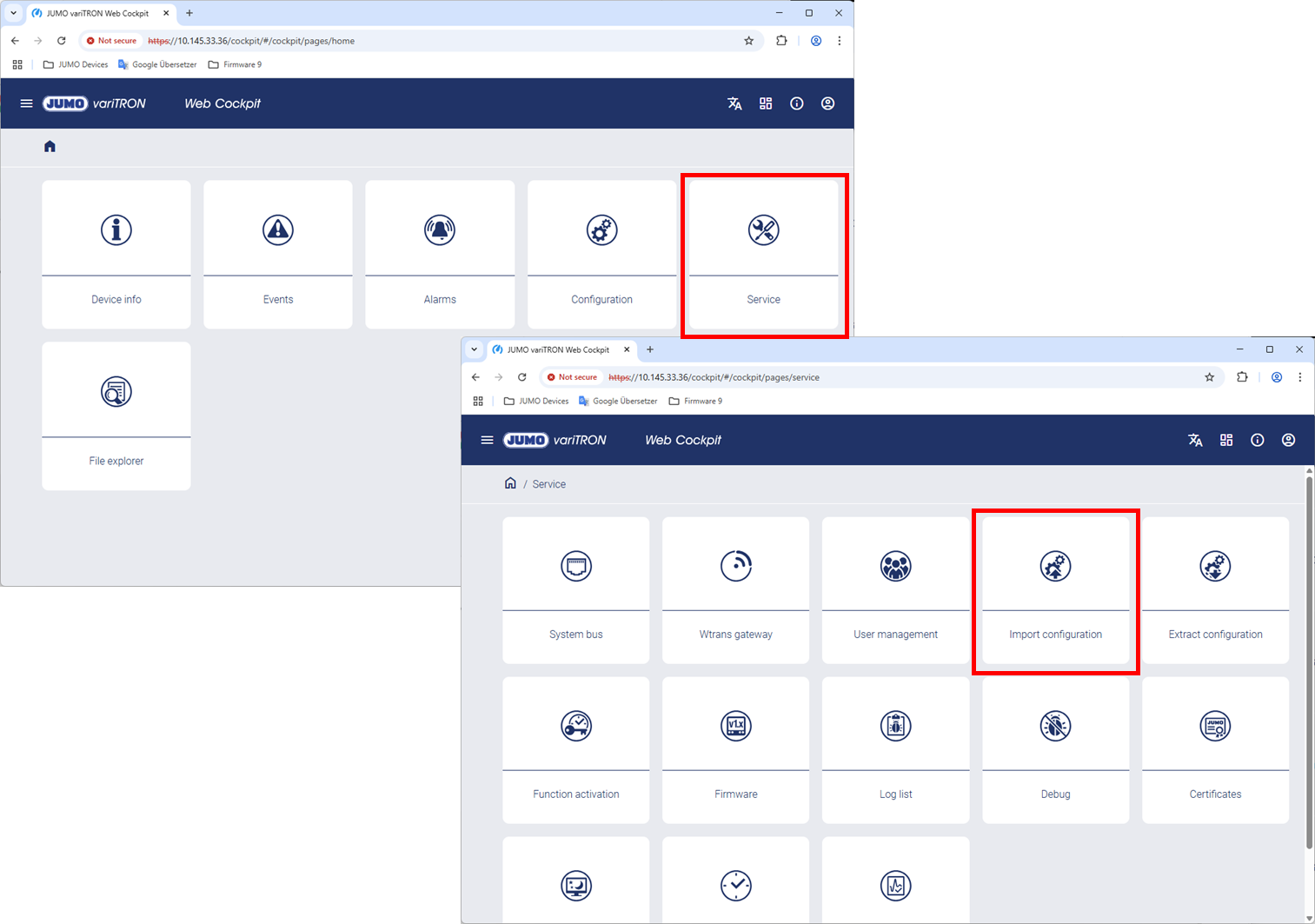
Clicking the Service / Import configuration tile opens the following view.
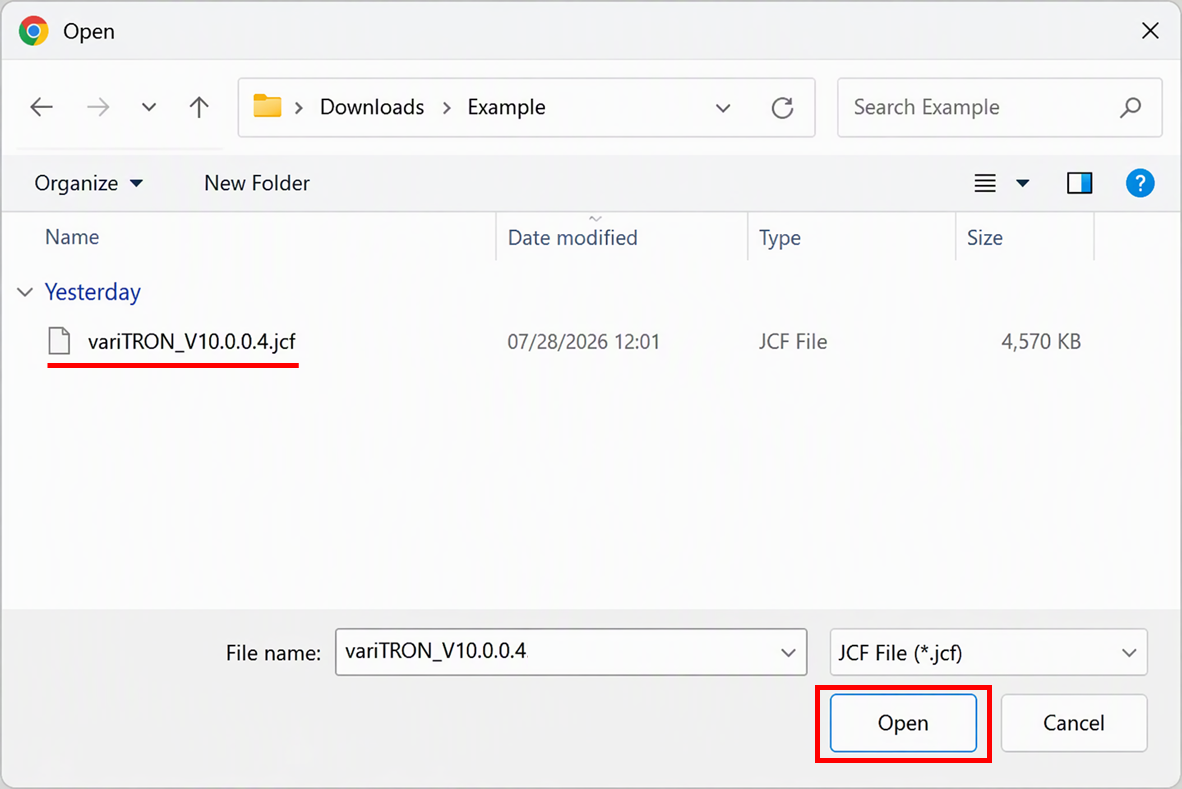
Clicking the Insert file here to install, or click it button opens a window.
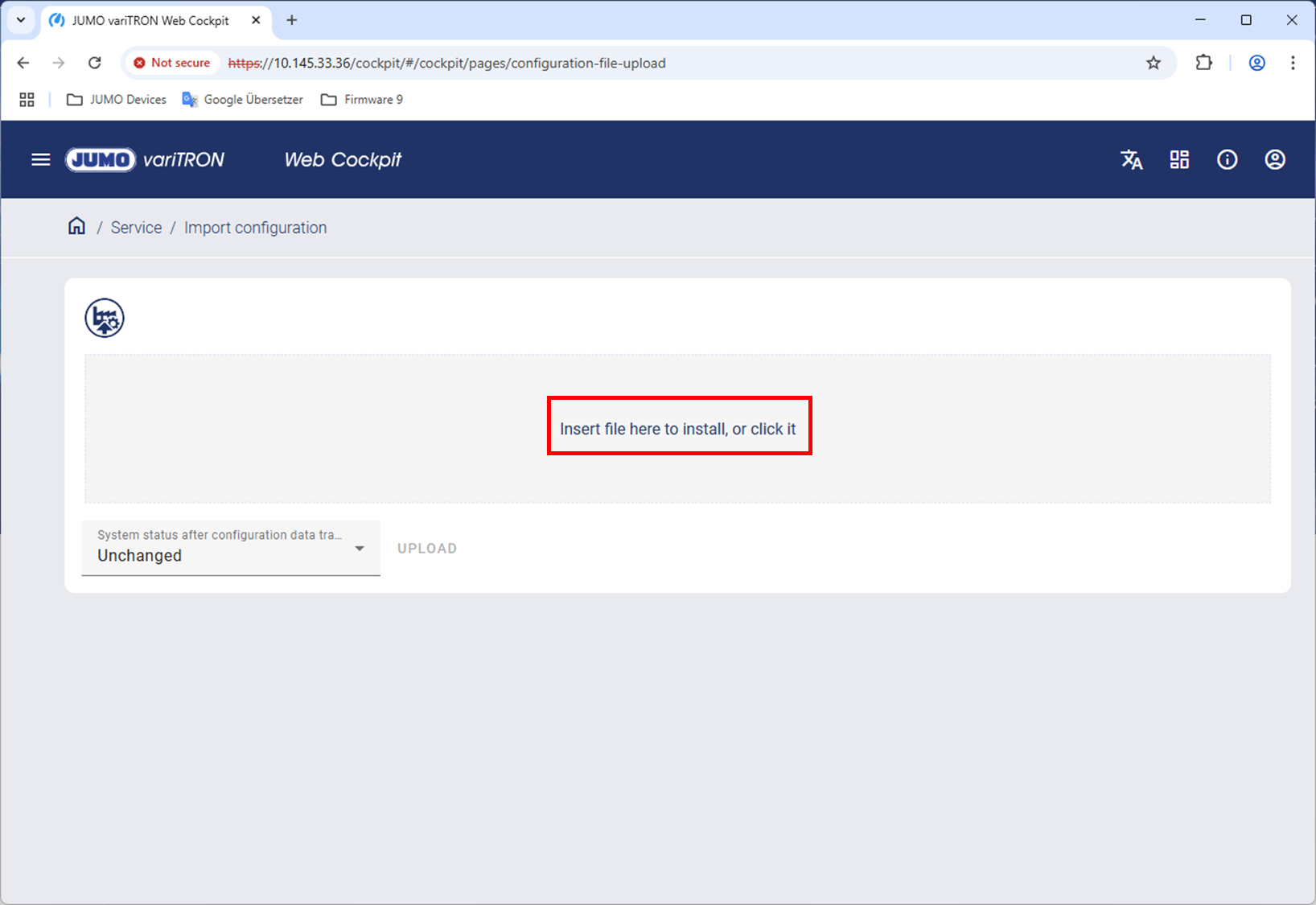
Here, you can select the desired .jcf file and open it by clicking Open.
The selected file is displayed at the top. Click the UPLOAD button to import the configuration into the variTRON. This process may take a few minutes.