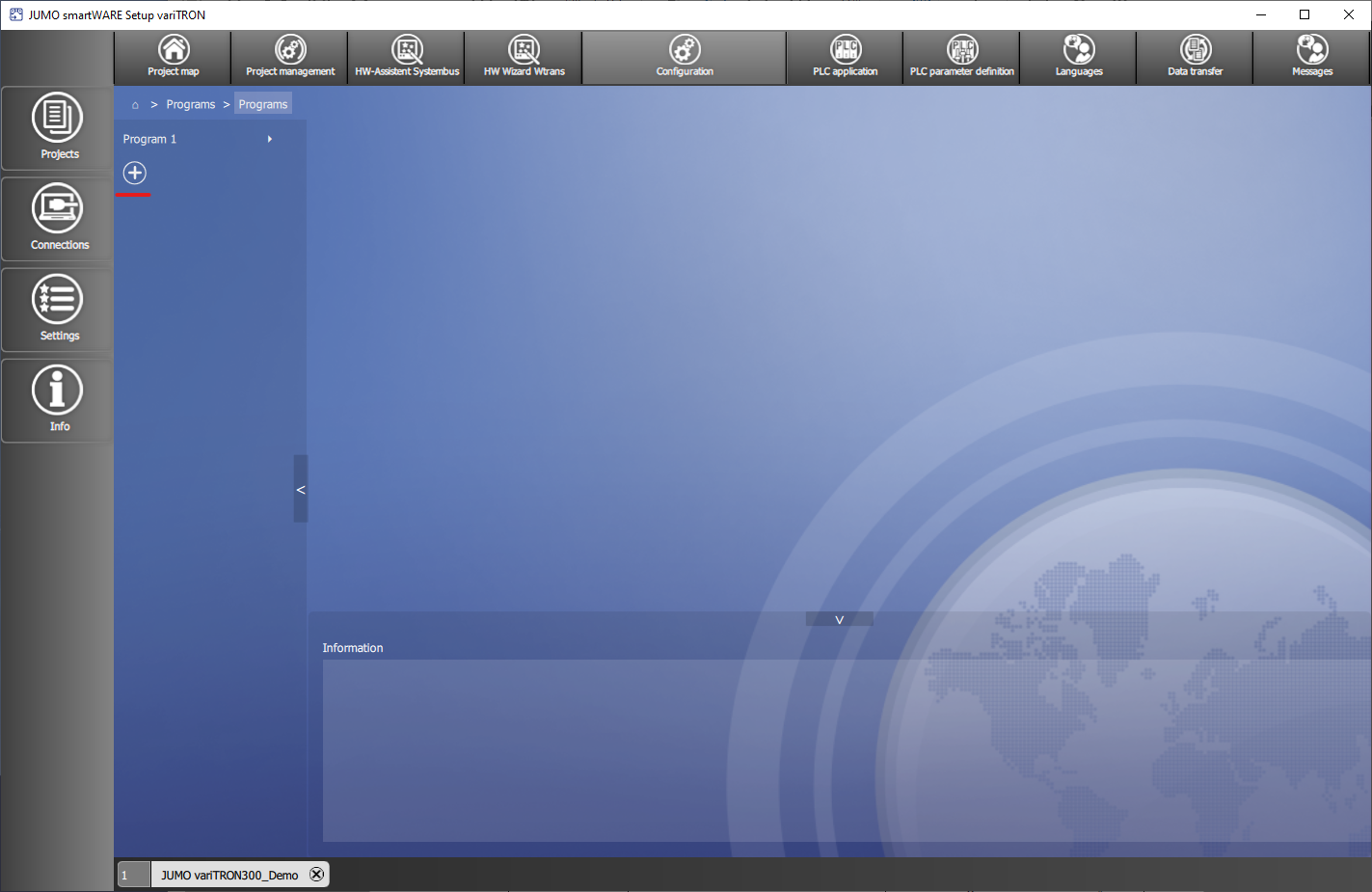
Up to 100 programs are created in smartWARE Setup in the area Configuration under 
A Tolerance band monitoring can be set up for the first setpoint of the program. The relevant actual value is monitored; if it leaves the tolerance band, the program is stopped until it is back within the tolerance band.
You can manage up to 100 programs in total. A program generator is required to execute a program. Nine independent program generators are available so that up to nine independent program can run asynchronously at the same time. A program can also be assigned to several program generators.
A program can be started, stopped and cancelled by operating the panel or the PLC. A change between program sections are also possible. A program can be started by specifying the date and time.
If a program is finished, these setpoints and control contacts adopt a defined value (home position).
For the Manual mode setpoints and control contacts can be set (home position), which are decisive when changing into manual mode.
The behaviour after a network interruption can be configured (e.g. programme abort, resume, continue or abort at the panel).
In addition to repeating program sections, the repeat of the entire program is also possible.
A new program can be created using the