
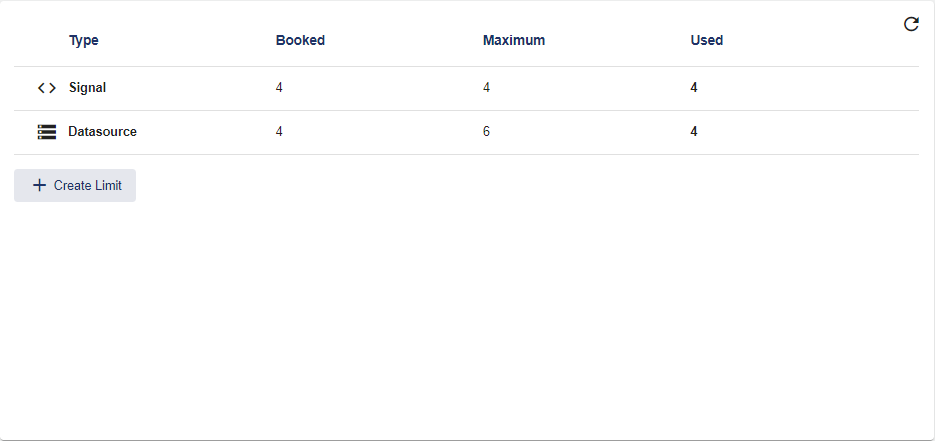
Limits serve to limit the Signals and Data Sources within a Client. If a limit is stored, the Maximum column assumes the corresponding upper limit.
Quota refers to a specified number of signals and data sources that can be used, assigned or used to the maximum.
The SCADA-Lizenz specifies how high the maximum of signals and data sources can be.
|
Type |
Signal and Data Source |
|
Assign |
Specifies how many signals and data sources were assigned as "quota" for all sub-clients. |
|
Maximum |
Specifies the maximum number of signals and data sources available as "quota" for this client and all sub-clients and the maximum that can be distributed to sub-clients. |
|
Used |
Specifies how many signals and data sources are used in this client and all sub-clients (or created in the configuration). |
Create Limit
-
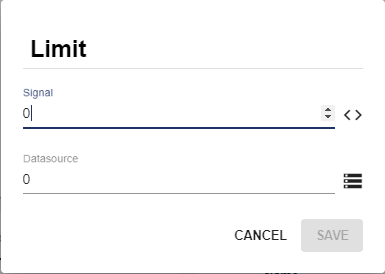
Select "Create Limit" and the "Limit" pop-up window opens.
-
Use the arrow keys or the text field to set the limits for signals and data sources.
-
Save the change.
Edit Limit
-
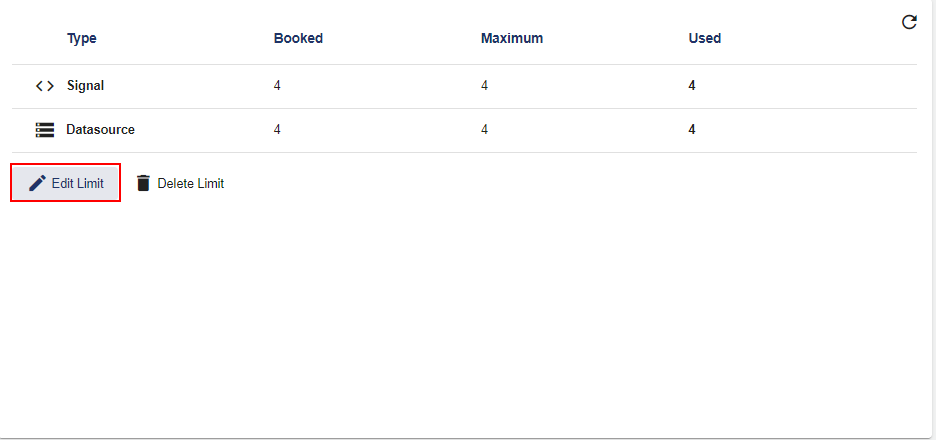
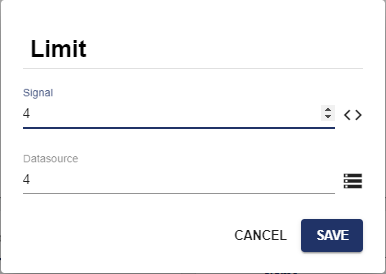
Select "Edit Limit" and the "Limit" pop-up window opens.
-
Use the arrow keys or the text field to set the limits for signals and data sources.
-
Save the change.
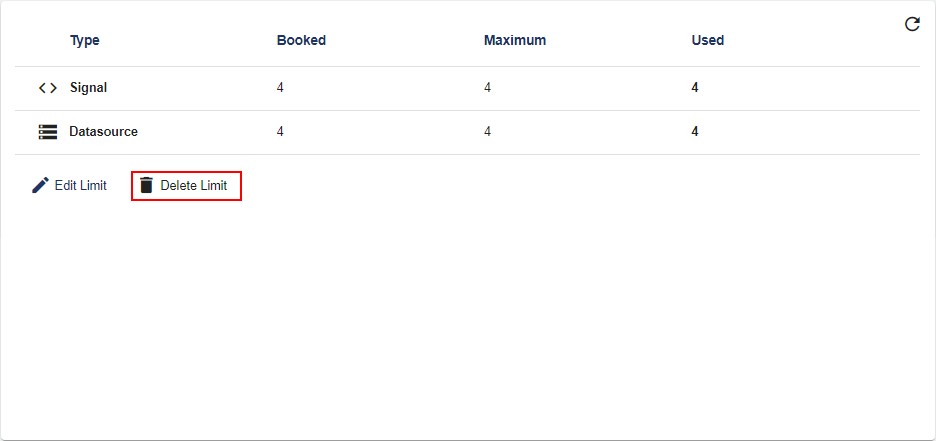
Delete Limit
You can easily remove the created limits by clicking the "Delete Limit" button.
Recount Signals and Data Sources
There is an option to recount signals and data sources. To trigger the count, click the following button (top right):
