
The dashboards home page provides an overview of the dashboards created. The following filter options are available: all dashboards, favorites, plant view, and folder view.
All dashboards
All existing dashboards are listed in a table and can be sorted in ascending or descending order in a table according to various criteria.
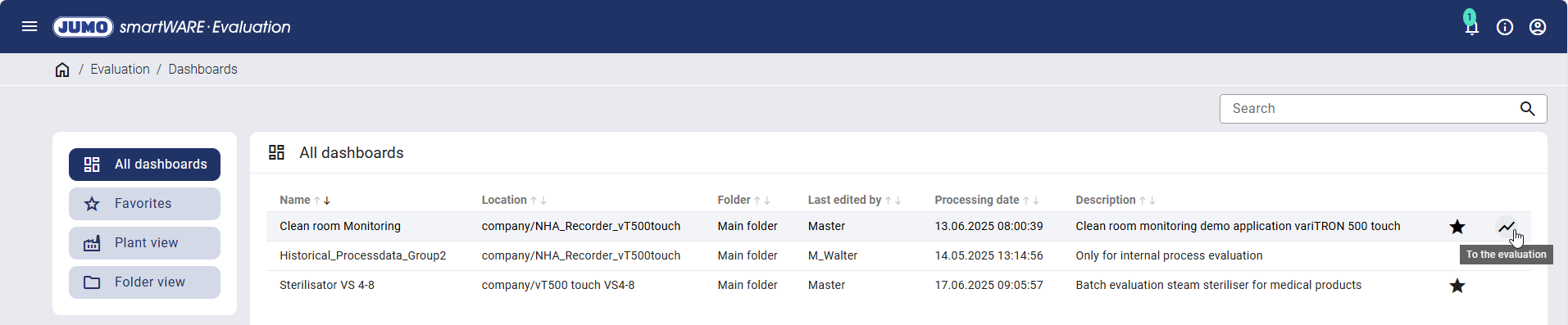
The relevant dashboards can be added to or removed from favorites using the star. Clicking a dashboard highlights it in color. The "To the evaluation" icon, which is used to call up the dashboard, appears on the right-hand side.
Favorites
Only the dashboards marked as a favorite with a star are displayed. Favorites are user-dependent and can be added or removed using the star.
Plant view
All locations and devices are shown with the associated dashboards.
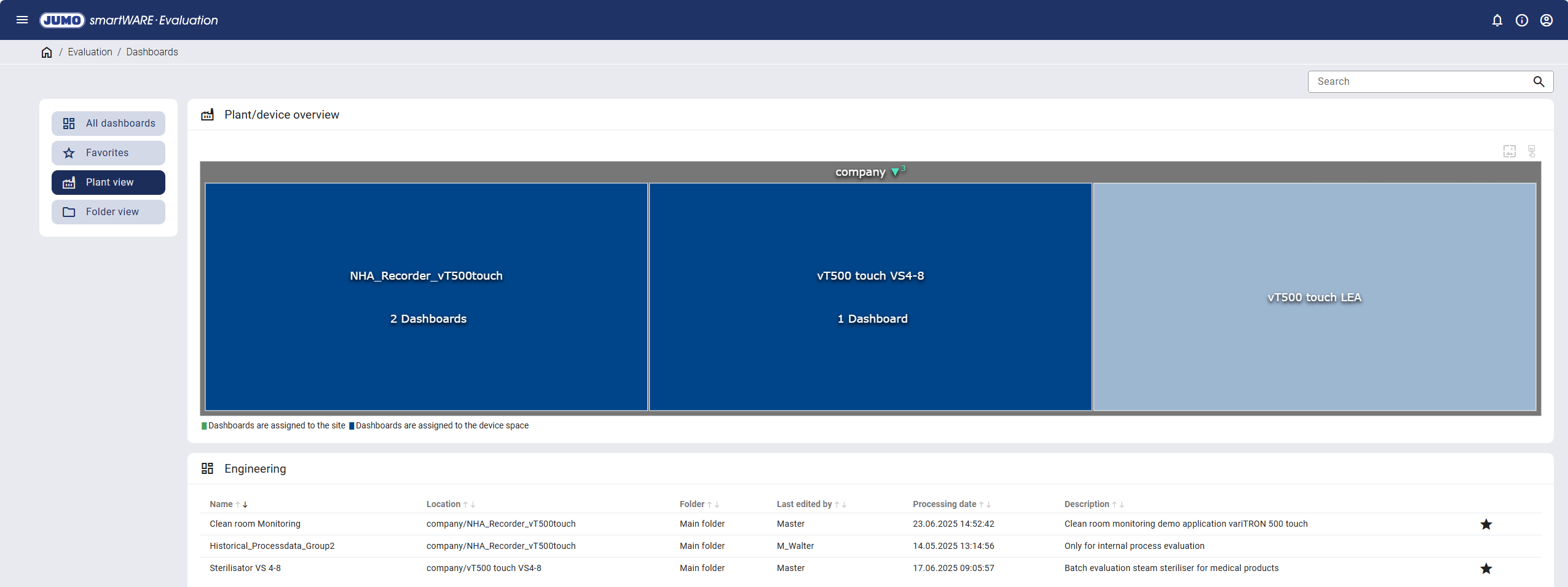
Clicking on a location or a device displays only the associated dashboards in the overview table.
Folder view
All created folders are displayed with the associated dashboards. When selecting a folder, only the dashboards contained in it are displayed.