
Use
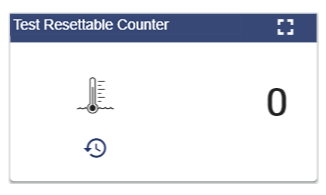
This widget visualizes the current value of a counter signal. The button below the icon can be used to reset the counter to 0.
Configuration
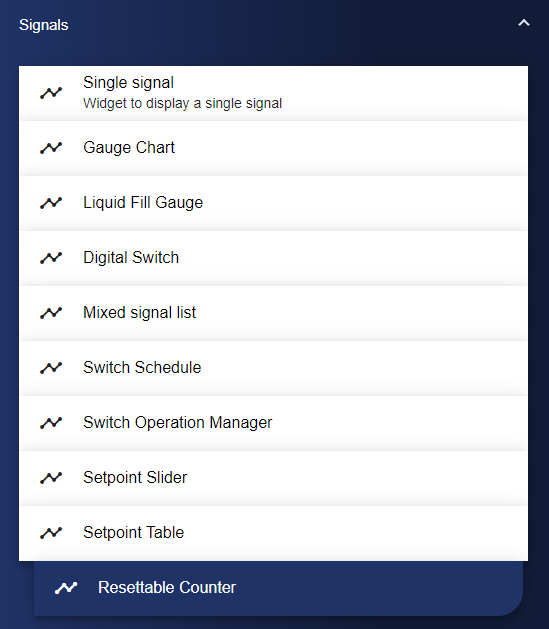
Select the Resettable Counter widget from the Signals category.
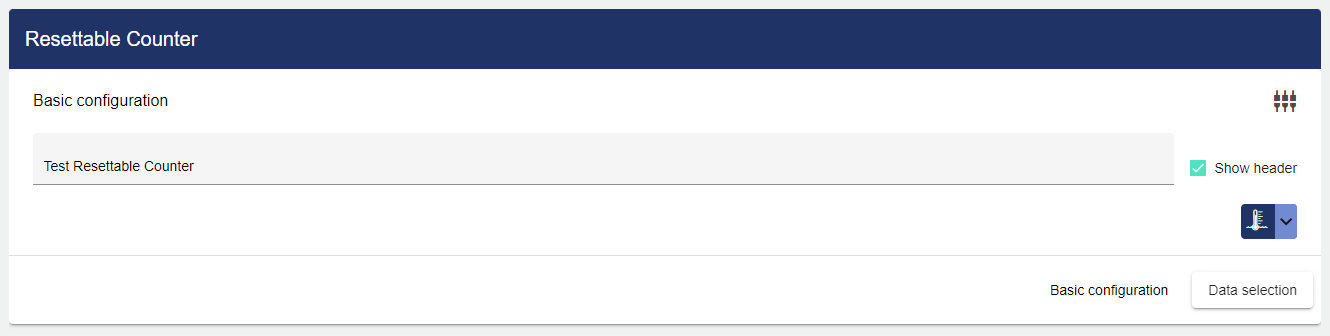
In the Basic Configuration of the Resettable Counter, assign a suitable label (title). The header can be displayed by selecting the check box.
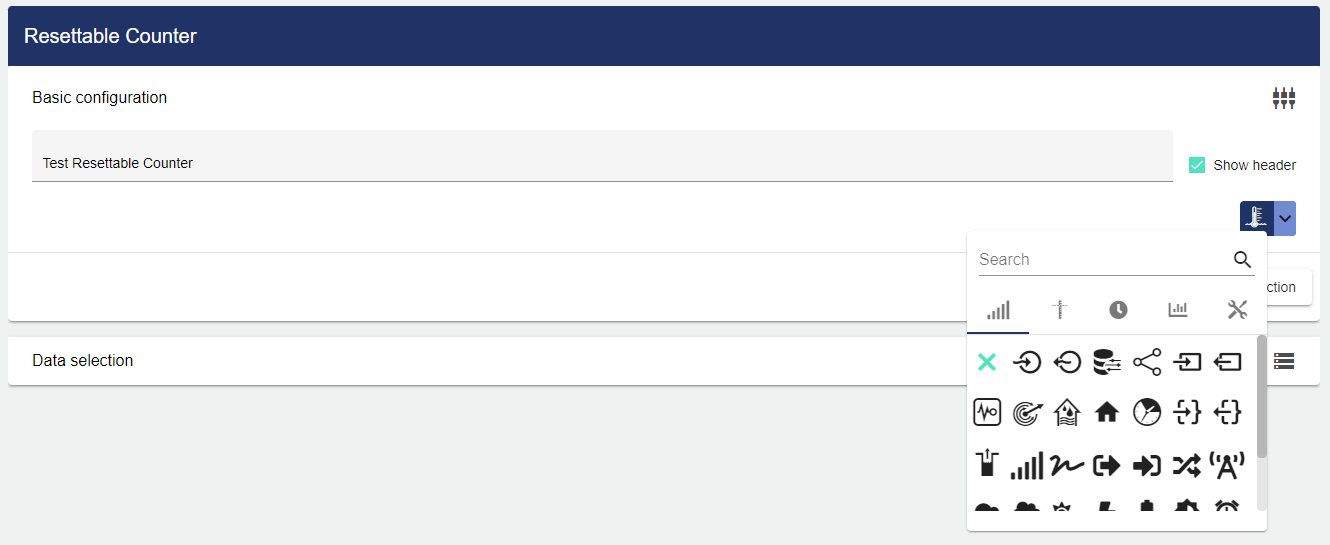
Using the drop-down menu, you can select an icon for your counter.
Then go to the "Data Selection" tab and click "Signal".
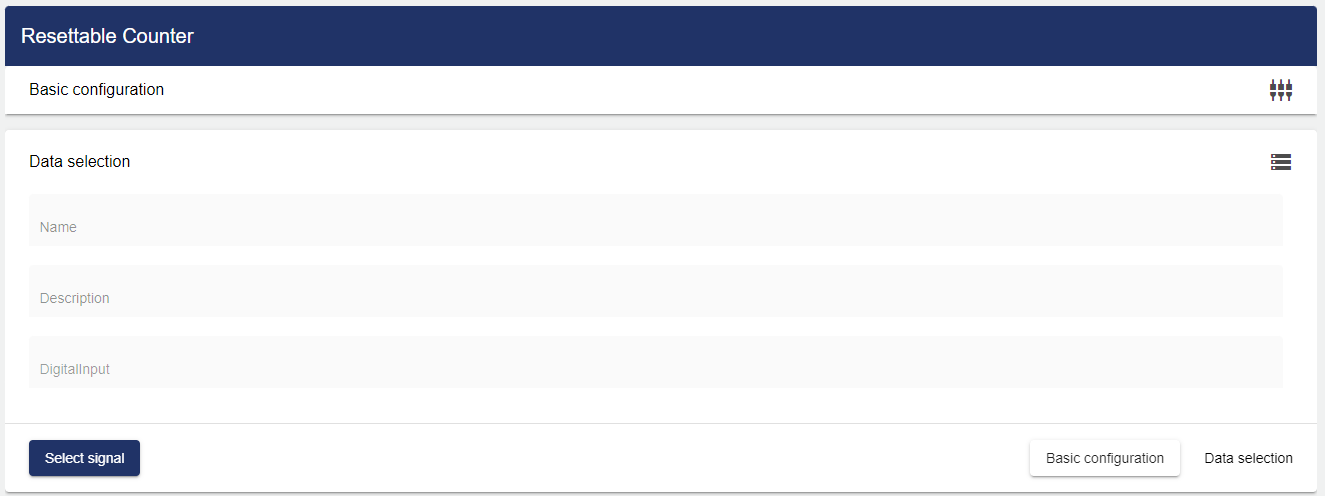
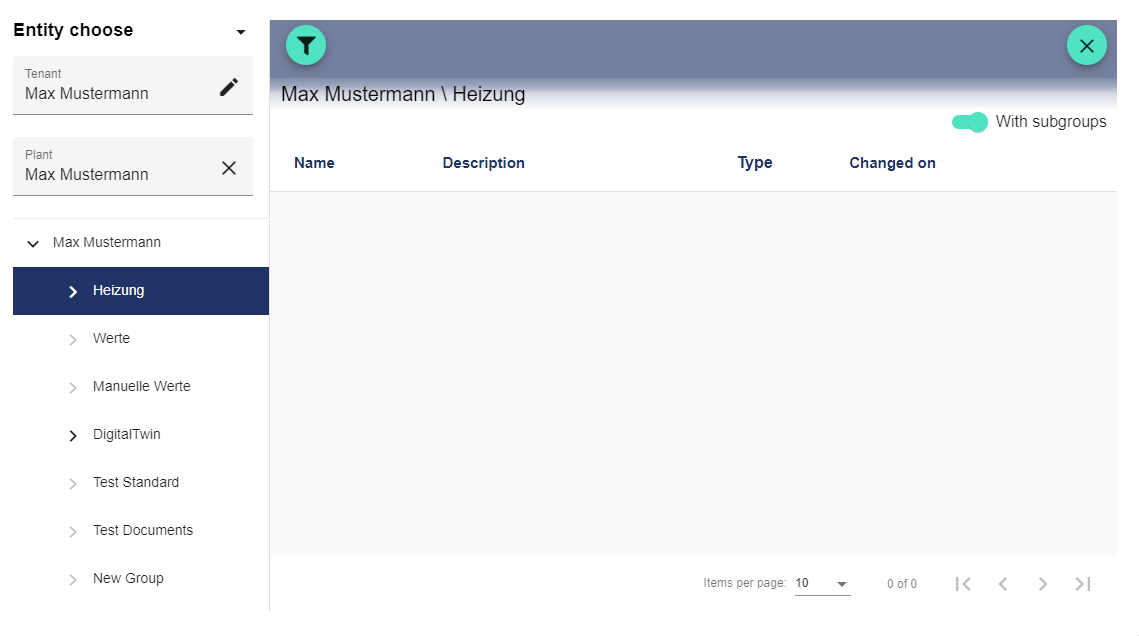
Clicking "Select Signal" opens the Entity-Select window. You can add a previously created signal here.
Once you are satisfied with your configuration, you can save it.