Password rules
Password rules can now be defined in the base configuration.
When a new password is set, it must comply with the current rules.
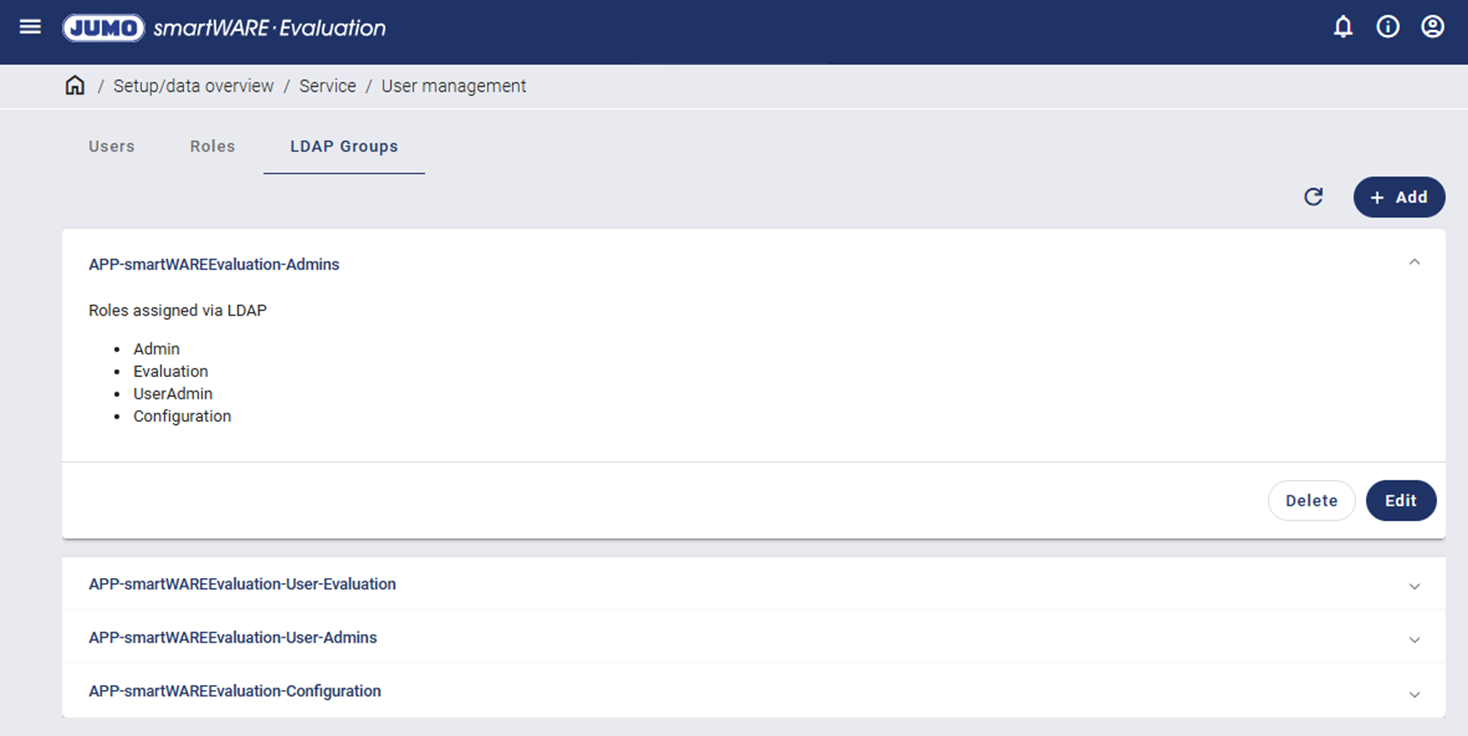
Connection to a centralized authentication system (LDAP)
JUMO smartWARE Evaluation can be connected to Microsoft® Active Directory as a central identity provider when set up accordingly using environment variables.
If this is activated, users are only authenticated using the central ID provider and no longer by means of local user management.
Local, role-based authorization is retained. However, assignment of roles to a centrally managed attribute must be set up.
Activation is carried out via the base configuration and is not activated as standard.
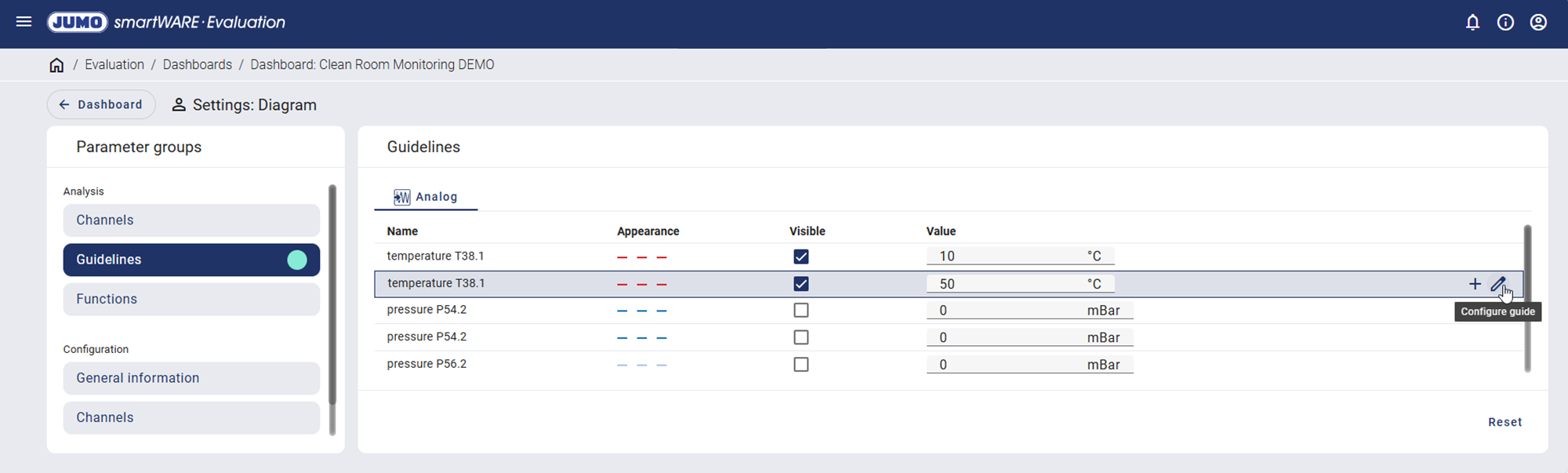
Auxiliary lines
Auxiliary lines for each channel are now provided in the evaluation diagram. For example, they can be defined using the diagram settings. The auxiliary lines are shown as a horizontal line in the diagram.
These settings are also available under Configuration / Reports.
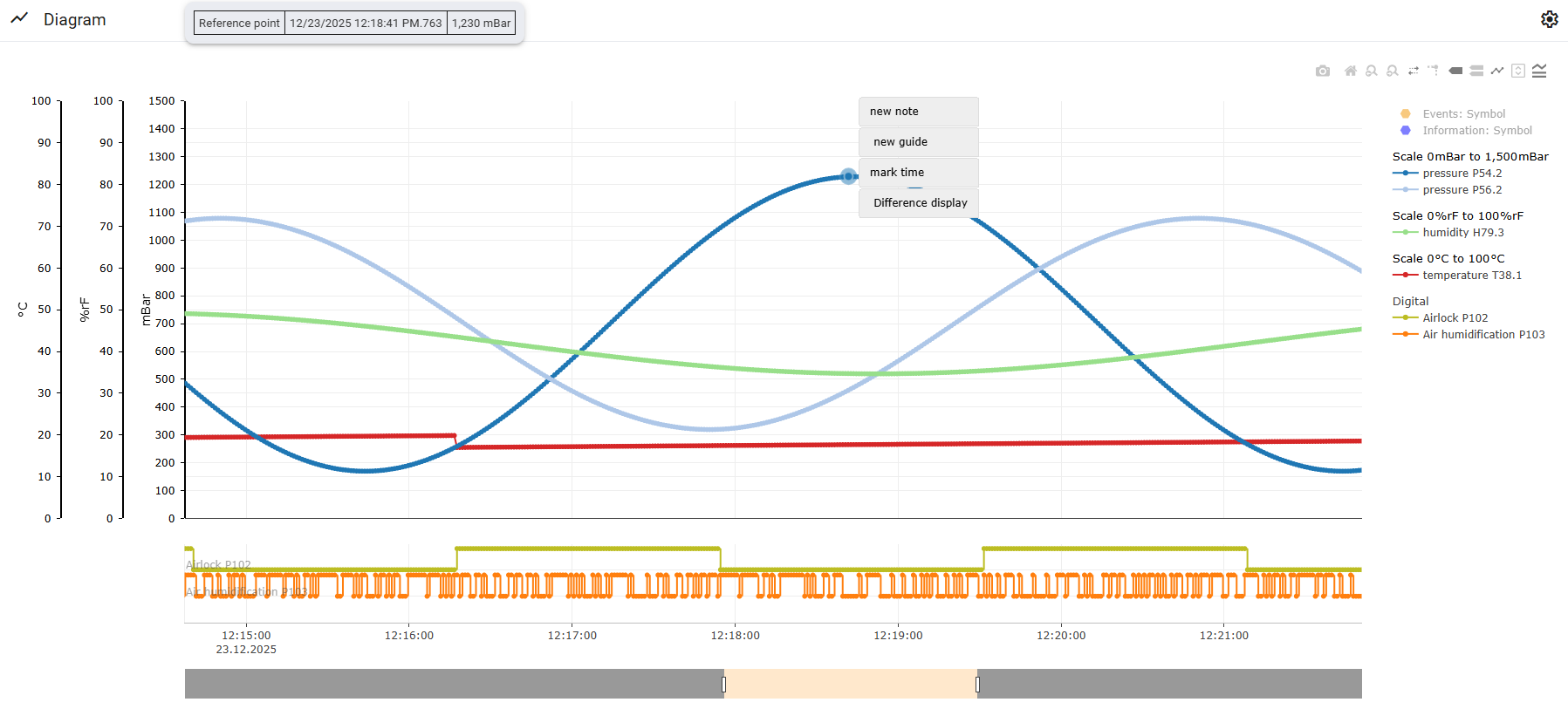
Difference display in the diagram
A difference display can be switched on by clicking on a point on the curve in the diagram. Clicking in the diagram again cancels the display.
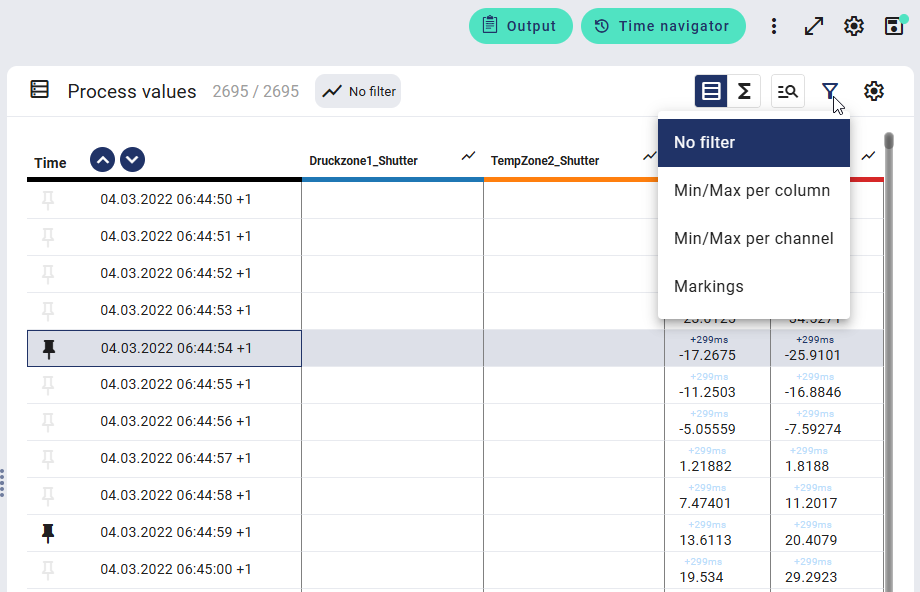
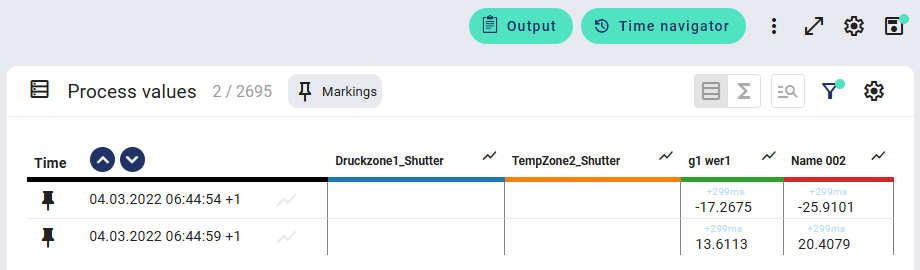
New "Markings" filter in the process value table
The filter has been expanded to include "Markings" in the process value table.
Summary line
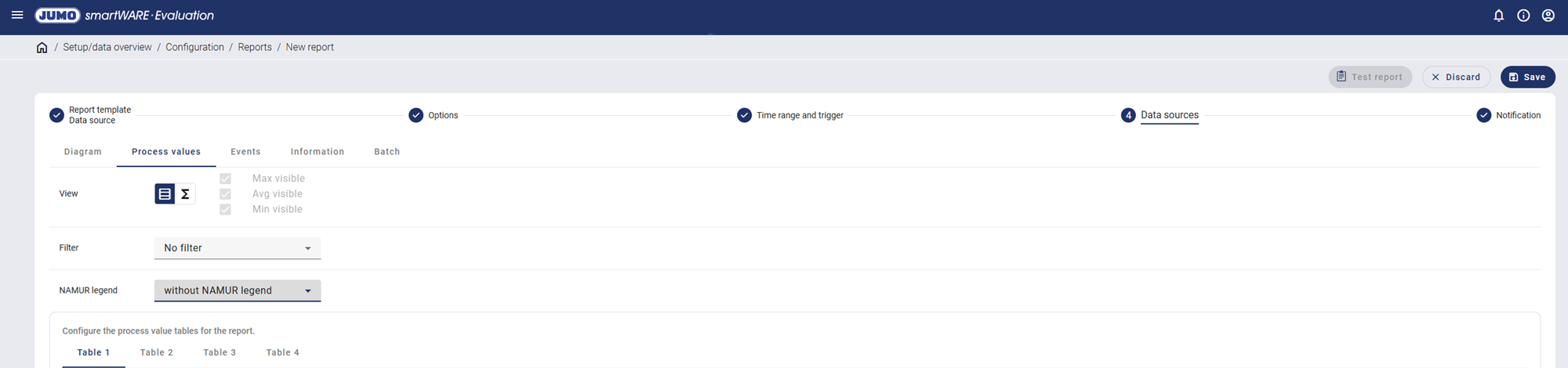
The summary information from the process value table is now provided in the reports.
The detailed view, summary view, or both views can be selected.
A "Min/Max per column" or "Min/Max per channel" filter can also be activated.
The JUMO report templates have been changed so that this data can be output.
External report archive
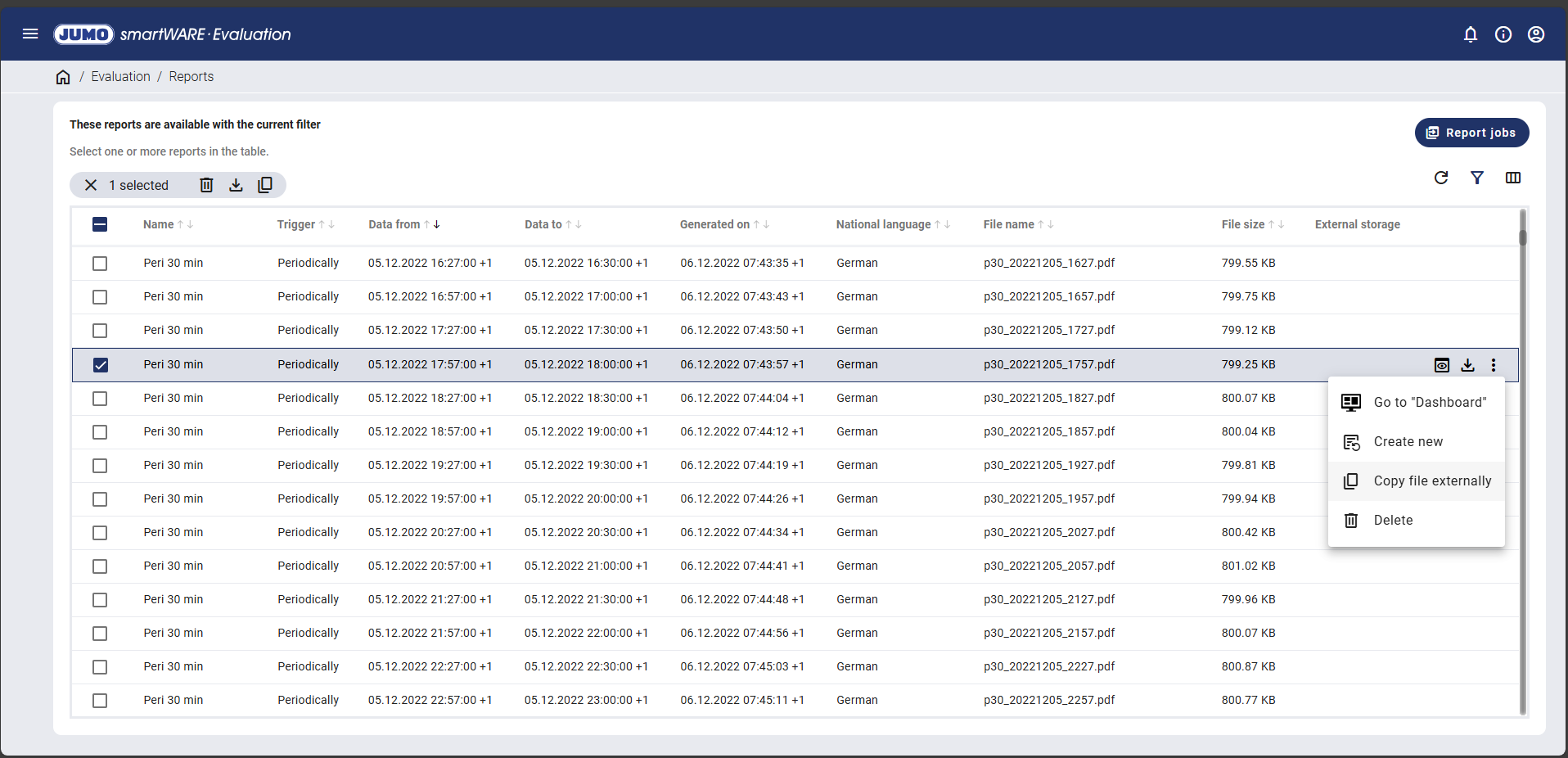
The reports generated can now also be saved in an external archive.
When specifying the path, sub-directories are now permitted and variables are available, as with the filename.
In Linux, the files are stored under ~smartWAREExternal, and in Windows®, they are stored under c:\smartWAREData\EXTERNAL. During setup, these directories can also be mapped to another path/drive using LINK.
The user can access these stored files with no restrictions. These files can also be deleted, as this is simply an additional archive for internal report archiving.
The path is displayed under Evaluation / Reports in an additional column "External storage". The report can be copied (again) into the archive defined in Configuration / Reports using "Copy file externally".
.png?cb=8457c770d655d159701e21be550ab280)
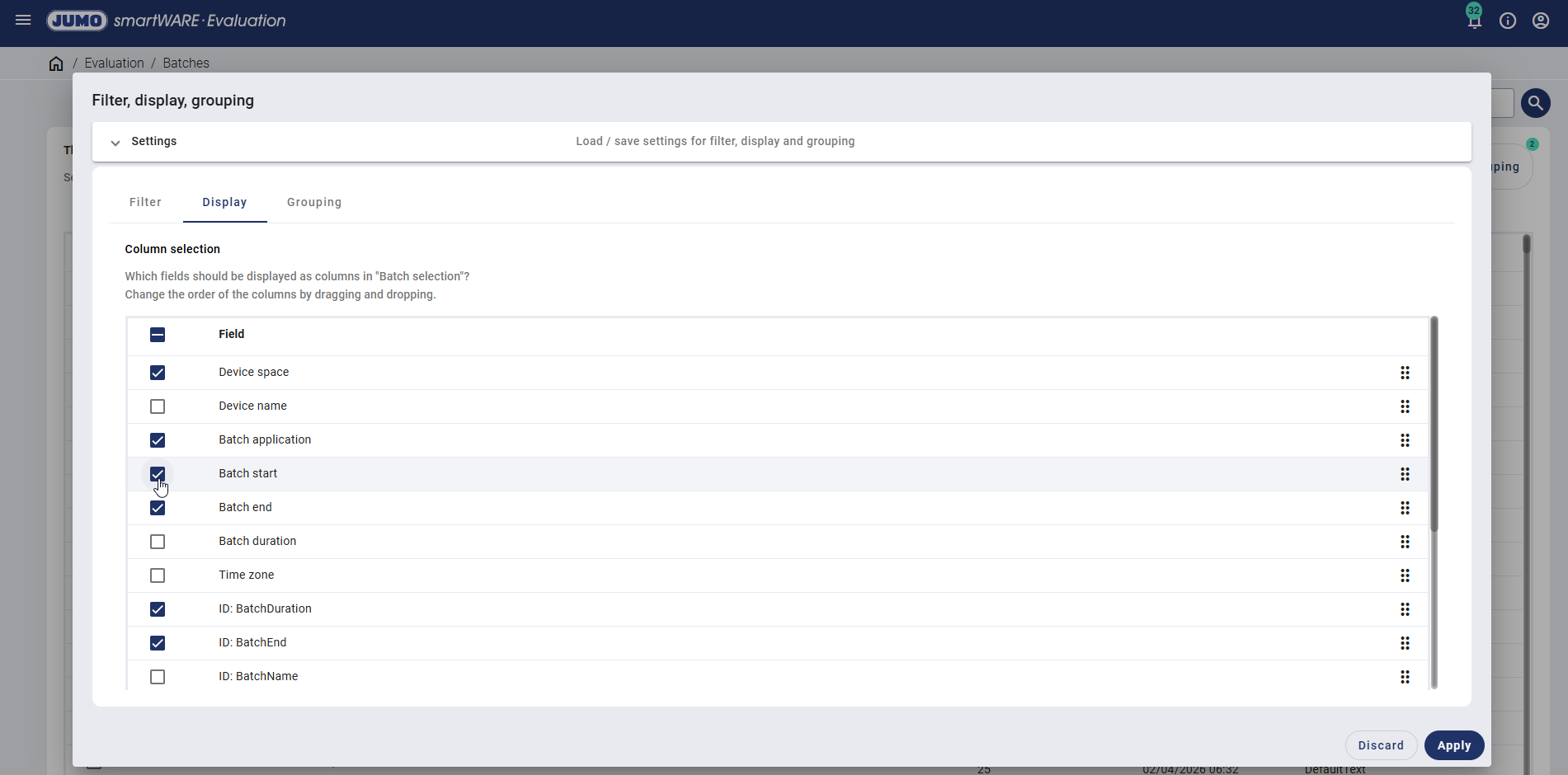
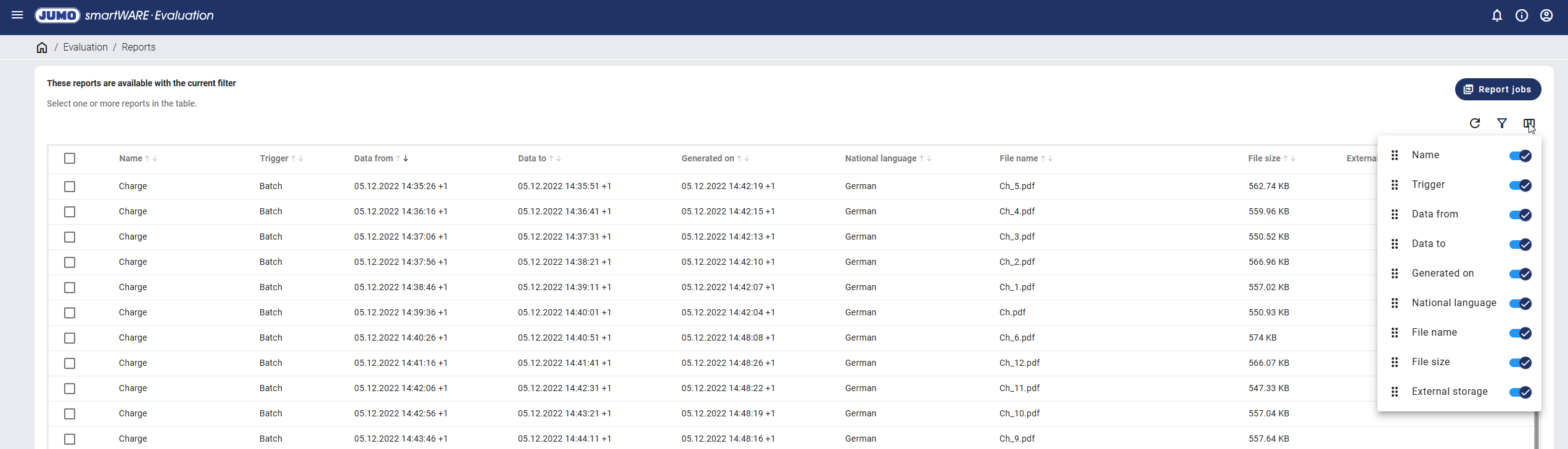
Defining table columns shown
Each user can show/hide the table columns using a new icon. The last setting is automatically saved for each user.
Batch information
The columns "Batch start" and "Batch end" can now be displayed in Evaluation / Batches. This information can be filled by JUMO variTRON as from device version 10.