Messagelines
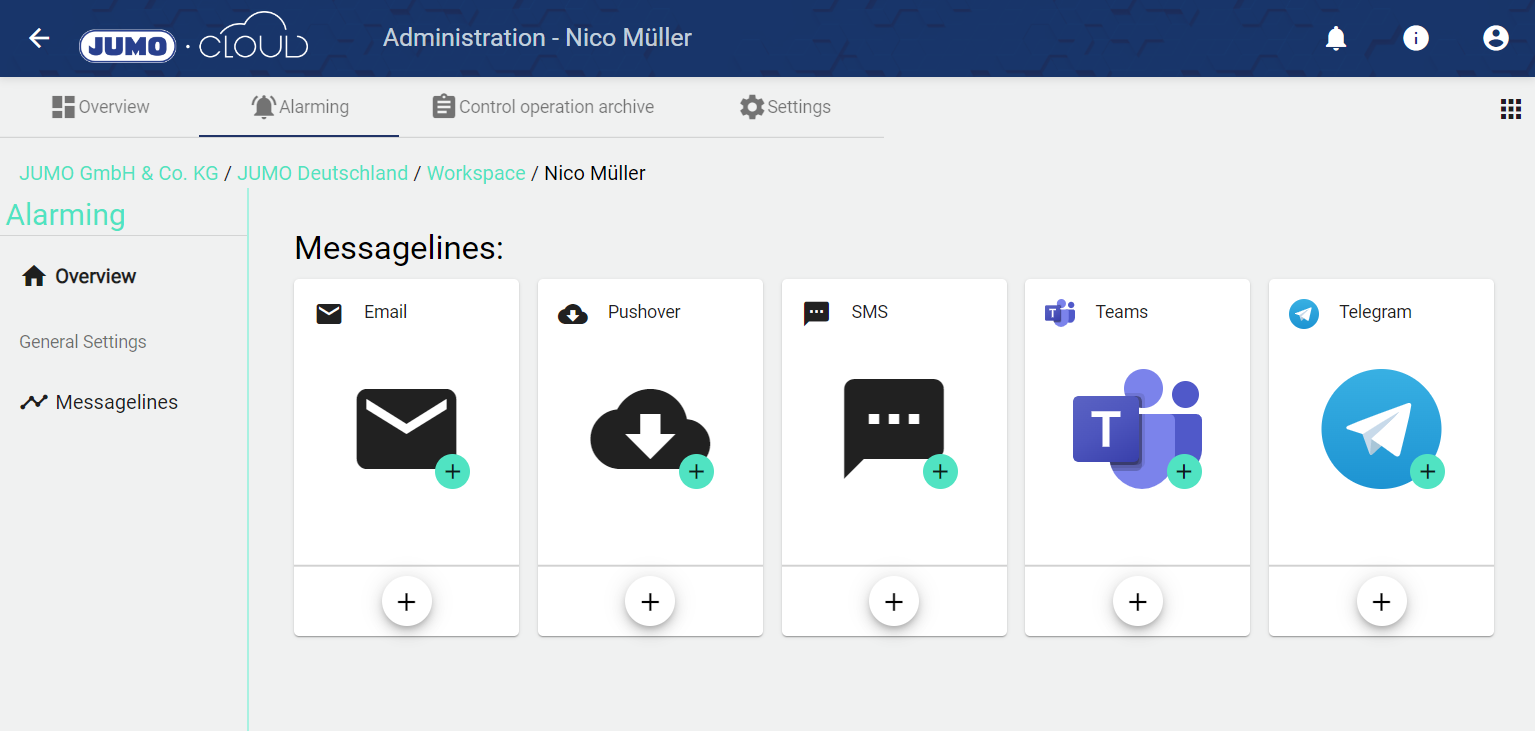
Own alerting services can be configured within a tenant. Optionally, the set service can also be inherited by sub-tenants.
If no new Messagelines are entered, the known "default" JUMO providers are used for alarming. For email alarms, this corresponds to a Messagelines via cloud@jumo.net.
If no new "providers" are entered, the known "default" providers are used for alarming.

The Messagelines can be set in the Recipient .
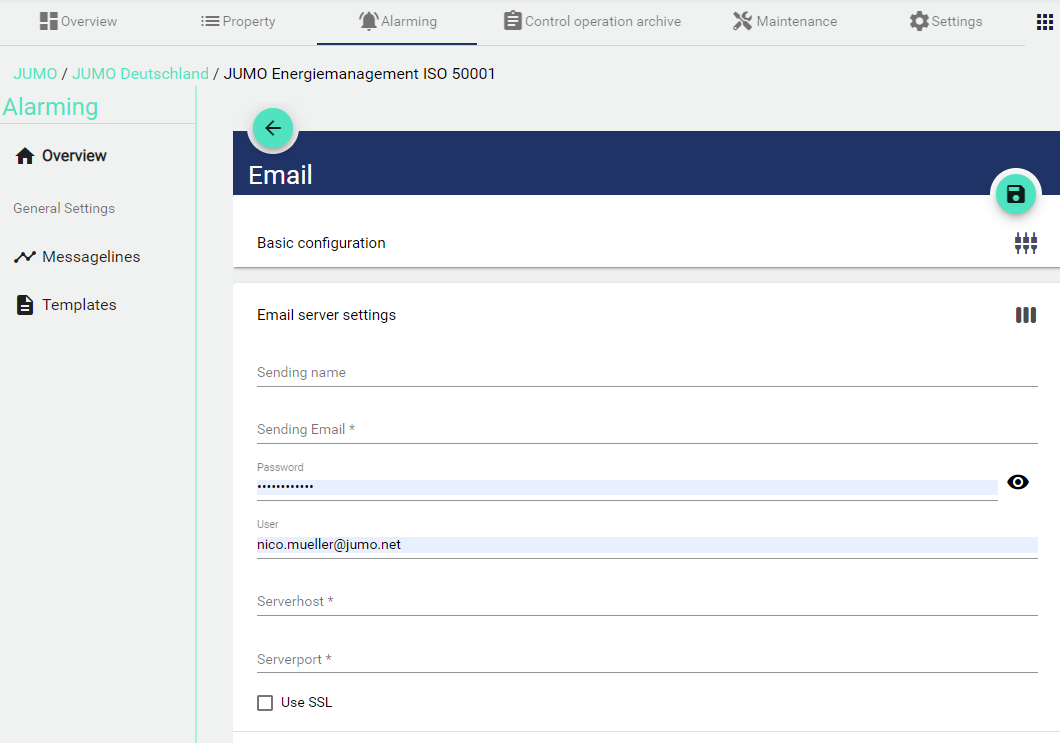
The relevant information must be entered to create your own mail server. Please consult with the responsible IT staff.
SMS
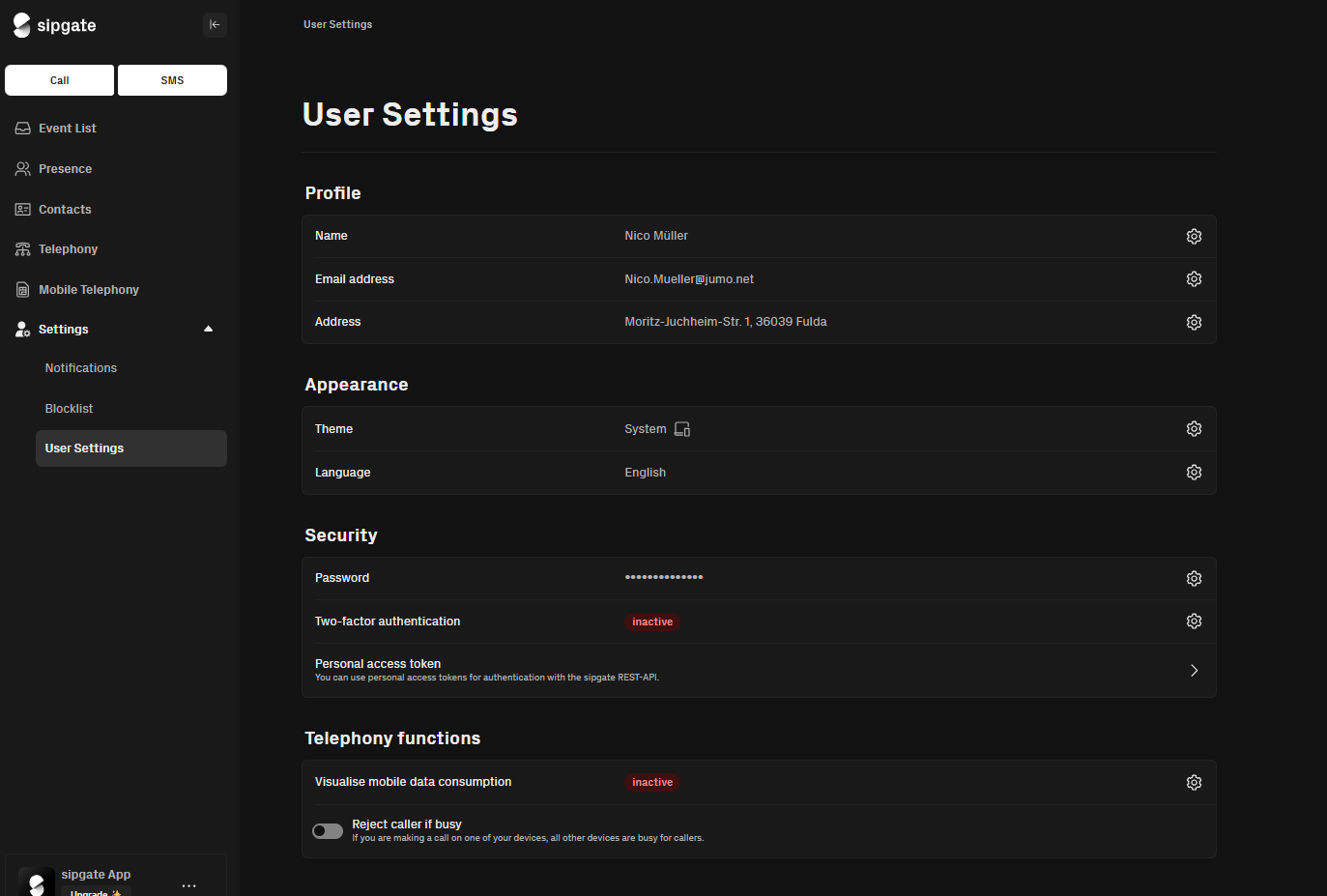
To send an alert via SMS, you must first create an account with the application https://app.sipgate.com/ .
You must then select a payment method (credit card or SEPA direct debit) and choose a phone number.
Once these settings have been completed, you can retrieve the “Personal Access Token” under the following settings.
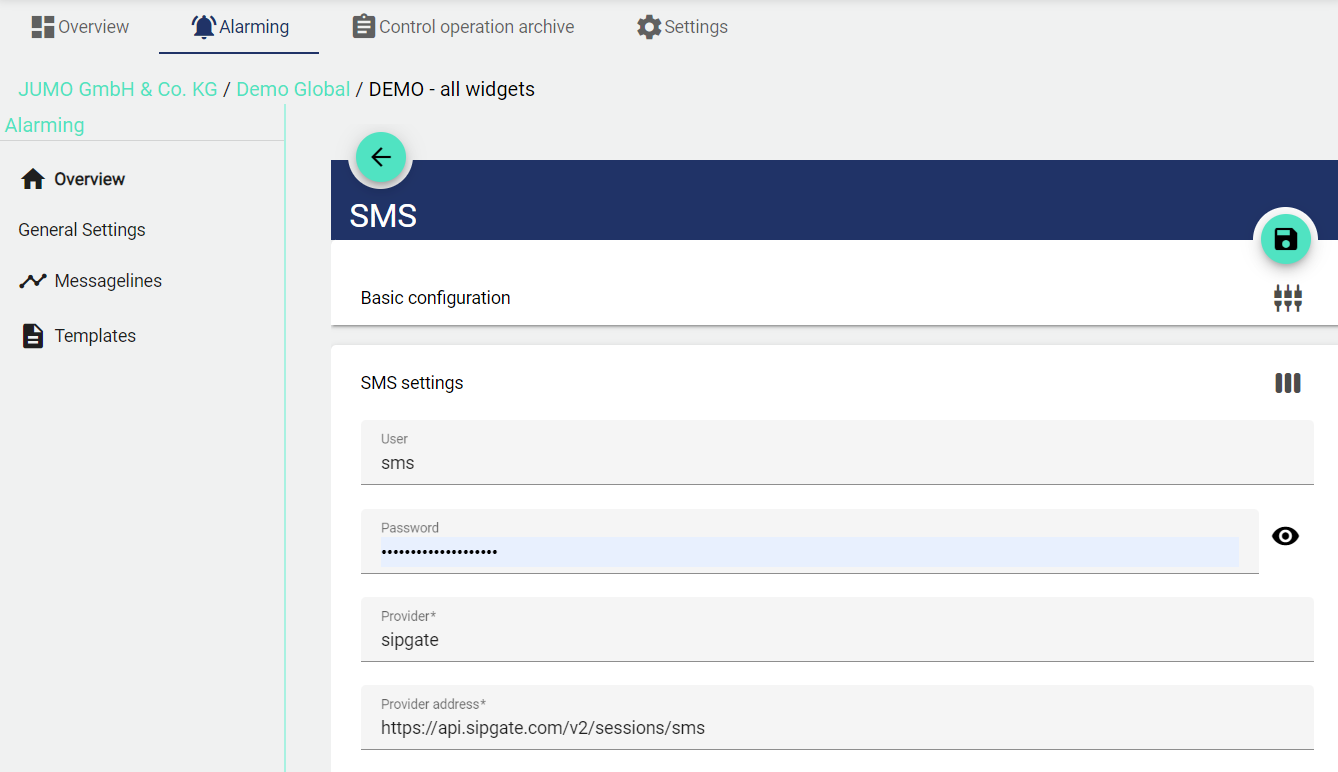
Name | Value | Comment |
|---|---|---|
Users | sms | see Personal-Access-Token |
Password |
| see Personal-Access-Token |
Provider | sipgate | - |
Provider address | - |
Pushover
Pushover is a service that allows you to send push notifications to an Apple/Android app or a desktop PC (browser). Simply register on the Pushover website and create an API token. This setting can also be used to customize the alarm image and alarm name.


Description | Value | Comment |
|---|---|---|
Pushovertoken | API Token | Comes from the created Pushover account. See above. |
Pushover Callback | https://www.jumo.cloud/api/messenger/Acknowledgment/services/pushover | Fixed URL, always enter this one. It is required to enable acknowledgment. |
Teams
Please contact JUMO to create your own Teams Bot.
Telegram
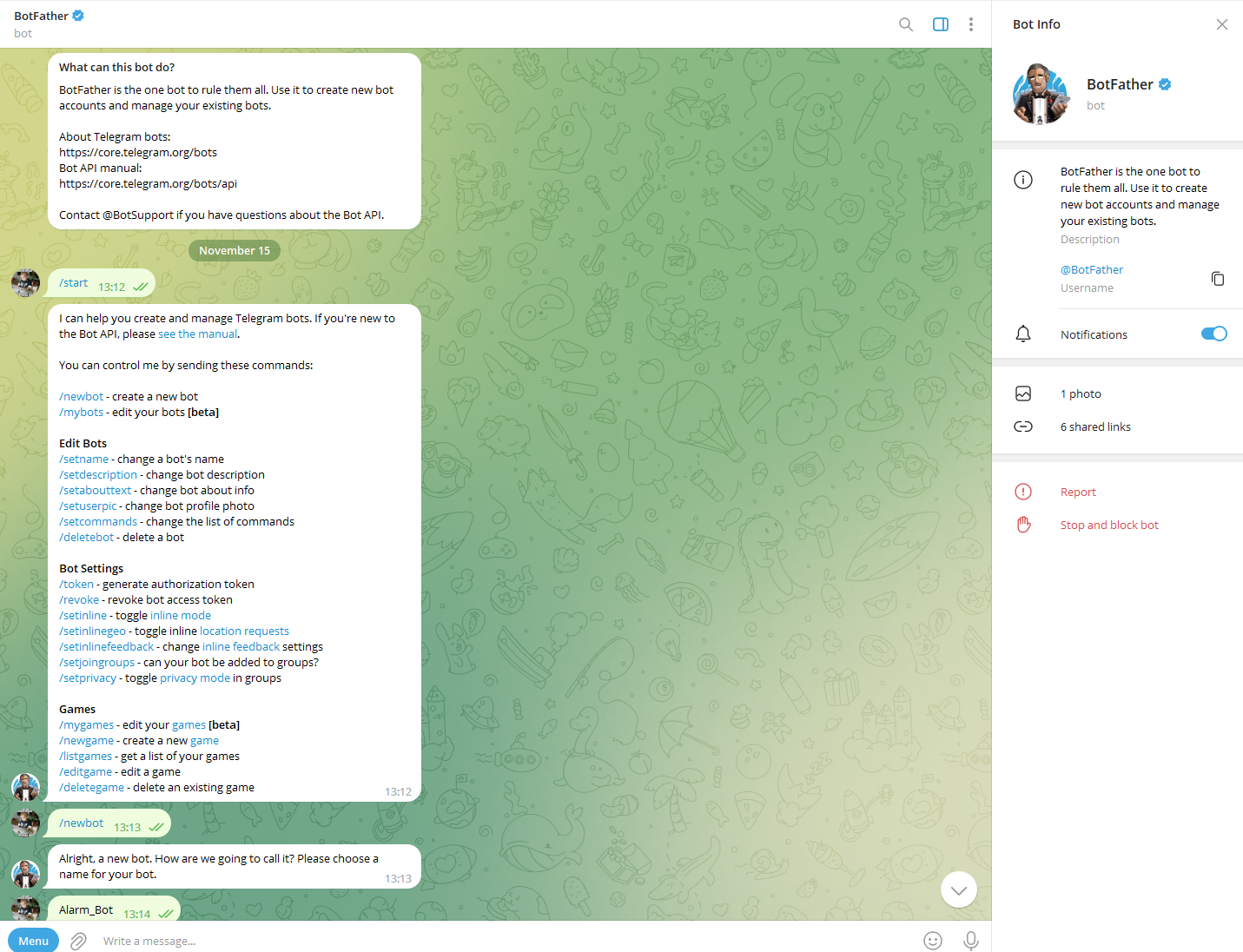
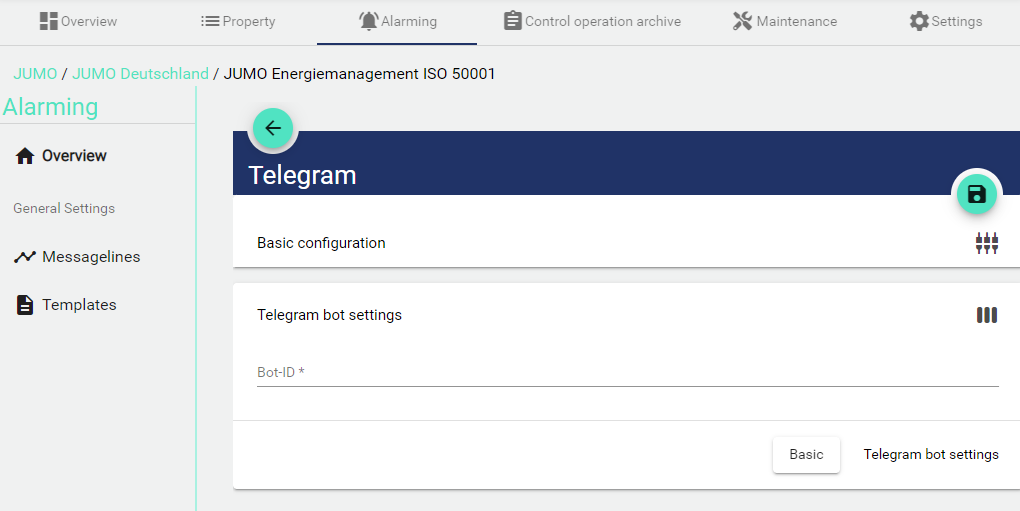
To create your own individuell alarm-bot on Telegram (incl. own logo and text), you need to contact the BotFather (@BotFather), which is essentially a bot used to create other bots. After the BotFather creates your Bot you will get a Bot-ID. You can enter this bot ID in our system to receive an alert from this bot.

The BotFather will give you all information you need to individualize your bot.