
Use
The Billing widget can be used to create a billing statement. A Counter Signal is required for this. A value per unit and a tax rate can also be entered manually. The counter acts as the quantity here.
The widget can only be used in its entirety if the SCADA-Lizenz comprises the "Analysis Module".
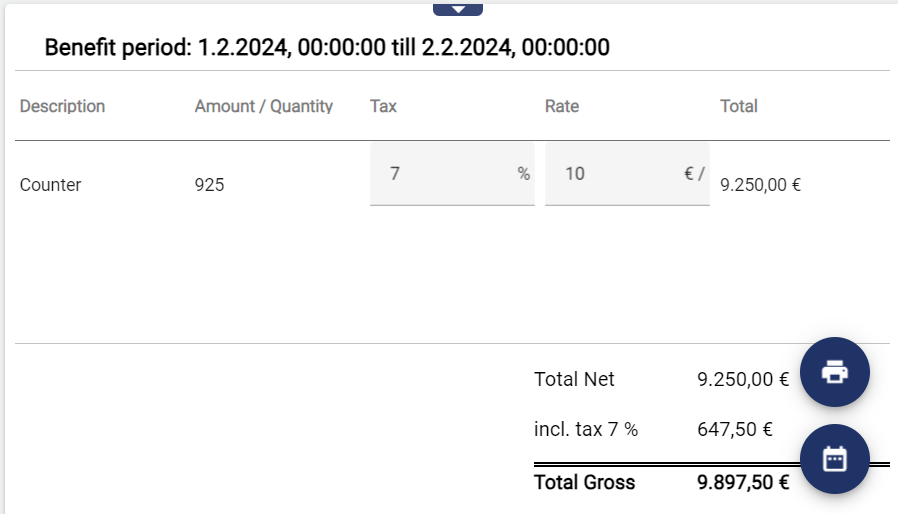
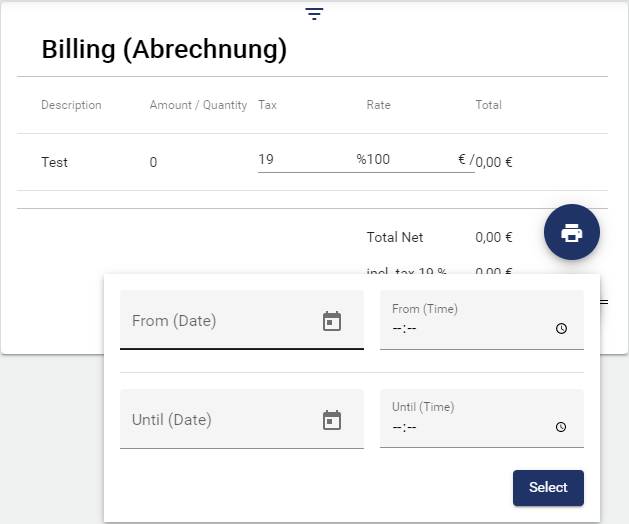
The statement can be printed by clicking the print icon at the top. You can use the calendar icon at the bottom to select the time at which you want billing to take place. For this, the counter is totaled for this time range and a corresponding result is calculated.
Configuration
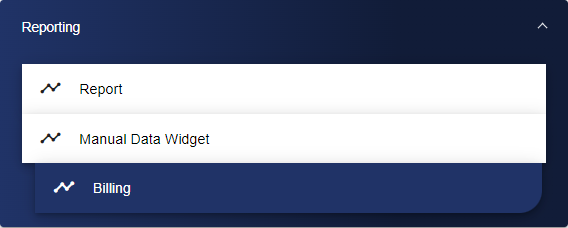
First, select the Billing widget from the Reporting category.
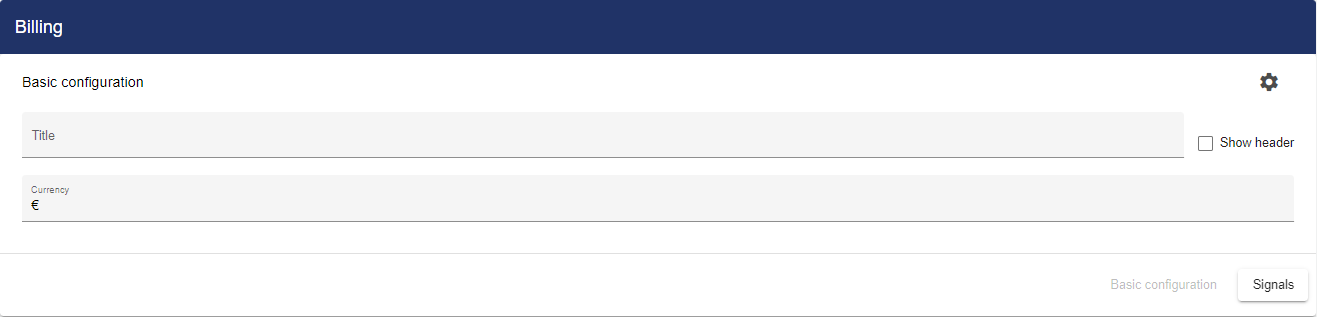
In the Basic Configuration for Billing, assign a suitable title. The header can be displayed by selecting the check box. The system automatically fills the Currency field with "€". If another currency is required, the field must be filled in accordingly.
Then go to the "Counter" tab and click "Add Signals".

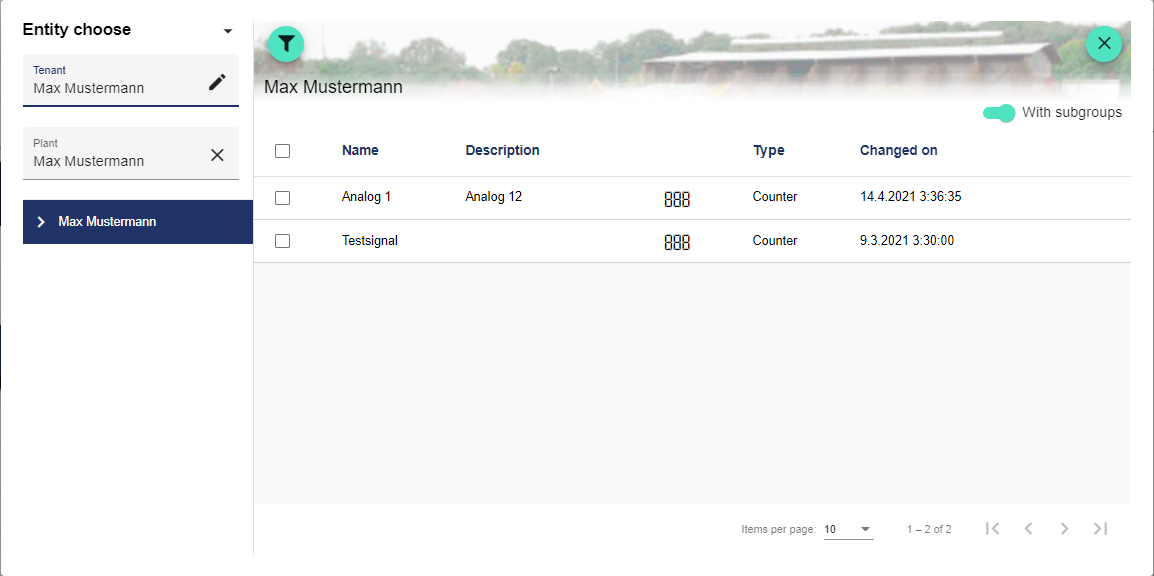
Clicking "Add Signals" opens the Entity-Select window. You can add a previously created signal here. The checkboxes can be used to mark multiple signals and select them all simultaneously.
Once you are satisfied with your configuration, you can save it.
After saving, you can manually edit "Tax" and "Rate" in the Dashboard.